
Choosing between a fan-cooled projector enclosure and an air-conditioned projector enclosure depends on heat load, ambient temperature, humidity, dust, salt exposure, and operating hours. For mild outdoor or semi-protected sites, fan cooling is often efficient and simple. For hot, humid, dusty, coastal, or mission-critical installations, a climate-controlled projector enclosure provides stronger projector enclosure temperature control and better outdoor projector overheating protection.
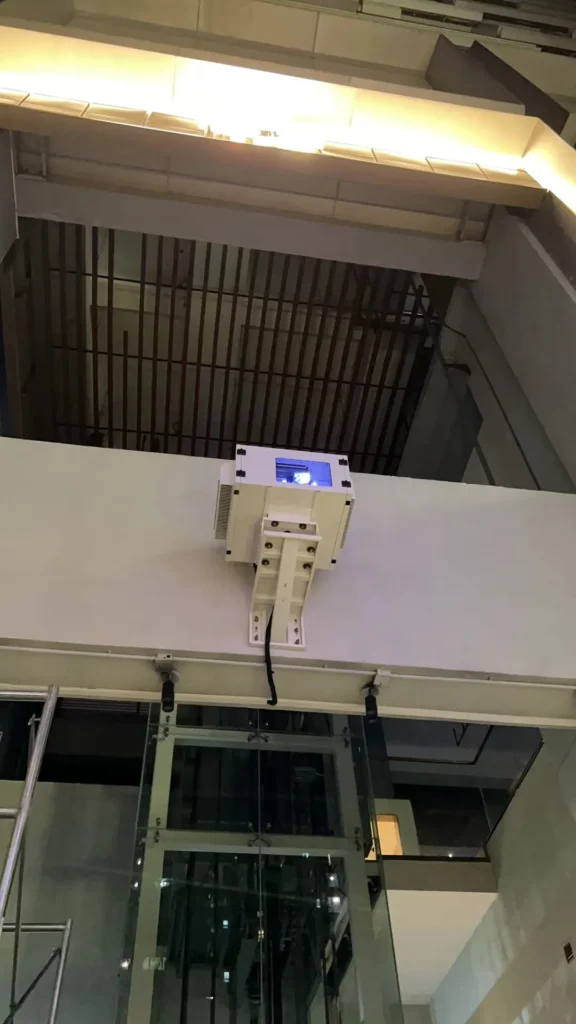
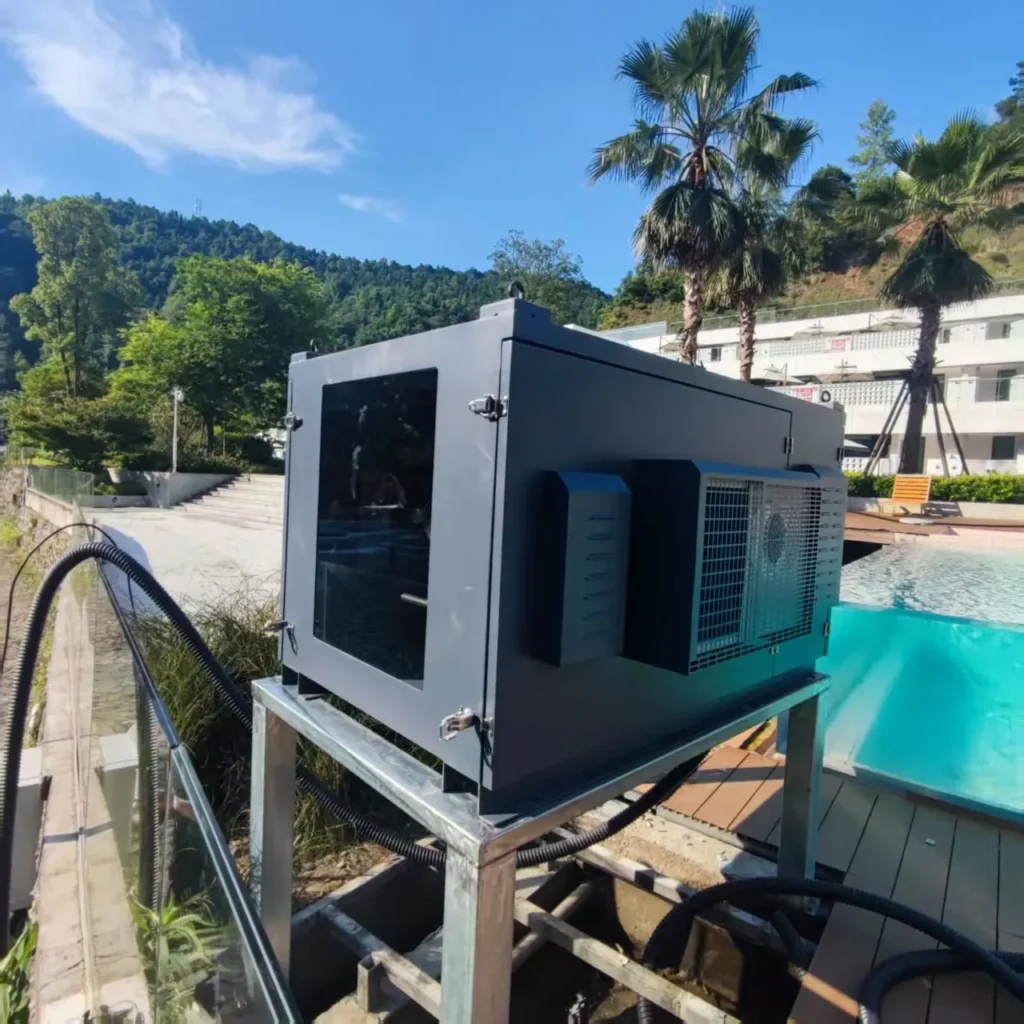
What is fan-cooled projector enclosure?
A fan-cooled projector enclosure is a weatherproof projector enclosure that uses filtered airflow, exhaust fans, and controlled ventilation to remove projector heat. It is best suited to moderate climates, shaded installations, lower-to-medium heat loads, and applications where low power use, simple maintenance, and cost efficiency are priorities.
Video Guide:Watch this video for a closer look at our waterproof projector enclosure, including its protective cabinet structure, optical projection window, internal installation space, cooling design, sealed cable entry, and maintenance access. It helps AV integrators, project contractors, and venue operators evaluate a reliable enclosure solution for permanent outdoor projection installations.
Ventilated Cooling Architecture
A fan-cooled projector enclosure works by moving ambient air through the enclosure, across or around the projector’s intake zone, and out through exhaust vents. Unlike a projector enclosure air conditioner, it does not actively chill air below ambient temperature. Its performance depends heavily on outside air temperature, airflow path design, filter condition, and projector heat output.
Based on our internal data and market analysis, here is the breakdown:
| Item | Fan-Cooled Projector Enclosure | What It Means for Integrators |
|---|---|---|
| Cooling method | Filtered intake and forced exhaust | Removes heat only when ambient air is cool enough |
| Temperature control type | Ventilation-based | Internal temperature usually tracks above ambient |
| Humidity control | Limited | Does not actively dehumidify |
| Power demand | Typically lower than compressor systems | Useful for temporary power, rental, and energy-sensitive sites |
| Maintenance focus | Filters, fans, vents, seals | Clogged filters can quickly reduce cooling performance |
| Best-fit sites | Mild outdoor venues, covered stages, shaded signage, temporary projection | Works well when heat margin is adequate |
Because the provided ShiRui test notes contain placeholders rather than numeric measurements, no measured stabilized temperature, sound level, or power value is stated here. Any final design should use the actual projector rated power, expected ambient temperature range, and enclosure airflow performance before approval.
ShiRui Pro Tip: I treat fan cooling as an airflow engineering problem, not just a fan-count problem. If the projector intake pulls hot exhaust air back into itself, even a high-CFM fan-cooled projector enclosure can fail in real operation.
How Does fan-cooled projector enclosure Work?
A fan-cooled projector enclosure works by pulling outside air through weather-protected, filtered intake paths, directing that air around the projector’s heat-producing areas, and exhausting warm air away from the projector inlet. The goal is stable ventilation, positive heat removal, and protection from rain, dust, insects, and accidental airflow recirculation.
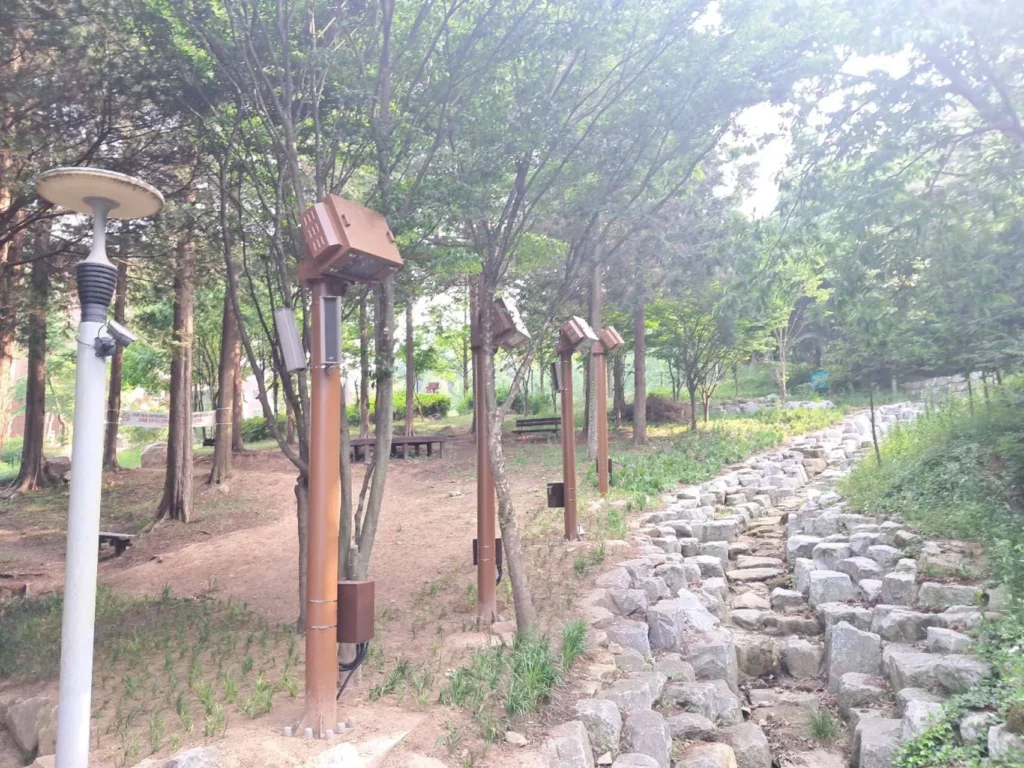
Airflow Path and Heat Removal Process
The basic projector enclosure cooling system is simple, but the installation details matter. A correct design separates cool intake air from hot exhaust air, keeps filters serviceable, and prevents rainwater from entering through the ventilation route.
- Ambient air enters through protected intake vents
Louvers, baffles, mesh, and filters reduce direct rain, insects, and dust. - Air passes through the projector intake zone
The airflow should support the projector’s own cooling path rather than fight it. - Heat is collected from the projector body and exhaust area
Internal fans help prevent hot spots inside the enclosure center. - Warm air exits through exhaust fans or vents
Exhaust should be discharged away from the intake side to avoid recirculation. - Filters and airflow paths are maintained periodically
Dust loading increases resistance and can reduce outdoor projector enclosure cooling performance.
The supplied ShiRui test setup fields list intended sensor positions: projector air inlet, exhaust, enclosure center, and ambient. That is the correct method because enclosure center temperature alone does not prove that the projector’s own cooling intake is protected.
ShiRui Pro Tip: I always check the projector manufacturer’s intake and exhaust layout before specifying enclosure ventilation. A side-exhaust projector and a rear-exhaust projector may need completely different internal ducting.
What is the best way to cool a projector?
The best way to cool a projector is to match the cooling system to the site conditions. Use a fan-cooled projector enclosure for mild, clean, shaded environments with manageable heat loads. Use an air-conditioned projector enclosure when ambient heat, humidity, dust, salt air, long runtime, or high-lumen projector output creates risk.
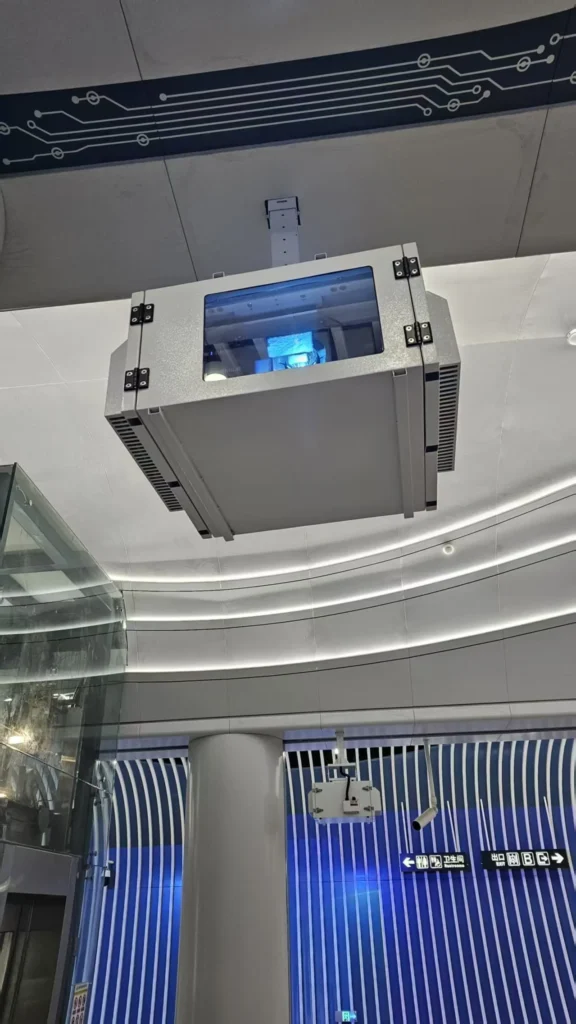
Selection Matrix by Climate and Application
For commercial AV integrators, rental companies, projection-mapping contractors, and outdoor venue operators, the “best” cooling method is not universal. It is a risk-based decision involving ambient temperature, relative humidity, projector heat output, service access, and uptime requirements.
Based on our internal data and market analysis, here is the breakdown:
| Site Condition | Fan-Cooled Projector Enclosure | Climate-Controlled Projector Enclosure | Recommendation |
|---|---|---|---|
| Mild ambient temperature | Suitable | Usually optional | Fan cooling is often enough if airflow is verified |
| Hot ambient temperature | Limited | Strongly preferred | Use active cooling when enclosure air cannot remain within projector limits |
| High humidity | Limited protection | Better control when designed for condensation management | Prefer climate control for humid sites |
| Dusty environment | Possible with filtration | Better if sealed and filtered correctly | Choose based on dust severity and maintenance access |
| Coastal or salt-air site | Risk depends on filtration and corrosion protection | Often preferred with sealed design | Use corrosion-resistant materials and active control where needed |
| Long daily operating hours | Possible if thermal margin is high | Preferred for critical uptime | Climate control reduces thermal risk |
| High-heat projector | Often insufficient in hot weather | Preferred | Calculate cooling load before purchase |
| Temporary rental use | Often practical | Use when environment is severe | Consider setup speed, weight, power, and serviceability |
The provided ShiRui notes do not include actual ambient range, projector power, test duration, or measured internal temperature. Therefore, the table above should be treated as a general engineering recommendation, not a claim of measured field performance.
ShiRui Pro Tip: I do not choose cooling by projector lumens alone. Two projectors with similar brightness can have different rated power, exhaust temperature, lens heat, and airflow direction, which changes enclosure design.
Will rain ruin a projector screen?
Rain can damage some projector screens, especially indoor fabrics, untreated surfaces, motorized mechanisms, and screens with moisture-sensitive coatings. Outdoor-rated screens are designed to handle weather better, but they still need drainage, drying time, wind protection, and proper storage to avoid staining, mildew, corrosion, or surface deformation.
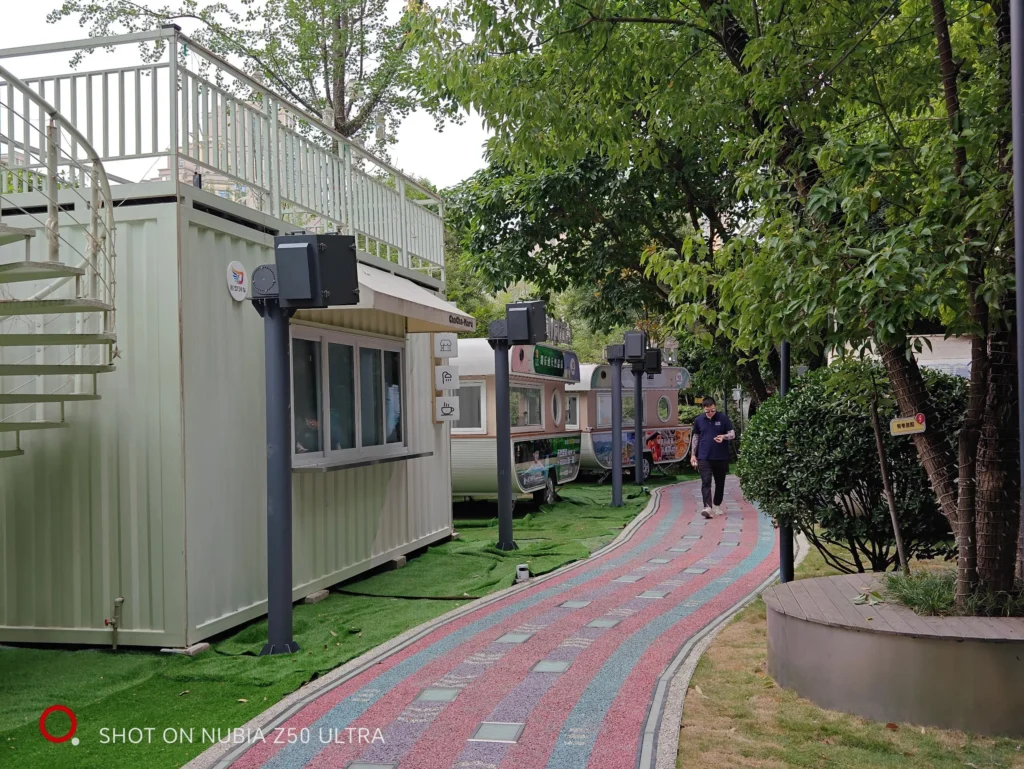
Weather Exposure and Screen Protection
A weatherproof projector enclosure protects the projector, but the screen is a separate risk area. Outdoor projection systems should treat the screen, frame, control cables, and mounting hardware as part of the total environmental design.
Based on our internal data and market analysis, here is the breakdown:
| Screen Type | Rain Risk | Practical Protection Method |
|---|---|---|
| Indoor portable screen | High | Do not leave exposed; store after use |
| Outdoor-rated fixed screen | Lower | Use corrosion-resistant frame and drainage-aware mounting |
| Inflatable screen | Medium | Dry fully before packing to reduce mildew risk |
| Motorized screen | High if not outdoor-rated | Use weather-rated housing and service access |
| Projection surface on building façade | Depends on material | Test reflectivity, water staining, and texture changes |
| Temporary rental screen | Medium to high | Plan rain covers, drying time, and wind limits |
Rain itself is not the only concern. Moisture trapped in fabric or housings can lead to mildew, uneven reflectivity, mechanical binding, and corrosion. For outdoor venues, screen protection should be planned alongside projector enclosure ventilation and cable waterproofing.
ShiRui Pro Tip: I never assume an “outdoor projector” means the entire projection system is weatherproof. The enclosure, screen, mounts, signal cabling, power distribution, and drainage path all need separate checks.
Are outdoor projectors worth it?
Outdoor projectors are worth it when the venue needs large-format visuals, flexible screen size, projection mapping, seasonal events, advertising, hospitality displays, or immersive entertainment. The investment makes sense when brightness, weather protection, cooling, mounting stability, maintenance access, and operating conditions are planned from the beginning.
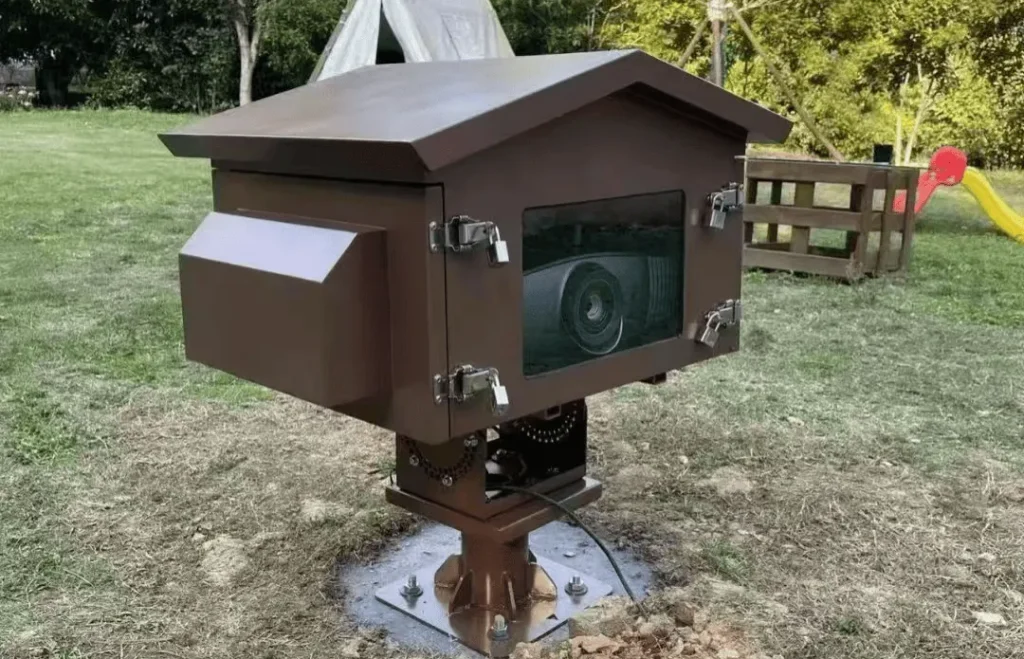
Value Drivers for Outdoor Projection
Outdoor projection is not just a projector purchase. It is a system design decision involving optics, brightness, enclosure cooling, weather resistance, controls, service access, and power planning.
- Large image size without permanent LED structures
Projection can cover buildings, screens, stages, and temporary surfaces. - Flexible creative content
Useful for events, projection mapping, festivals, museums, and branded experiences. - Lower structural impact in some venues
A projector may be easier to deploy than a large fixed display. - Environmental engineering is essential
Outdoor projector overheating protection, weather sealing, and humidity control determine reliability. - Total cost depends on runtime and climate
A fan-cooled projector enclosure may reduce operating power, while an air-conditioned projector enclosure may reduce downtime risk in harsher sites.
Outdoor systems are most successful when the cooling method is chosen during design, not added after overheating or condensation occurs.
ShiRui Pro Tip: I recommend budgeting for the enclosure, mount, access platform, power protection, and maintenance plan at the same time as the projector. Cooling failures are often caused by system-level omissions, not by the projector alone.
Key Features & Comparison
The main difference is that fan-cooled enclosures ventilate heat out, while air-conditioned enclosures actively control internal temperature and may support better humidity management. Fan cooling is simpler and energy-efficient, but climate-controlled projector enclosure designs are safer for hot, humid, dusty, coastal, or high-duty-cycle installations.
Side-by-Side Technical Comparison and Test Transparency
The ShiRui first-party test framework supplied for this comparison is technically sound, but the numerical values were not provided; the data fields contain placeholders such as [xx°C], [xx W], and [x]. For transparency, the table below separates test fields, supplied status, and how the data should be used.
Based on our internal data and market analysis, here is the breakdown:
| Category | Fan-Cooled Projector Enclosure | Air-Conditioned Projector Enclosure | Data Status |
|---|---|---|---|
| Projector model / ANSI lumens / rated power | [model / ANSI lumens / rated power in W] | [model / ANSI lumens / rated power in W] | Not numerically supplied |
| Enclosure model | [model] | [model] | Not numerically supplied |
| Test environment | [indoor climate chamber / outdoor test site] | [indoor climate chamber / outdoor test site] | Not selected |
| Ambient temperature range | [xx–xx°C] | [xx–xx°C] | Not numerically supplied |
| Ambient relative humidity | [xx–xx% RH] | [xx–xx% RH] | Not numerically supplied |
| Test duration | [xx hours per run] | [xx hours per run] | Not numerically supplied |
| Repeated runs | [x] | [x] | Not numerically supplied |
| Measurement interval | [x minutes] | [x minutes] | Not numerically supplied |
| Instruments | [temperature logger / humidity sensor / power meter / sound meter] | [temperature logger / humidity sensor / power meter / sound meter] | Instrument types listed, models not supplied |
| Sensor positions | Projector air inlet, exhaust, enclosure center, ambient | Projector air inlet, exhaust, enclosure center, ambient | Positions supplied |
| Stabilized internal temperature | [xx°C] | [xx°C] | Not numerically supplied |
| Maximum rise above ambient | [xx°C] | [xx°C] | Not numerically supplied |
| Average system power | [xx W] | [xx W] | Not numerically supplied |
| Noise at 1 meter | [xx dBA] | [xx dBA] | Not numerically supplied |
| Internal relative humidity | [xx% RH] | [xx% RH] | Not numerically supplied |
| Recovery time after startup or door opening | [xx min] | [xx min] | Not numerically supplied |
| Filter maintenance interval | [xx hours/months] | [xx hours/months] | Not numerically supplied |
| Installations reviewed | [x] | [x] | Not numerically supplied |
| Recorded incidents | [results] | [results] | Not supplied |
Because the measured results are placeholders, this article does not claim a specific temperature reduction, sound level, power saving, or failure rate for either enclosure type. In a final ShiRui technical report, these fields should be populated directly from logger exports, power-meter records, sound-meter readings, and maintenance logs.
ShiRui Pro Tip: I like to see inlet temperature, exhaust temperature, enclosure center temperature, and ambient temperature on the same chart. If only one sensor is used, the test can miss the real overheating point.
Cost & Buying Factors
Buying factors include enclosure size, projector heat output, cooling capacity, power availability, noise limits, filtration, corrosion resistance, humidity control, access for maintenance, and installation environment. Fan-cooled systems usually have lower operating complexity, while air-conditioned systems require higher power planning and more careful condensate and service management.
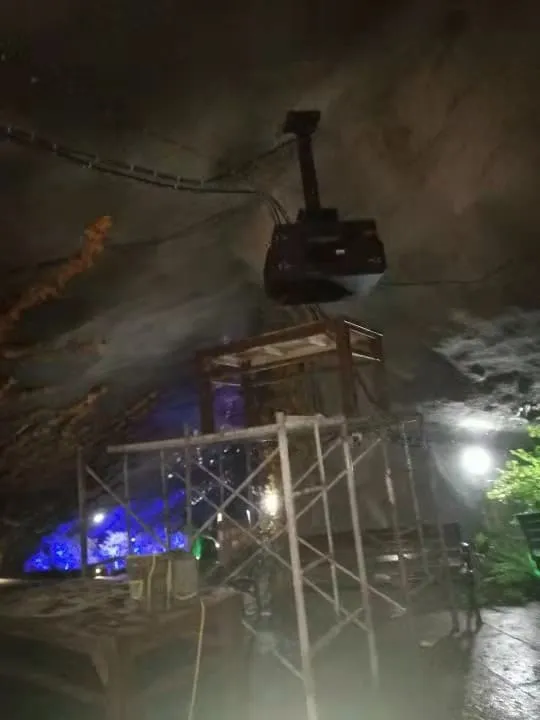
Cooling-Load and Operating-Cost Calculations
A reliable projector enclosure cooling system starts with load calculation. Since the supplied ShiRui data does not include actual projector rated power, measured system power, or ambient conditions, the formulas below should be used with project-specific values rather than assumed figures.
- Estimate projector heat load
Most projector electrical power eventually becomes heat inside or near the enclosure.Heat Load (W) ≈ Projector Rated Power (W) + Internal Accessory Loads (W) - Convert watts to BTU/h when sizing air conditioning
Cooling Load (BTU/h) = Heat Load (W) × 3.412 - Add design margin
Margin depends on solar gain, altitude, filter loading, enclosure insulation, and duty cycle.Required Capacity = Calculated Cooling Load × Design Safety Factor - Estimate operating cost
Daily Energy (kWh) = System Power (W) ÷ 1000 × Operating Hours per DayDaily Cost = Daily Energy (kWh) × Electricity Rate - Compare fan-cooled and air-conditioned operating power
Use measured average system power when available:Energy Difference (kWh/day) = (AC System W - Fan System W) ÷ 1000 × Hours/Day
Practical examples without invented results:
- Mild outdoor courtyard: Fan cooling may be suitable if ambient temperature remains below the projector’s allowable intake range and dust is manageable.
- Summer projection-mapping façade: Climate control is often safer because high runtime, solar-warmed structures, and hot evenings reduce thermal margin.
- Coastal hospitality venue: A climate-controlled or sealed corrosion-resistant design is usually preferred due to humidity and salt exposure.
- Rental event under a roof: Fan cooling can be practical when runtime is short, service access is easy, and weather exposure is limited.
- Cold environment: Temperature control may require heating, anti-condensation logic, or controlled startup, not only cooling.
Limitations of the available test information:
- Numeric measured values were not supplied.
- Projector model, ANSI lumens, and rated power were not specified.
- Ambient temperature and humidity ranges were placeholders.
- Instrument models and calibration status were not provided.
- Test duration, repeated runs, and measurement interval were not numerically stated.
- Installation incident results were not provided.
These limitations do not invalidate the test method, but they prevent a data-based claim about which ShiRui enclosure performed better in measured degrees, watts, decibels, or recovery minutes.
ShiRui Pro Tip: I always calculate cooling from watts first, then check the projector’s allowed intake temperature. If the enclosure keeps the center cool but feeds warm air into the projector inlet, the design still needs revision.
FAQ
Buyers usually ask whether fan cooling is enough, when air conditioning is required, how humidity is handled, and what maintenance is needed. The safest answer is to evaluate the projector’s heat output, site climate, filtration needs, runtime, and acceptable downtime before choosing the enclosure cooling method.
Buyer Questions Integrators Should Resolve Early
- Can I use a fan-cooled projector enclosure in summer?
Yes, if the ambient temperature, projector heat output, airflow path, and shade conditions keep the projector intake within the manufacturer’s operating limit. In very hot climates, fan cooling may only move hot air faster. - Does an air-conditioned projector enclosure remove humidity?
It can help, depending on system design, duty cycle, condensate management, sealing, and controls. It should not be assumed without reviewing the enclosure’s climate-control strategy. - Is a climate-controlled projector enclosure always better?
Not always. It can add power consumption, weight, condensate considerations, and maintenance. In mild environments, a well-designed fan-cooled projector enclosure may be more efficient and easier to service. - What causes outdoor projector overheating?
Common causes include undersized airflow, clogged filters, exhaust recirculation, direct sun, high ambient temperature, insufficient clearance, projector orientation errors, and poor separation of intake and exhaust air. - How often should filters be maintained?
The supplied ShiRui test data lists the maintenance interval as[xx hours/months], so no exact interval is claimed here. In practice, dusty or coastal sites require more frequent inspection than clean indoor or sheltered sites. - Can one enclosure be used for every projector?
No. Projector dimensions, lens position, intake/exhaust layout, power draw, heat output, and service access must match the enclosure design. - What is the safest recommendation by environment?
Use fan cooling for mild and clean locations; consider air conditioning for hot locations; prefer humidity-aware climate control for humid sites; use strong filtration for dusty sites; choose corrosion-resistant, sealed designs for coastal sites; and add heating or anti-condensation control for cold sites.
ShiRui Pro Tip: I encourage buyers to send the projector datasheet and site climate profile before selecting an enclosure. Those two documents usually answer more questions than a simple enclosure size chart.
Conclusion
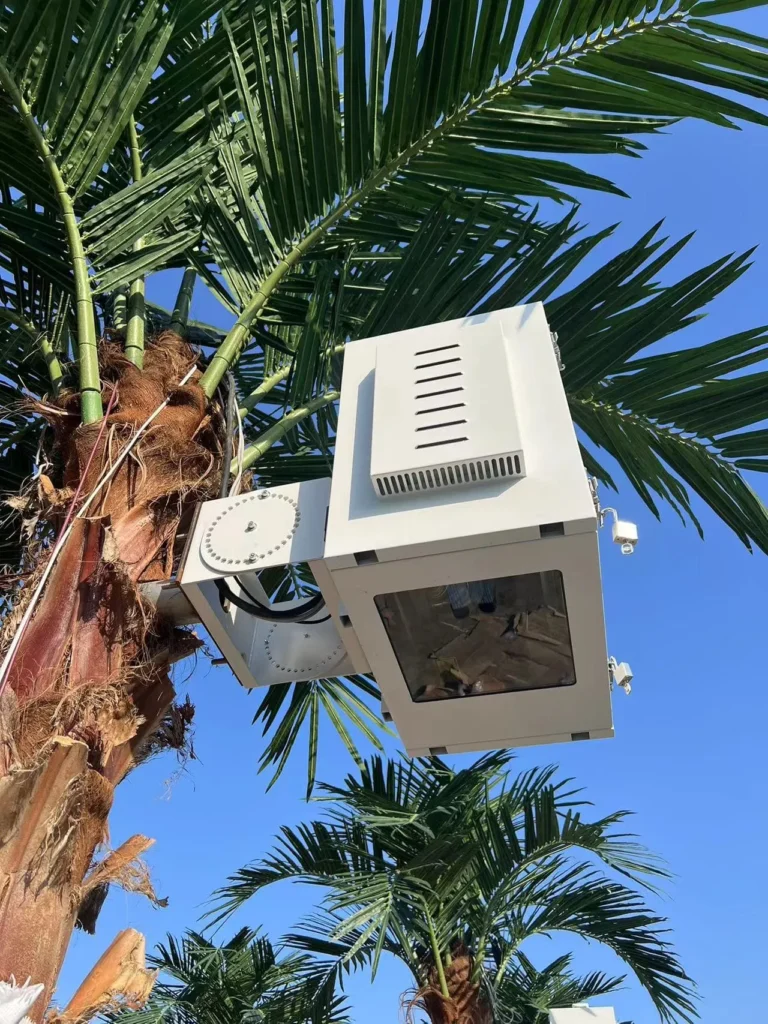
A fan-cooled projector enclosure is efficient, practical, and cost-effective when the environment is mild and the heat load is manageable. An air-conditioned projector enclosure is the safer choice for high-temperature, humid, dusty, coastal, long-runtime, or high-output applications where projector enclosure temperature control is critical.
Final Recommendation for Commercial Outdoor Projection
The correct choice is not “fan versus air conditioner” in isolation. It is a system-level decision based on measurable risk. ShiRui’s supplied test framework includes the right categories—ambient conditions, sensor positions, stabilized temperature, power consumption, sound level, humidity, recovery time, maintenance interval, and incident history—but the actual numeric results were not provided in the source notes.
For a final specification, use this decision sequence:
- Confirm projector rated power, intake/exhaust layout, and operating temperature limit.
- Define the highest expected ambient temperature and humidity.
- Identify dust, salt air, rain exposure, and direct solar gain.
- Estimate cooling load in watts and BTU/h.
- Decide whether ventilation can maintain safe intake temperature.
- Choose fan cooling for mild, serviceable, lower-risk environments.
- Choose climate control for hot, humid, dusty, coastal, high-duty, or mission-critical installations.
- Validate the design with temperature sensors at the projector inlet, exhaust, enclosure center, and ambient air.
For commercial AV integrators, projection-mapping contractors, rental companies, and outdoor venue operators, the most reliable result comes from combining enclosure design, measured testing, and preventive maintenance rather than relying on enclosure type alone.
ShiRui Pro Tip: My final rule is simple: if ambient air is safe, clean, and cool enough, fan cooling can work very well. If the environment itself is the threat, use a climate-controlled projector enclosure and verify it with real sensor data.