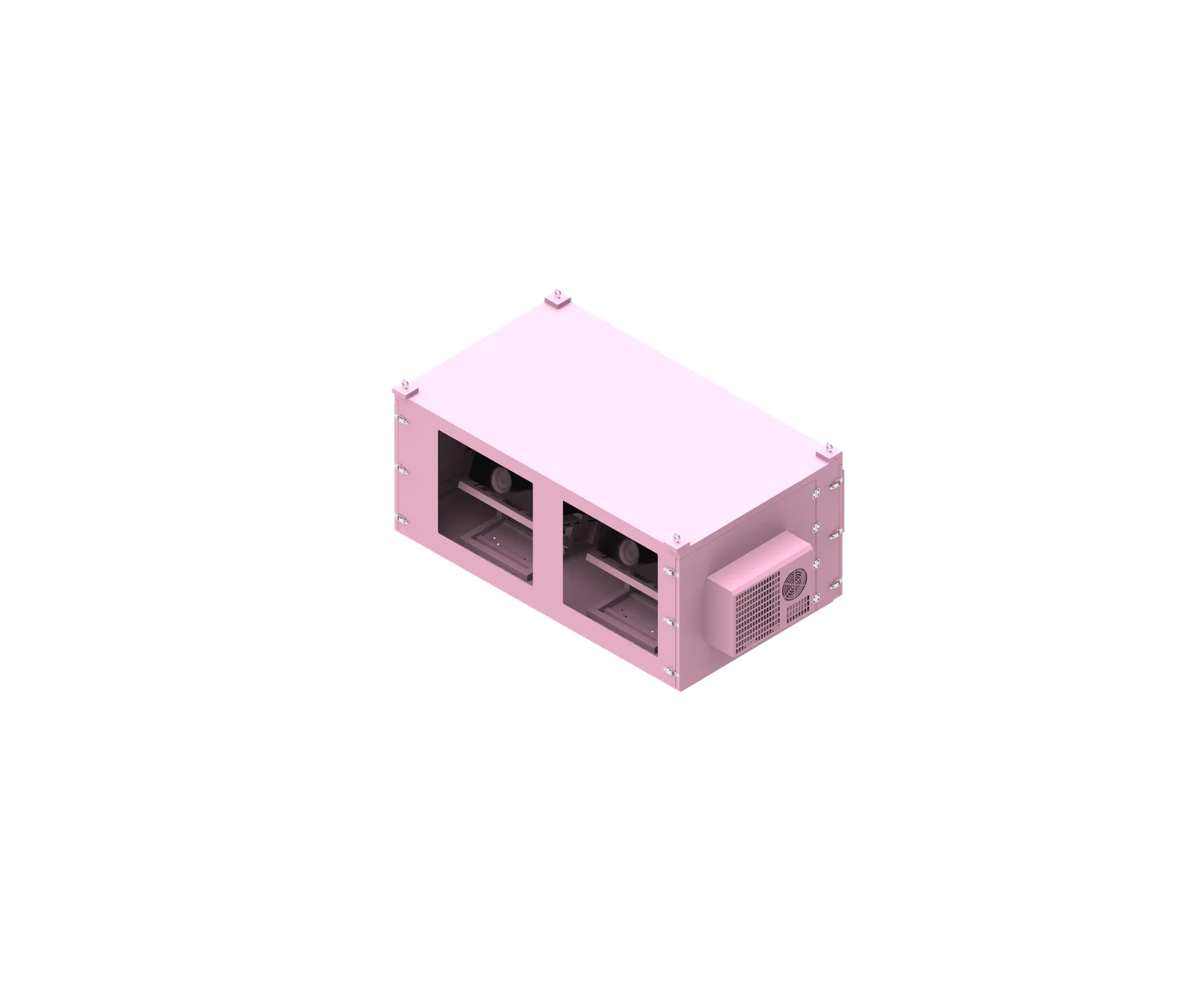
Choosing between wall-mounted, pole-mounted, and floor-standing outdoor network cabinets is an engineering decision, not just an installation preference. The mounting method affects cabinet size, structural reinforcement, cooling layout, cable entry, wind exposure, and maintenance access. For B2B buyers and contractors, the correct choice should be made before final drawings, fabrication, and site installation begin.
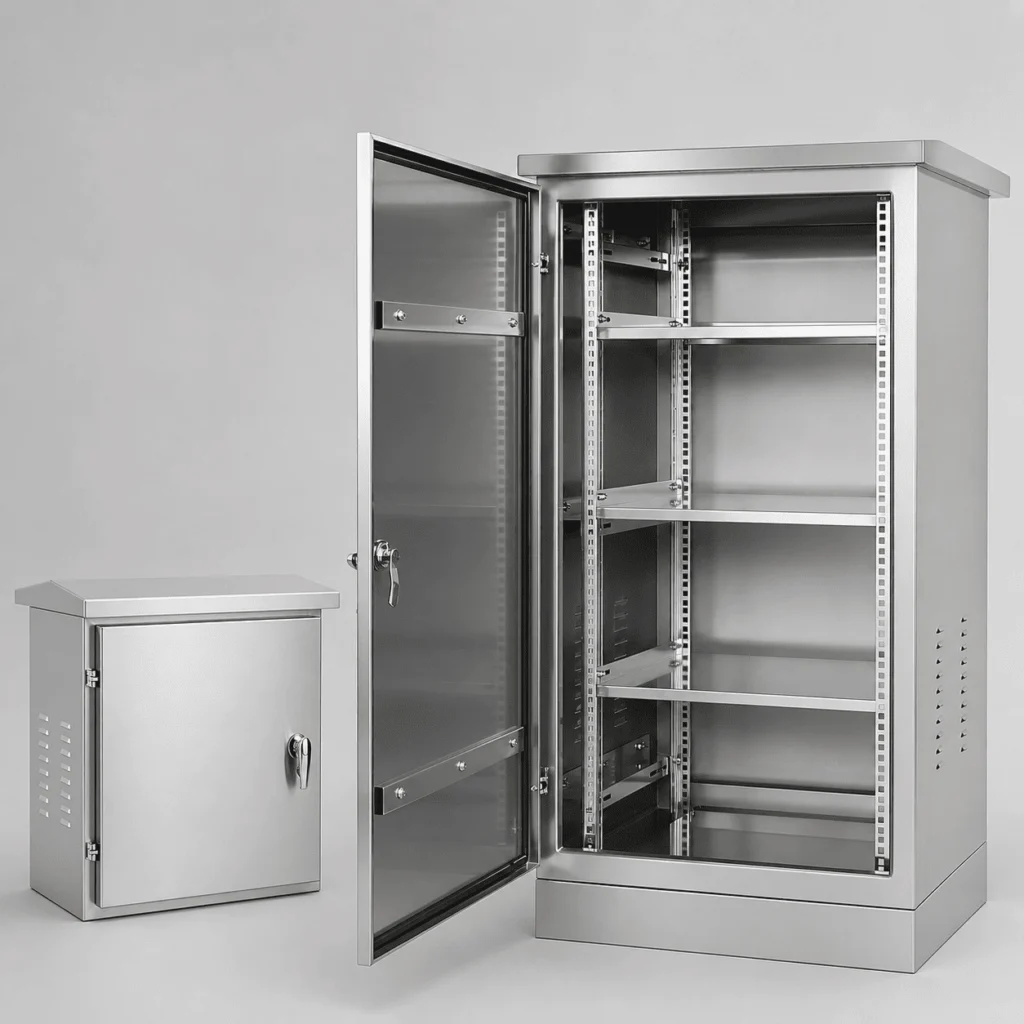
What is wall mounted outdoor network cabinet?
A wall mounted outdoor network cabinet is a weatherproof network cabinet fixed to a suitable wall or structural surface to protect switches, routers, fiber equipment, power supplies, and related devices outdoors. It is commonly used when floor space is limited, equipment capacity is compact to moderate, and the wall structure can support the complete installed system.
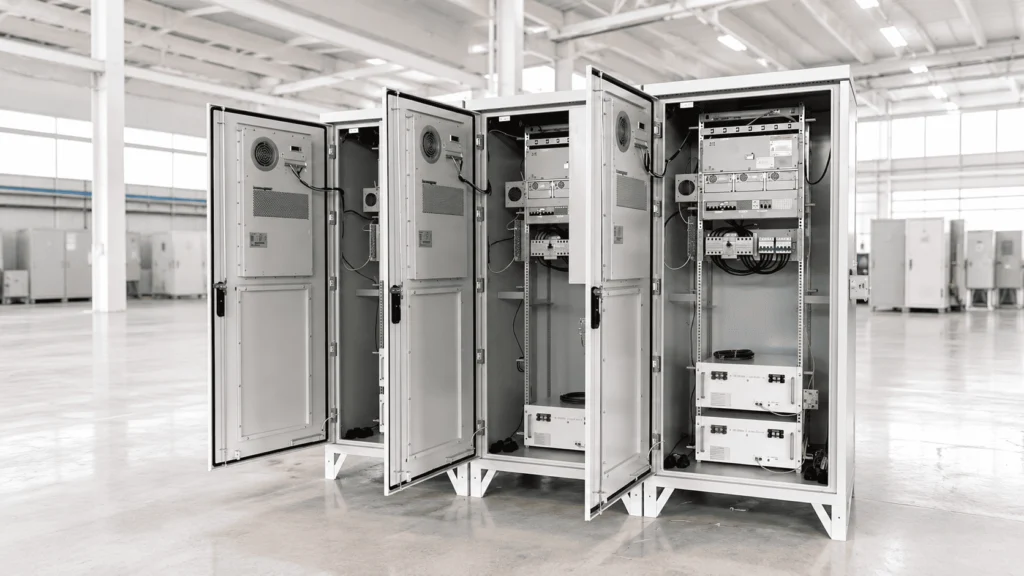
Definition and Suitable Applications
A wall mounted outdoor network cabinet is designed to house network and telecom equipment in outdoor environments while being attached directly to a wall, steel structure, masonry surface, or other engineered support. Unlike an indoor wall box, it must address weather protection, corrosion resistance, cable sealing, thermal control, and field maintenance.
Wall mounting is often considered for building exteriors, urban communication points, surveillance systems, access control networks, small telecom nodes, and industrial site networking. However, the cabinet should not be selected by empty enclosure size alone. The full installed configuration matters.
Key factors include:
- Empty cabinet structure
- Installed network equipment
- UPS or power supplies
- Battery modules, if required
- Cooling or heating components
- Cable weight and bend radius
- Door swing and service clearance
- Wall structure and mounting interface
A wall-mounted cabinet can save ground space and keep equipment above splash, dirt, or minor ground-level obstruction. But it also projects outward from the wall, which affects center of gravity, wall loading, technician access, and sometimes pedestrian clearance.
ShiRui Pro Tip: When we design a wall mounted outdoor network cabinet, I always ask for the equipment list and site wall information first. The bracket is not the starting point—the complete cabinet system is.
How Does wall mounted outdoor network cabinet Work?
A wall mounted outdoor network cabinet works by combining an outdoor-rated enclosure, internal mounting rails or plates, sealed cable-entry points, thermal-management components, and a structural wall-mounting interface. The wall carries the cabinet load, while the enclosure protects equipment from rain, dust, sunlight, unauthorized access, and environmental temperature changes.
Operating Structure and Design Flow
The cabinet functions as a protective and serviceable outdoor equipment housing. It supports devices mechanically, manages cables, allows controlled heat dissipation, and maintains environmental protection through doors, gaskets, gland plates, vents, filters, fans, heaters, or air-conditioning interfaces when required.
The mounting method must be coordinated with the cabinet design because rear cable entry, bracket positions, wall clearance, cooling placement, and service access can conflict if they are considered too late.
A practical design workflow is:
- Confirm the installed equipment list, including dimensions, heat load, and weight.
- Determine cabinet internal layout, rack space, mounting plate location, or DIN rail arrangement.
- Calculate the complete assembled system weight, including cables and cooling equipment.
- Review the installation wall, site conditions, cable routes, and access space.
- Select bottom, rear, or side cable entry before finalizing the mounting interface.
- Confirm cooling layout so airflow, filters, vents, or AC service panels remain accessible.
- Coordinate wall-mounting points with structural personnel where required.
- Approve technical drawings before production.
Wall-mounted operation depends not only on weatherproof cabinet construction but also on proper installation. A high IP-rated enclosure can still fail if cable glands, rear entries, wall penetrations, or service clearances are poorly planned.
ShiRui Pro Tip: I recommend confirming rear cable entry before the cabinet is fabricated. Once a wall-mounted enclosure is installed tight against a wall, modifying rear access can become expensive and difficult.
What is the difference between a network cabinet and a server rack?
A network cabinet is typically an enclosed housing for network, telecom, power, fiber, and control equipment, often with doors, panels, cable entry, and environmental protection. A server rack is usually a rack-frame system optimized for servers and IT hardware. Outdoor network cabinets require weatherproofing, sealing, corrosion protection, and thermal planning.
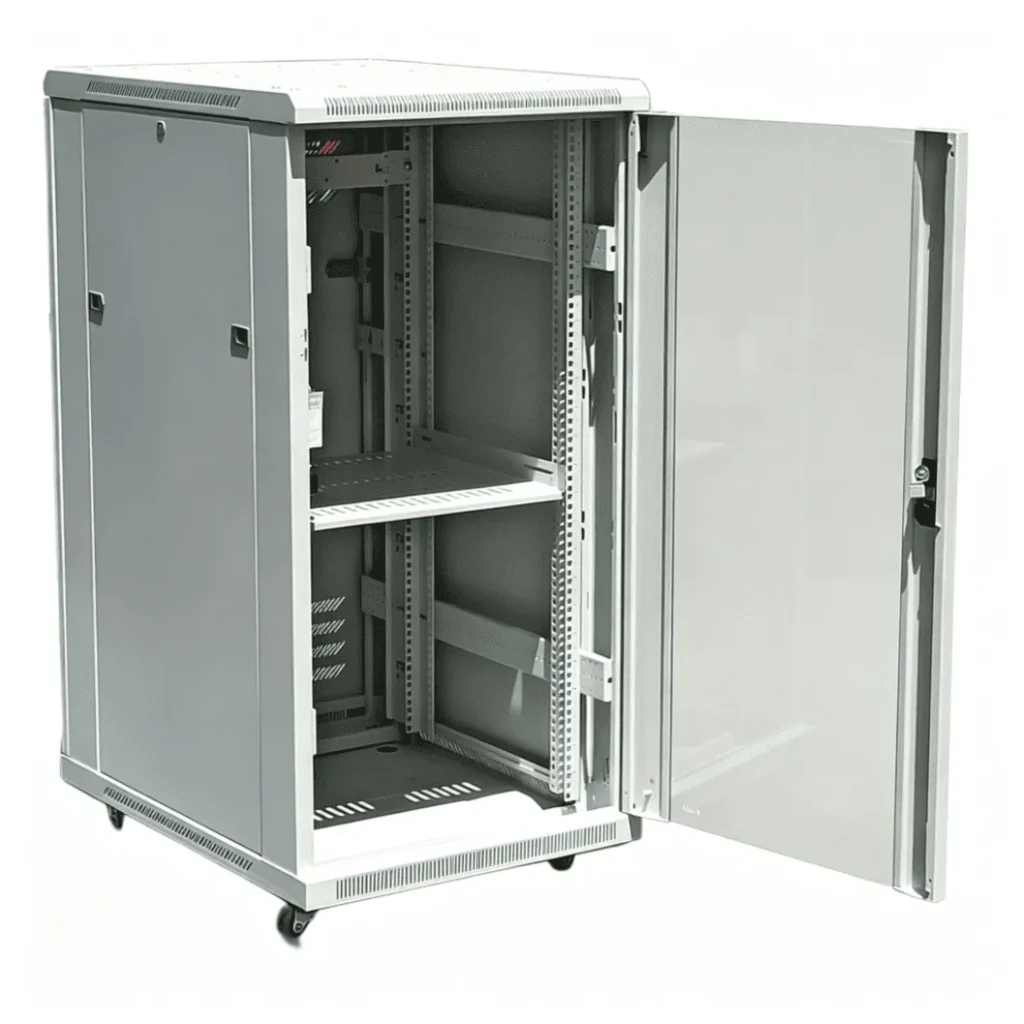
Functional Differences for Outdoor Projects
Network cabinets and server racks may both use rack-mounted equipment, but their engineering priorities are different. In outdoor telecom and industrial projects, a network cabinet is often a complete protective enclosure, while a server rack is usually focused on standardized IT equipment mounting in controlled indoor environments.
Based on our internal data and market analysis, here is the breakdown:
| Factor | Outdoor Network Cabinet | Server Rack |
|---|---|---|
| Primary Use | Network, telecom, fiber, power, monitoring, industrial equipment | Servers, storage, IT equipment |
| Environment | Outdoor or harsh environments | Usually indoor data rooms |
| Protection | Weatherproof doors, gaskets, cable sealing, corrosion resistance | Often open-frame or ventilated indoor enclosure |
| Mounting Style | Wall-mounted, pole-mounted, or floor-standing | Usually floor-standing indoor rack |
| Thermal Design | Fans, filters, heat exchangers, heaters, or AC depending on site | Data-center airflow management |
| Cable Entry | Bottom, rear, side, gland plate, conduit interface | Top/bottom cable access in controlled rooms |
| Structural Focus | Cabinet weight, wind, mounting interface, site support | Rack loading and indoor stability |
| Customization | Often project-specific | Often standardized |
For outdoor projects, calling an enclosure a “rack” can be misleading if the buyer also needs IP protection, anti-corrosion material, cable gland sealing, rain protection, sun exposure management, and structural mounting. A weatherproof network cabinet is usually a more complete engineered product.
ShiRui Pro Tip: When a customer sends a “server rack” requirement for outdoor use, I clarify the environment immediately. Outdoor telecom cabinet design must solve weather, condensation, corrosion, and mounting—not only rack units.
Can I use a base cabinet as a wall cabinet?
In outdoor network cabinet design, a base or floor-standing cabinet should not simply be used as a wall cabinet without engineering review. Wall-mounted, pole-mounted, and floor-standing cabinets are not the same enclosure with different brackets; each mounting method changes structure, cable entry, cooling layout, center of gravity, and maintenance access.
Why Direct Conversion Is Risky
A floor-standing outdoor network cabinet is normally designed to transfer load downward into a base, plinth, concrete pad, steel frame, or foundation. A wall-mounted cabinet transfers load through rear mounting points into a vertical structure. These are different load paths.
Using a base cabinet as a wall cabinet may create several issues:
- Rear panel or frame may not be reinforced for wall loading.
- Cabinet depth may create excessive projection from the wall.
- Bottom cable entry may not match wall-side conduit routes.
- Door swing may conflict with wall position or nearby structures.
- Cooling equipment may become difficult to service.
- Heavy UPS, batteries, or AC units may shift the center of gravity.
- The wall, anchors, and supporting structure may not be verified for the complete assembled load.
If conversion is required, the cabinet design should be reviewed and modified before fabrication. This may include reinforced rear frames, adjusted cable-entry plates, revised internal layouts, dedicated wall brackets, and structural coordination.
The same principle applies in reverse: a wall-mounted cabinet should not automatically be placed on a base unless its structure, sealing, drainage, cable entry, and mounting feet are designed for that condition.
ShiRui Pro Tip: I never recommend treating mounting brackets as an afterthought. At ShiRui, we prefer to know the final mounting method before we design the cabinet frame and cable-entry zones.
Should garage cabinets be off the floor?
For outdoor network cabinet selection, keeping cabinets off the floor can be useful in some locations, especially where splash, dirt, cable routing, or cleaning access are concerns. However, raising a cabinet does not automatically make it flood-proof. The decision depends on site drainage, equipment weight, foundation design, cable entry, and maintenance requirements.

Floor Clearance and Outdoor Cabinet Planning
Although garage cabinets and outdoor telecom cabinets are different products, the same practical question often appears: should the enclosure sit directly on the floor or be raised? For outdoor network cabinets, the answer depends on installation environment and cabinet design.
A raised base, plinth, steel frame, or concrete pad may help with:
- Cable routing from below
- Alignment on uneven site surfaces
- Protection from ground-level splash
- Service clearance for bottom gland plates
- Separation from dirt, debris, or minor standing water
- Easier conduit management
However, raising the cabinet must be engineered properly. The base or support must account for cabinet weight, installed equipment weight, wind exposure, site conditions, and cable routes. A plinth also does not mean the enclosure can be submerged. IP protection depends on doors, gaskets, cable entries, ventilation points, cooling interfaces, and panel sealing—not simply height above ground.
For floor standing outdoor network cabinet installations, site elevation and drainage should be reviewed carefully. If flooding or surface runoff is possible, cabinet location and foundation design should be evaluated before finalizing the enclosure.
ShiRui Pro Tip: I always separate “splash protection” from “flood protection.” A raised base may improve practical installation, but it should not be presented as a solution for submersion or poor site drainage.
Key Features & Comparison
Wall-mounted cabinets are usually selected for compact outdoor network systems with limited floor space. Pole-mounted cabinets are useful for distributed field equipment where location matters. Floor-standing cabinets generally provide more capacity for power, batteries, cooling, and cable management. The best choice depends on equipment load, site support, wind exposure, cable routing, and maintenance access.
Mounting Style Comparison for Engineering Selection
Based on our internal data and market analysis, here is the breakdown:
| Design Factor | Wall-Mounted Outdoor Network Cabinet | Pole-Mounted Outdoor Network Cabinet | Floor Standing Outdoor Network Cabinet |
|---|---|---|---|
| Typical Equipment Capacity | Low–Medium | Low–Medium | Medium–High |
| Floor Space | None required | None required | Required |
| Supporting Structure | Wall or engineered vertical surface | Pole, bracket, pole base, and foundation/support | Base, foundation, platform, plinth, or steel frame |
| Structural Verification | Wall, anchors, rear frame, mounting interface | Pole, brackets, cabinet offset, base/foundation | Base/foundation, anchoring, cabinet frame |
| Wind Load Concern | Moderate and project-specific | Important due to exposure and mounting height | Project-specific |
| Large AC Integration | More limited due to weight and projection | Affects weight, wind area, and center of gravity | Easier to integrate in many designs |
| UPS/Battery Space | More limited | More limited | More flexible |
| Cable Entry | Rear, bottom, or side | Pole route, bottom, side, or conduit | Often bottom, with gland plate or conduit space |
| Maintenance Access | Depends on wall clearance and height | Height can complicate technician access | Usually easier if site space is sufficient |
| Expansion Space | Limited | Limited | Greater flexibility |
| Common Applications | Building networks, compact telecom nodes, surveillance, access systems | Smart city, roadside, parking, Wi-Fi, field monitoring | Telecom sites, industrial networks, power-integrated systems |
| Main Risk if Poorly Planned | Unverified wall load or blocked rear entry | Wind load, pole suitability, difficult service access | Poor foundation, flooding risk, blocked cable zone |
The most important point is that wall-mounted, pole-mounted, and floor-standing cabinets are not simply the same enclosure with different mounting brackets. Mounting style affects cabinet dimensions, reinforcement, thermal design, cable paths, and service strategy.
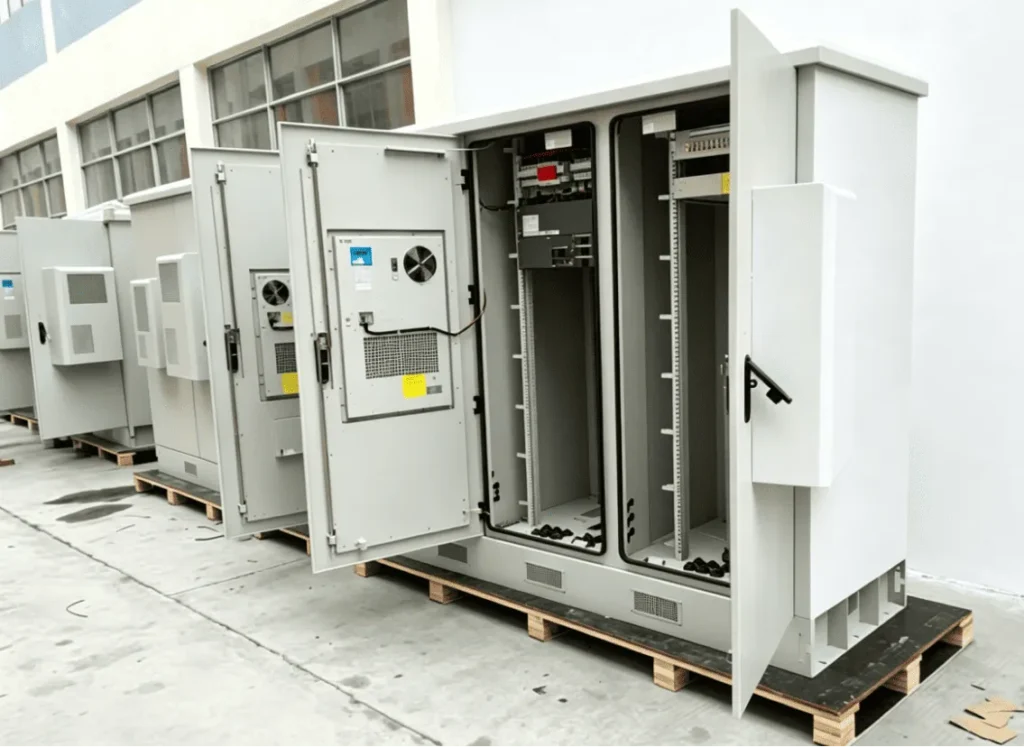
A wall mounted outdoor network cabinet may need rear reinforcement and carefully planned projection from the wall. A pole mounted outdoor network cabinet may need customized brackets, wind consideration, and center-of-gravity review. A floor standing outdoor network cabinet may need foundation coordination, bottom cable-entry planning, and sufficient internal space for power and cooling systems.
ShiRui Pro Tip: If a buyer asks us to quote all three mounting styles, I do not just change the bracket line item. I review cabinet size, frame structure, AC location, cable entry, and service access for each option.
Cost & Buying Factors
The cost of an outdoor network cabinet depends on more than the enclosure body. Mounting style affects brackets, reinforcement, material thickness, cooling, cable-entry design, installation labor, lifting, wall or pole preparation, and foundation work. No mounting method is always cheapest; total project cost depends on equipment, site, and installation conditions.
Practical Cost Drivers for B2B Buyers
Outdoor cabinet purchasing should be evaluated as a complete system cost, not just a cabinet unit price. A lower-cost enclosure can become expensive if the mounting method was chosen late or if site installation requires unexpected reinforcement, custom brackets, lifting equipment, or cable rerouting.
Important buying factors include:
- Equipment list Confirm switches, routers, fiber modules, power supplies, UPS, batteries, monitoring units, and thermal equipment.
- Complete installed weight Include cabinet structure, devices, batteries, AC units, heaters, cables, mounting plates, and power-distribution parts.
- Thermal-management method Natural ventilation, fan cooling, heat exchangers, heaters, or industrial AC all affect cabinet layout and cost.
- Installation environment Coastal, industrial, roadside, urban, remote, dusty, humid, or high-sunlight locations may require different materials and protection.
- Mounting structure Wall, pole, base, foundation, platform, or steel frame conditions must be reviewed.
- Cable-entry direction Rear, side, bottom, pole-routed, or conduit-based cable entry affects cable glands and internal space.
- Maintenance access Door opening, filter replacement, AC service, power access, and equipment replacement must be practical after installation.
- Customization level Custom dimensions, stainless steel, special locks, louvers, sun shields, plinths, and monitoring systems affect price and lead time.
For a ShiRui custom outdoor telecom cabinet project, buyers should provide site photos, drawings, equipment dimensions, equipment weights, cabinet quantity, required IP rating, cooling expectations, and installation method as early as possible.
ShiRui Pro Tip: The most expensive mistake is choosing the mounting method after fabrication. Early confirmation helps us avoid redesigning brackets, cable entries, cooling positions, and structural reinforcement.
Conclusion
The correct outdoor network cabinet mounting method should be selected according to equipment size, total system weight, installation location, wind exposure, cable routing, cooling requirements, and technician access. Wall-mounted, pole-mounted, and floor-standing designs each have valid applications, but each requires different structural, thermal, and maintenance planning.
Recommended Selection Workflow
Choosing the right outdoor network cabinet mounting method is a step-by-step engineering process. The goal is not to force one cabinet into every site, but to design the enclosure around the real equipment and installation conditions.
Recommended workflow:
- Prepare the equipment list.
- Confirm equipment dimensions, weight, and heat load.
- Determine required cabinet size and internal layout.
- Calculate the complete finished cabinet system weight.
- Confirm UPS, battery, power-distribution, and monitoring requirements.
- Review the installation environment and project location.
- Evaluate the wall, pole, base, foundation, or platform.
- Review wind exposure and mounting height where applicable.
- Select wall-mounted, pole-mounted, or floor-standing installation.
- Design the mounting interface and cabinet reinforcement.
- Plan cable-entry direction and sealing method.
- Confirm cooling layout and service access.
- Coordinate structural verification where required.
- Approve technical drawings before fabrication.
- Proceed with manufacturing, inspection, packing, and installation planning.
For custom projects, final wall, pole, anchor, or foundation design should be verified by appropriately qualified structural personnel where required. ShiRui can support B2B buyers, telecom contractors, network integrators, and engineering companies with custom outdoor network cabinet design based on real equipment lists and installation conditions.
ShiRui Pro Tip: My strongest recommendation is simple: confirm the mounting method before final drawings. Cabinet size, structure, cooling, cable entry, wind load, maintenance, and installation all depend on that decision.