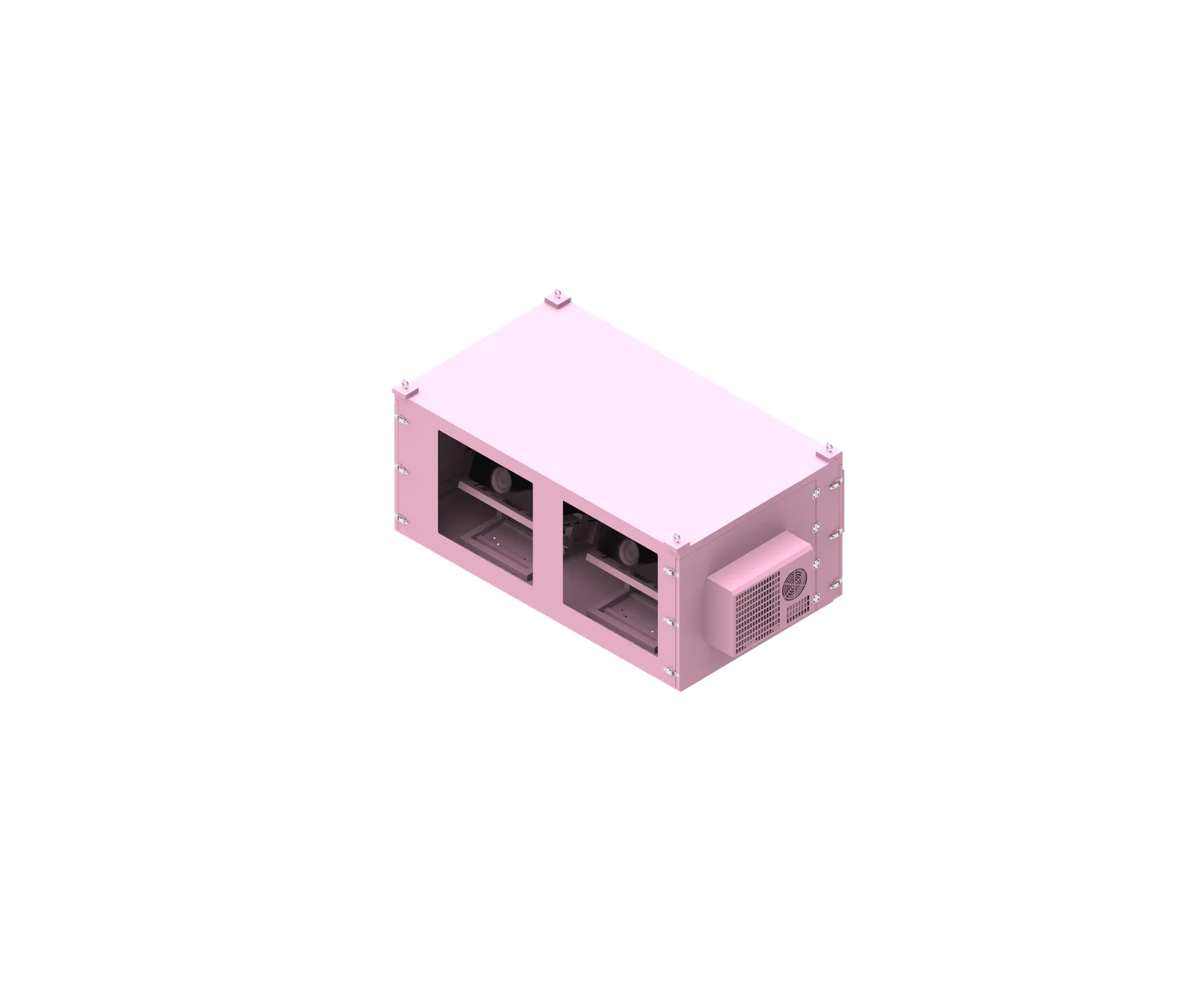
Choosing between an indoor network rack and an outdoor network cabinet is not just a location decision; it changes the entire enclosure design. Indoor racks depend on a controlled room, while outdoor cabinets must protect active equipment from rain, dust, humidity, heat, cold, corrosion, cable-entry risks, and field maintenance conditions. For ShiRui, the key principle is simple: outdoor protection must be engineered, not improvised.
What is indoor network rack vs outdoor network cabinet?
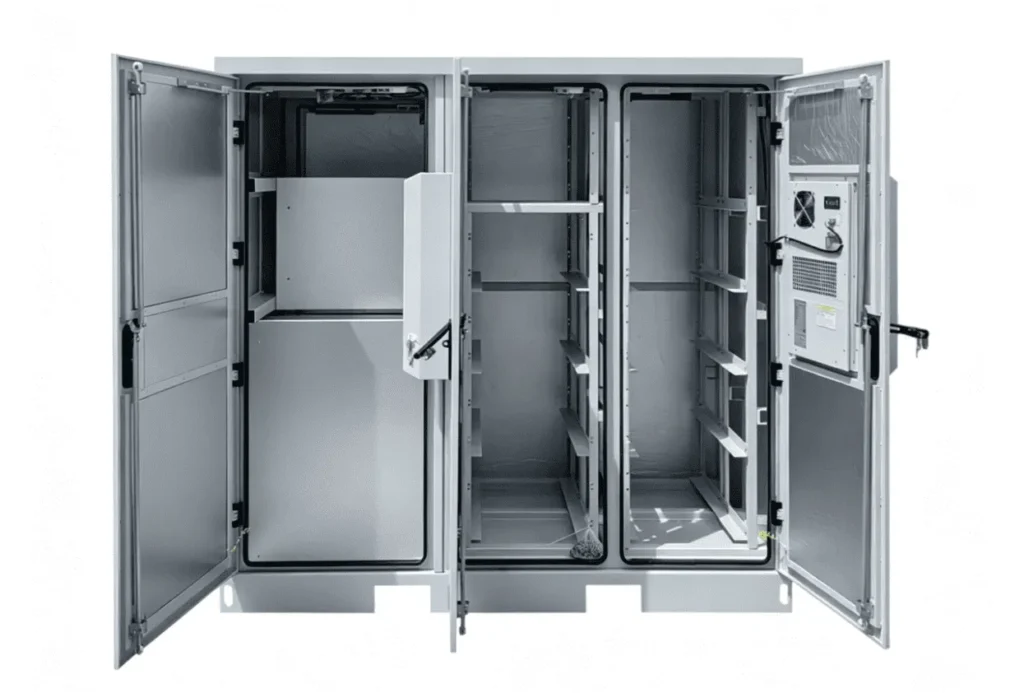
An indoor network rack is built for controlled spaces such as offices, data rooms, server rooms, and communication rooms. An outdoor network cabinet is designed for uncontrolled environments where the cabinet itself becomes part of the protection system for network, power, fiber, and communication equipment.
Core Definition and Application Boundary
An indoor network rack usually organizes and supports equipment inside a building. It may be open-frame or enclosed, but it normally relies on the surrounding room for temperature control, humidity control, dust reduction, rain protection, and security.
An outdoor network cabinet, by contrast, must protect equipment in direct or indirect exposure to weather and site conditions. It may house network switches, routers, PoE equipment, fiber devices, power supplies, UPS units, communication modules, and monitoring devices.
Based on our internal data and market analysis, here is the breakdown:
| Design Area | Indoor Network Rack | Outdoor Network Cabinet |
|---|---|---|
| Operating environment | Controlled indoor room | Uncontrolled outdoor site |
| Weather exposure | Normally none | Rain, dust, humidity, sunlight, wind |
| Temperature control | Building HVAC | Cabinet-level thermal strategy may be required |
| Cable entry | Often open or flexible | Sealed and planned cable entry |
| Corrosion risk | Lower | Material and finish are critical |
| Security | Building-level security | Cabinet-level security often required |
| Maintenance | Indoor access | Field-service access |
An outdoor network cabinet is not an indoor rack with a rain cover. True outdoor cabinet design changes sealing, cooling, condensation control, material selection, cable entry, electrical integration, mounting, security, and maintenance.
ShiRui Pro Tip: When a customer asks us to “make an indoor rack waterproof,” we first review the equipment list, heat load, cable plan, site climate, and installation method. Without those details, a rain cover may hide the problem instead of solving it.
How Does indoor network rack vs outdoor network cabinet Work?
An indoor rack works mainly as an organized support structure inside a protected room. An outdoor network cabinet works as a protective enclosure system, combining mechanical structure, sealing, thermal management, cable control, electrical integration, corrosion protection, and service access according to the project environment.
Operating Principle in Real Installations
The operating difference starts with responsibility. In an indoor installation, the building does most of the environmental work. The rack supports equipment, manages cables, and helps airflow, but the room usually provides air conditioning, stable humidity, physical protection, and dust control.
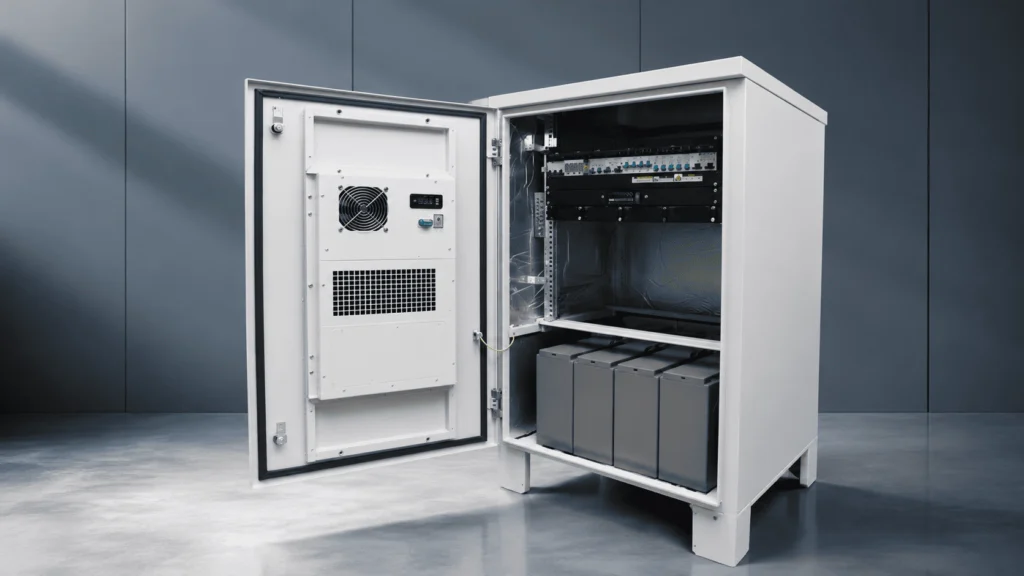
In an outdoor installation, the cabinet must manage much more risk. Depending on the project, it may need rain protection, dust filtration or sealing, condensation control, cooling, heating, solar heat reduction, corrosion resistance, grounding and bonding considerations, and protected cable entry.
A practical comparison workflow is:
- Confirm the equipment list and dimensions.
- Identify whether the installation is indoor, sheltered, semi-outdoor, or fully outdoor.
- Calculate or confirm equipment power consumption and heat load.
- Define the required protection level, including dust and water ingress needs.
- Select a suitable thermal-management method.
- Review corrosion exposure, including coastal, industrial, or high-humidity conditions.
- Plan cable entry, power entry, grounding, and service access.
- Confirm mounting method: wall, pole, or floor standing.
- Add monitoring only where the project requires it.
- Finalize drawings, production details, inspection items, and packaging.
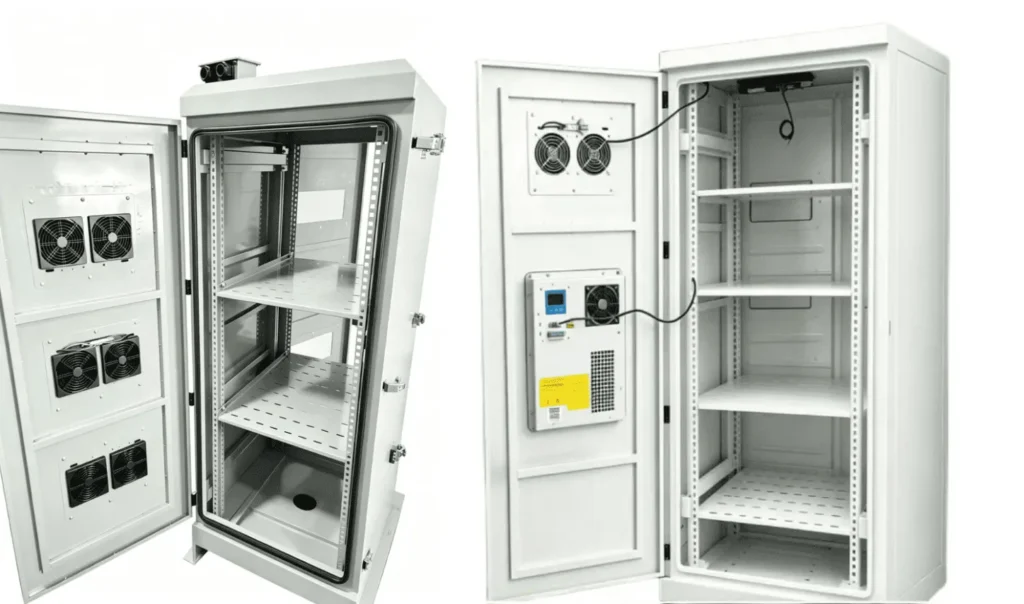
Indoor racks often use simple ventilation or perforated doors because the room air is already controlled. Outdoor network cabinet design may require natural ventilation, fan cooling, heat exchangers, industrial air conditioning, heaters, anti-condensation control, sensors, filters, or other project-specific systems.
ShiRui Pro Tip: We always separate “waterproofing” from “condensation control.” A sealed cabinet can still develop internal moisture if humidity, temperature cycling, and maintenance exposure are not considered.
What is the main difference between a rack and a cabinet?
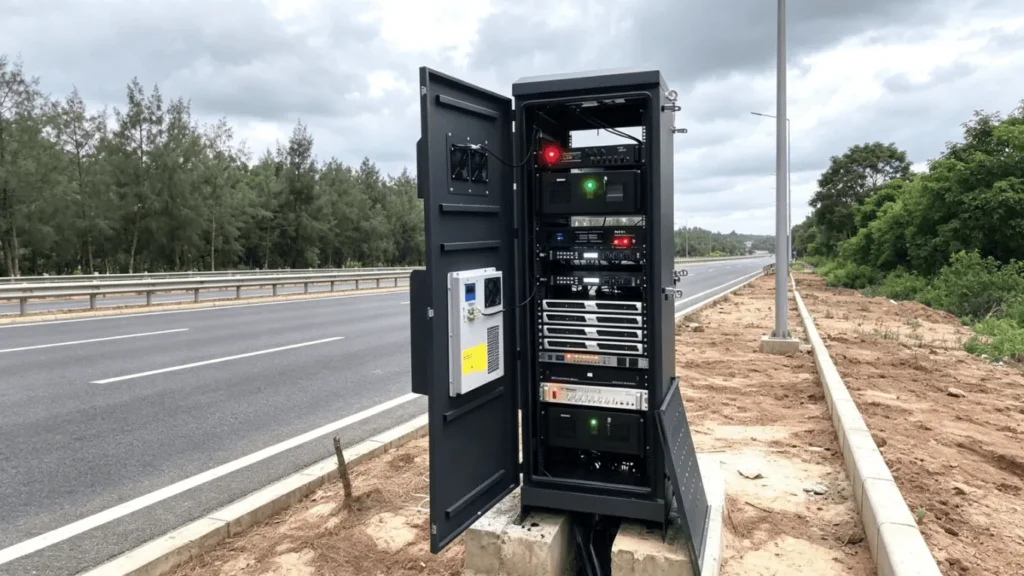
A rack is primarily a mounting framework for equipment, while a cabinet is an enclosure that adds doors, panels, access control, and varying levels of protection. In outdoor use, the cabinet must do much more than contain equipment; it must protect the system from environmental and installation risks.
Rack Structure Versus Enclosure Protection
A rack focuses on equipment mounting, airflow access, cable routing, and service convenience. It may be open-frame or installed inside a room where environmental protection already exists.
A cabinet surrounds the equipment with a body, doors, side panels, roof, base, locks, cable-entry zones, and sometimes thermal or electrical systems. In outdoor use, the cabinet must integrate these elements so that protection remains effective after installation and during maintenance.
Based on our internal data and market analysis, here is the breakdown:
| Factor | Rack | Cabinet |
|---|---|---|
| Main function | Equipment mounting | Equipment protection and mounting |
| Structure | Open or partially enclosed | Fully or mostly enclosed |
| Door sealing | Often not critical indoors | Critical for outdoor protection |
| Airflow | Direct room airflow | Designed airflow path required |
| Cable entry | Flexible and open | Controlled and sealed |
| Security | Often room-dependent | Locking and anti-tamper features may be needed |
| Outdoor suitability | Not normally suitable alone | Designed according to outdoor project needs |
For indoor use, a rack may be the correct and economical choice. For outdoor use, the cabinet becomes a system-level enclosure, not just a metal box.
ShiRui Pro Tip: If a project requires outdoor installation, I do not start by asking only for rack units. I ask about rain, dust, heat load, sunlight, cable entry, corrosion exposure, mounting, and who will maintain the cabinet in the field.
Why would I want a server rack at my house?
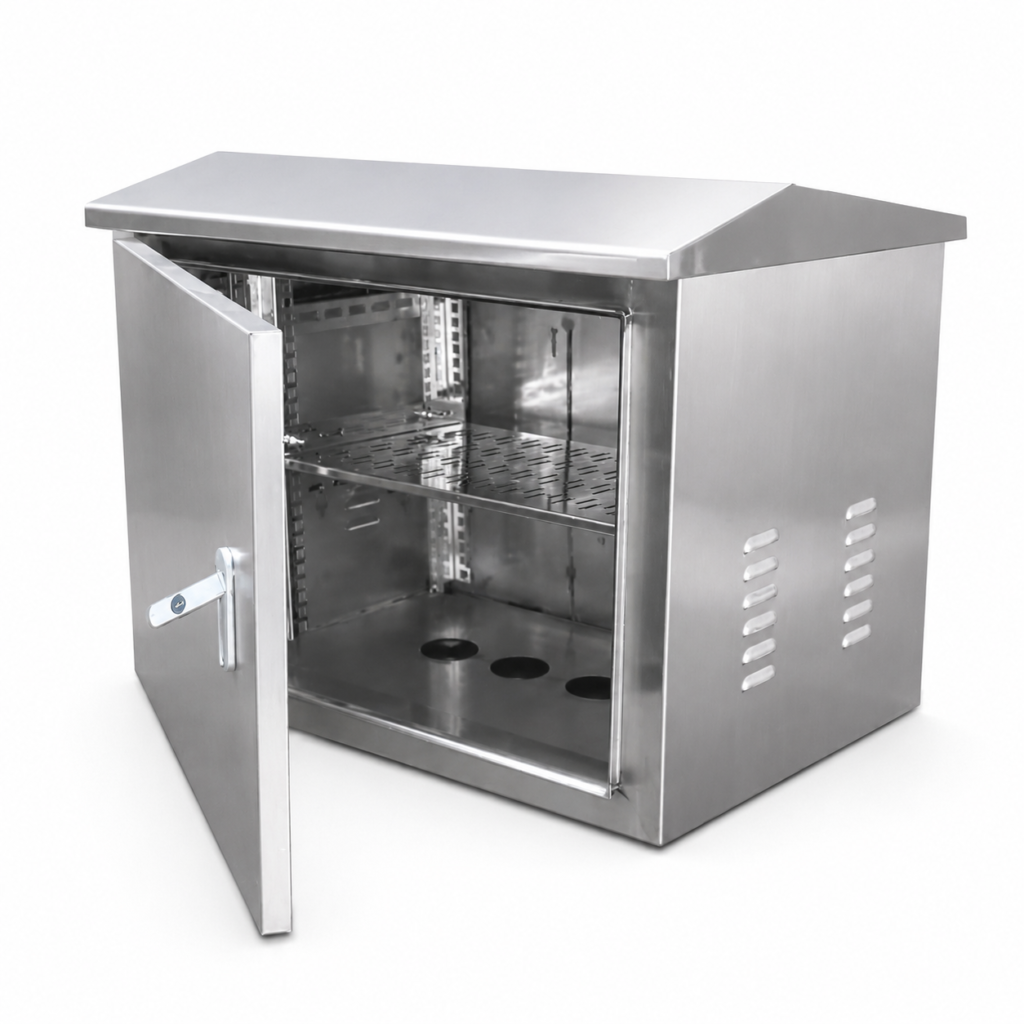
A home server rack helps organize routers, switches, patch panels, NAS devices, UPS units, and cabling in one accessible location. It improves serviceability and airflow, but it should still be used indoors unless the enclosure is specifically designed for outdoor environmental protection.
Practical Home Network Benefits and Limits
A home rack or small network cabinet can make a residential network more reliable and easier to maintain. Instead of placing devices on shelves or floors, the rack centralizes equipment, reduces cable mess, and gives better access for upgrades.
Common home rack uses include:
- Mounting a router, firewall, or modem.
- Organizing switches and patch panels.
- Supporting a NAS or small server.
- Installing a UPS for backup power.
- Managing Ethernet, fiber, and coaxial cables.
- Improving airflow around equipment.
- Keeping equipment away from accidental contact.
However, a home server rack is usually intended for indoor spaces such as a utility room, closet, office, basement, or structured wiring area. If the installation is in a garage, balcony, exterior wall location, shed, or other uncontrolled area, the environment must be reviewed carefully.
Humidity, condensation, dust, insects, summer heat, winter cold, and poor ventilation can damage equipment even if the rack looks physically secure. If the equipment must operate outdoors, a weatherproof network cabinet or outdoor network enclosure should be considered.
ShiRui Pro Tip: For home and small-business projects, I recommend choosing an indoor network rack when the space is dry, ventilated, and protected. If the location gets damp, hot, dusty, or exposed to weather, treat it like an outdoor cabinet project.
What is the difference between a network cabinet and a server rack?
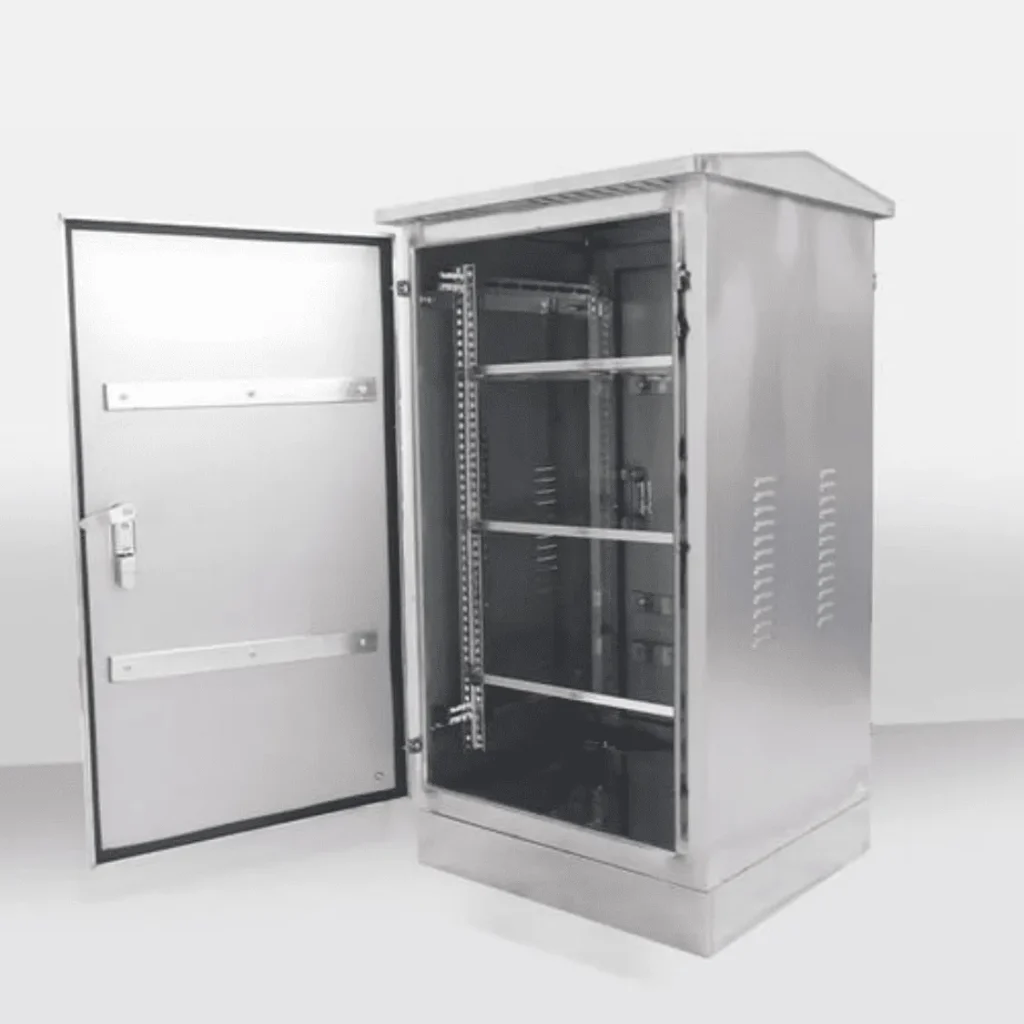
A server rack generally refers to a structure for mounting IT or server equipment, while a network cabinet often emphasizes networking, cabling, patching, switches, and access control. In outdoor applications, the term network cabinet usually implies a protective enclosure designed around site conditions and equipment requirements.
Equipment Focus, Layout, and Environmental Role
A server rack is commonly selected by rack units, depth, load, airflow, and compatibility with servers or IT equipment. A network cabinet may contain switches, patch panels, routers, fiber trays, PoE equipment, power supplies, monitoring devices, and cable-management components.
In indoor environments, the difference may be small because both can be installed inside a controlled room. In outdoor environments, the difference becomes more important because the cabinet must be designed around equipment protection and service conditions.
Based on our internal data and market analysis, here is the breakdown:
| Category | Network Cabinet | Server Rack |
|---|---|---|
| Typical equipment | Switches, routers, patch panels, fiber devices, PoE systems | Servers, storage, IT hardware, UPS |
| Cable density | Often high | Varies by IT layout |
| Outdoor use | Can be purpose-designed as an outdoor network cabinet | Standard server racks are usually indoor |
| Thermal planning | Depends on switch, PoE, power, and enclosure heat | Often room or data-center cooling |
| Fiber management | Often important | Project-dependent |
| Field service | Important for outdoor telecom/network sites | More common in indoor IT rooms |
For an outdoor telecom cabinet or outdoor network cabinet design, internal layout must coordinate cable bend radius, fiber trays, power separation, gland plates, cooling equipment, sensors, and maintenance clearance.
ShiRui Pro Tip: Network equipment often creates hidden design challenges because cables, fiber loops, power supplies, and PoE heat load compete for space. We plan the internal layout before cutting metal, not after assembly.
Key Features & Comparison
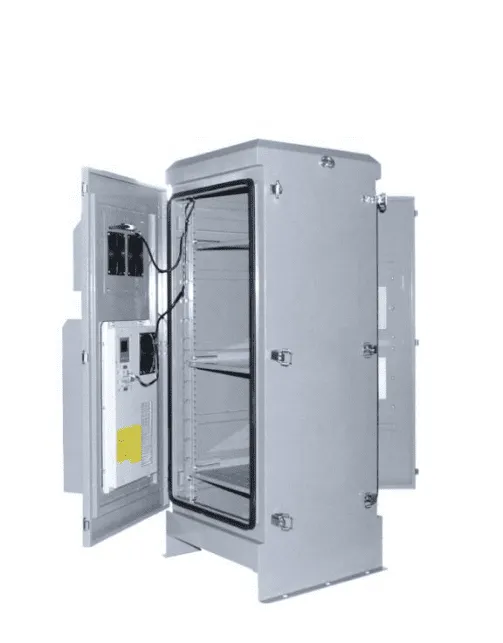
The main changes from indoor rack to outdoor cabinet are environmental sealing, thermal management, condensation control, corrosion protection, cable-entry sealing, electrical integration, structural design, mounting method, security, and field maintenance. These features must be designed according to the project rather than assumed from a standard rack.
Feature-by-Feature Engineering Comparison
Based on our internal data and market analysis, here is the breakdown:
| Design Factor | Indoor Network Rack | Outdoor Network Cabinet |
|---|---|---|
| Environment | Controlled | Uncontrolled |
| Rain protection | Usually not required | Required by project conditions |
| Dust protection | Room dependent | Cabinet dependent |
| IP rating | Often secondary | Important, but project-specific |
| Temperature control | Room HVAC | May need integrated cooling or heating |
| Cooling | Room-based airflow or AC | Natural ventilation, fans, heat exchanger, AC, or project-specific cooling |
| Heating | Rarely required | May be needed in cold climates |
| Condensation | Lower risk | Must be considered |
| Humidity control | Room-level control | Sensors, heaters, circulation, or dehumidification may be used |
| Solar heat gain | Not a concern | Important for outdoor exposure |
| UV exposure | Limited | Materials, gaskets, labels, and coatings must be suitable |
| Material | Standard painted steel often used | Galvanized steel, stainless steel, aluminum, or project-specific material |
| Corrosion | Lower exposure | Material, finish, welding, fasteners, and cut edges matter |
| Door design | Access and airflow focus | Sealing, gasket compression, security, and drainage matter |
| Cable entry | Often open or flexible | Cable glands, gland plates, sealed connectors, conduit interfaces |
| Field drilling | Easier to modify | Should be avoided unless controlled |
| Power integration | Often simple PDU | AC/DC power, UPS, protection, heater/cooling supply may be integrated |
| Grounding and bonding | Building system dependent | Must be considered in the full electrical design |
| Mounting | Usually floor-standing indoors | Wall, pole, or floor installation |
| Wind load | Not normally relevant | May matter depending on exposure and mounting |
| Security | Building security | Locks, reinforced doors, tamper monitoring may be needed |
| Maintenance | Indoor service | Outdoor field service access required |
IP rating deserves special attention. It describes protection against solids and water ingress. It does not describe cooling capacity, corrosion resistance, condensation control, structural strength, vandal resistance, or service life. Not every outdoor network cabinet must be IP65; the required protection level depends on the site and project specification.
ShiRui Pro Tip: When reviewing an outdoor network cabinet design, I never approve the IP target alone. I also check heat load, cable sealing, condensation risk, corrosion exposure, maintenance access, and mounting structure.
Cost & Buying Factors
Outdoor network cabinets usually cost more than indoor network racks because they require additional engineering, materials, sealing, thermal systems, corrosion protection, mounting design, electrical integration, and inspection. The correct buying decision should be based on equipment, environment, protection level, and long-term maintenance needs.
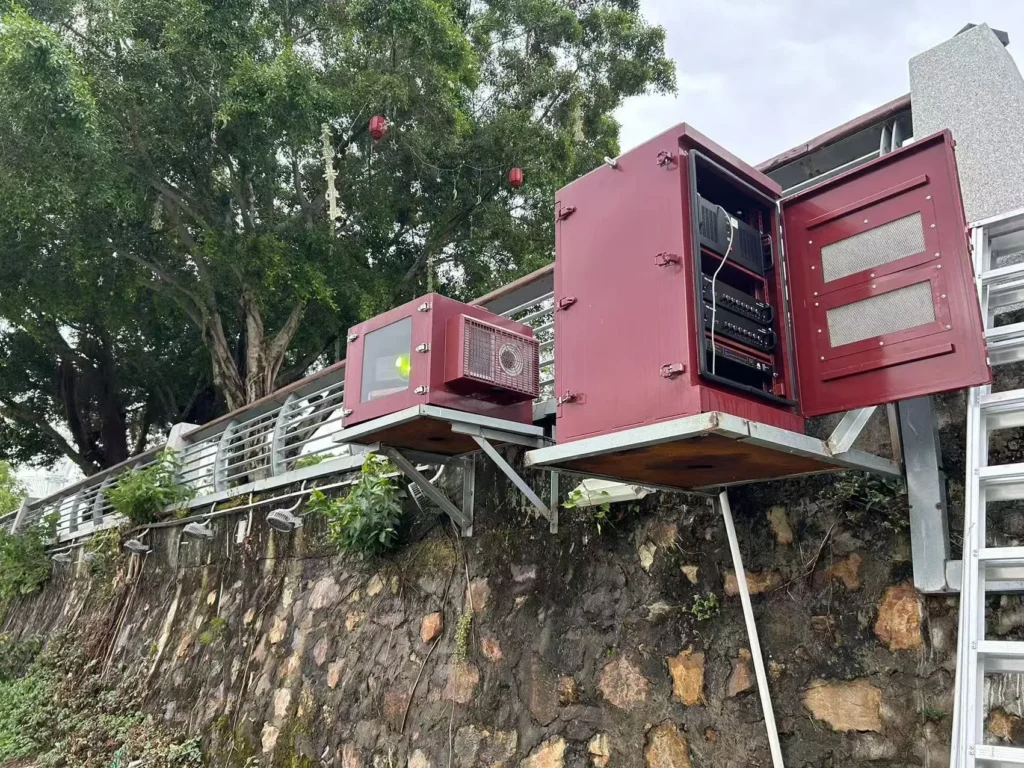
Pricing Drivers and Specification Checklist
The cost difference is not simply “indoor price plus waterproof cover.” Outdoor cabinets often involve more complex sheet-metal design, surface treatment, gasket systems, gland plates, cooling interfaces, heaters, fans, air conditioners, monitoring devices, power distribution, grounding provisions, mounting brackets, and packaging protection.
Based on our internal data and market analysis, here is the breakdown:
| Buying Factor | Why It Affects Cost |
|---|---|
| Equipment list | Determines rack space, layout, depth, load, and mounting accessories |
| Heat load | Drives cooling method and ventilation design |
| Project climate | Affects cooling, heating, condensation, and material choice |
| Required protection level | Influences sealing, door design, cable entry, and testing |
| Cable requirements | Determines gland plates, cable glands, routing space, and service loops |
| Power requirements | May require AC/DC systems, UPS, circuit protection, or monitoring supply |
| Corrosion exposure | Impacts material, fasteners, surface treatment, and process control |
| Mounting method | Wall, pole, and floor installations need different structures |
| Security level | Changes locks, hinges, door reinforcement, and tamper features |
| Maintenance conditions | Affects layout, access panels, filter access, and service clearance |
| Quantity | Influences manufacturing planning, tooling, and repeatability |
Buyers should provide equipment dimensions, power consumption, heat load, project location, ambient temperature expectations, humidity, dust conditions, coastal or industrial exposure, required IP rating, mounting method, cable plan, power supply, cooling requirements, monitoring requirements, and quantity.
Common buyer mistakes include using indoor racks outdoors under a simple shelter, assuming paint alone makes a rack outdoor-ready, ignoring condensation, ignoring solar heat gain, drilling uncontrolled cable holes, assuming IP rating solves overheating, and forgetting field maintenance access.
ShiRui Pro Tip: The most useful buyer document is not only a cabinet size request. Send us the equipment list, heat load, cable plan, site photos, and installation method; that lets us design the cabinet around real operating conditions.
Conclusion
Use an indoor network rack when the room already provides environmental control, physical protection, and service access. Use a purpose-designed outdoor network cabinet when equipment must operate in weather, dust, humidity, sunlight, temperature changes, corrosion exposure, public access, or other uncontrolled field conditions.
Final Selection Guidance
The most important message is that an outdoor network cabinet is not an indoor rack with a rain cover. Moving equipment outdoors changes the enclosure’s environmental, thermal, electrical, structural, security, and maintenance responsibilities.
A clear selection process should follow this order:
- List the equipment and required space.
- Confirm whether the environment is controlled or uncontrolled.
- Identify rain, dust, humidity, temperature, sunlight, corrosion, and security risks.
- Calculate or confirm equipment heat load.
- Select a project-specific protection level.
- Plan cooling, heating, and condensation control if needed.
- Define cable entry, power entry, grounding, and bonding requirements.
- Choose material and surface treatment based on exposure.
- Confirm wall, pole, or floor installation.
- Review maintenance access and monitoring needs.
For indoor rooms, avoid over-engineering if the building already provides protection. For outdoor sites, invest in a weatherproof network cabinet, outdoor telecom cabinet, or custom outdoor network enclosure designed for the actual site conditions.
ShiRui supports custom outdoor network cabinet design from sheet-metal structure through sealing, cable entry, thermal layout, electrical integration, and production inspection.
ShiRui Pro Tip: If your equipment will face real outdoor exposure, design the enclosure as an outdoor system from the beginning. Retrofitting an indoor rack after problems appear is usually more expensive than specifying the right cabinet first.