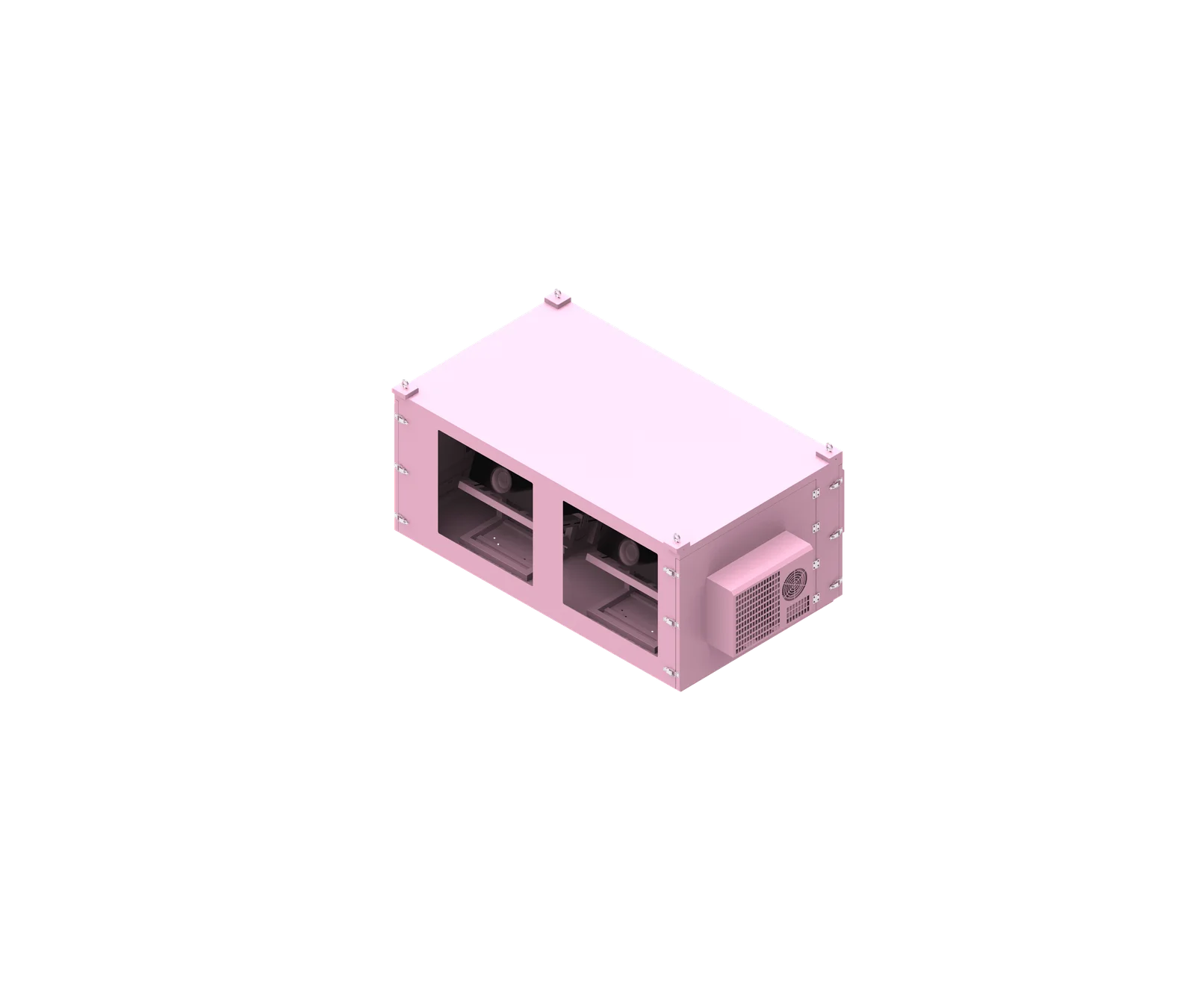
Correct temperature-sensor placement inside a projector enclosure is an engineering decision, not a fixed location. A projector enclosure temperature sensor should be installed where it measures the thermal condition that matters for its function: projector protection, cooling control, heating control, diagnostics, alarms, or condensation prevention. For many outdoor projector enclosure designs, the most important temperature is not the average cabinet temperature—it may be the air entering the projector.
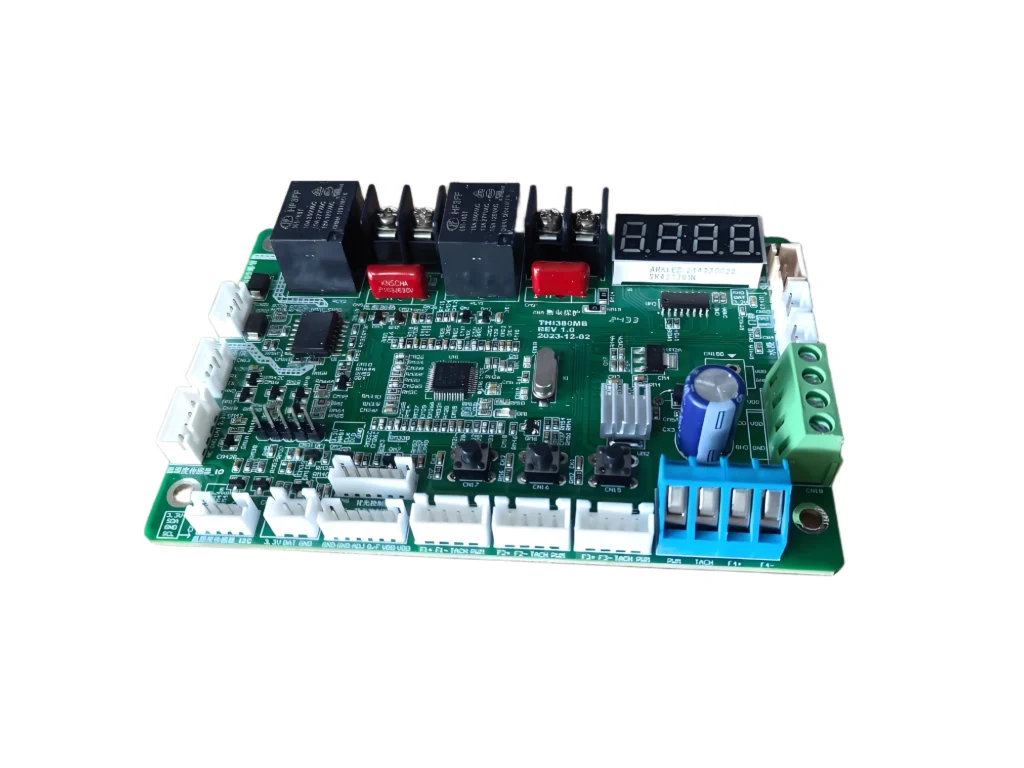
What is projector enclosure temperature sensor?
A projector enclosure temperature sensor is a sensing device installed inside a projector cabinet to measure air or surface temperature for monitoring, control, protection, or diagnostics. Its correct position depends on what it must measure, such as projector intake temperature, cabinet ambient temperature, AC return temperature, exhaust heat, or condensation-sensitive areas.
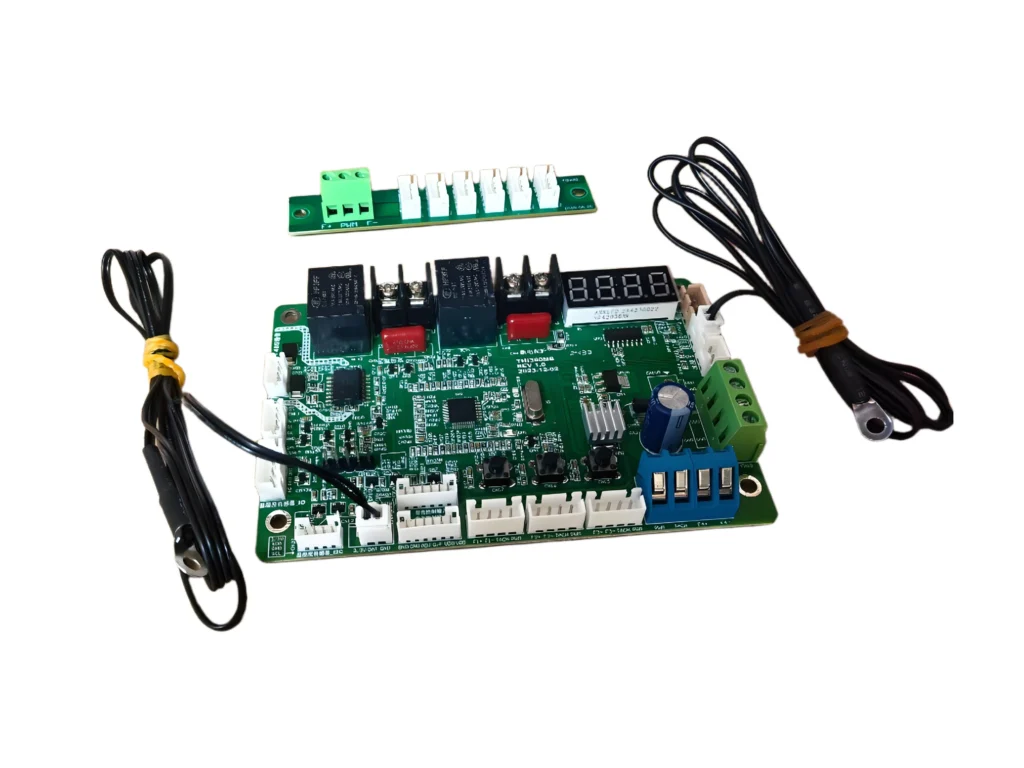
Functional Role Inside the Enclosure
A projector enclosure temperature sensor is part of the enclosure’s thermal-management system. It may send temperature data to a controller, monitoring module, alarm device, air conditioner, heater, ventilation fan, or building-management system.
The key point is that a sensor does not measure the whole enclosure. It measures the temperature at its own location. If the sensor is placed in an unrepresentative area, the enclosure may appear safe while the projector is still exposed to poor thermal conditions.
For projector protection, measuring the air near the projector intake is often more meaningful than measuring the geometric center of the cabinet. The projector cools itself with the air it draws in, so the projector intake temperature is directly related to its operating condition.
Based on our internal data and market analysis, here is the breakdown:
| Sensor Location | Main Purpose | Caution |
|---|---|---|
| Near Projector Intake | Verify cooling air reaching projector | Do not block intake |
| Near Projector Exhaust | Monitor heat removal | Usually not ideal as main control sensor |
| Representative Cabinet Zone | General climate control | Avoid local hot/cold sources |
| AC Return Area | Cooling-system control or monitoring | Must represent equipment return air |
| AC Supply Area | AC diagnostic monitoring | Can read artificially low |
| Upper Cabinet | Detect heat accumulation | May not represent intake temperature |
| Temperature + Humidity Zone | Condensation monitoring | Avoid direct heater or AC airflow |
| Optical Window Surface/Area | Condensation-specific monitoring | Different purpose from air temperature |
ShiRui Pro Tip: When we design a temperature controlled projector enclosure, we first define the sensor’s job. A control sensor, an alarm sensor, and a diagnostic sensor may need different locations because they answer different thermal questions.
How Does projector enclosure temperature sensor Work?
A projector enclosure temperature sensor works by detecting the temperature around its probe or sensing element and sending that signal to a controller or monitoring system. The controller may then activate cooling, heating, alarms, or data logging, but the reliability of those actions depends heavily on correct sensor placement.
Measurement, Control, and Feedback Logic
A sensor provides a local reading. The controller interprets that reading and responds according to the enclosure’s control strategy. In a ShiRui outdoor projector enclosure, the control logic may involve air conditioning, heating, ventilation, humidity control, or high-temperature protection.
The challenge is that internal enclosure temperatures are rarely uniform. Air may be cooler near an AC supply outlet, warmer near projector exhaust, hotter near the top of the cabinet, or different in a separate electrical compartment.
A simplified air-conditioned airflow path may look like this:
- AC supply air enters the enclosure.
- Conditioned air moves toward the projector intake zone.
- The projector draws air through its internal cooling system.
- Hot exhaust air leaves the projector.
- Warm air moves toward the cabinet return zone.
- The AC system removes heat and repeats the cycle.
If a control sensor is installed directly in cold AC discharge air, it may tell the system that the enclosure is cool while the projector intake area remains too warm. If it is installed directly in projector exhaust, it may overstate the thermal condition of the air entering the projector.
For this reason, projector enclosure temperature monitoring should be based on airflow understanding, not convenience.
ShiRui Pro Tip: I avoid placing the main control sensor in the coldest or hottest local air stream unless that exact stream is what we intend to control. Stable control depends on representative measurement, not the most dramatic reading.
What are the benefits of projector enclosure temperature sensor?
The main benefits of a projector enclosure temperature sensor are better projector protection, more accurate cooling control, improved overheating diagnosis, safer heating operation, condensation management, and thermal verification. When positioned correctly, it helps confirm that the enclosure is protecting the projector under real operating conditions.
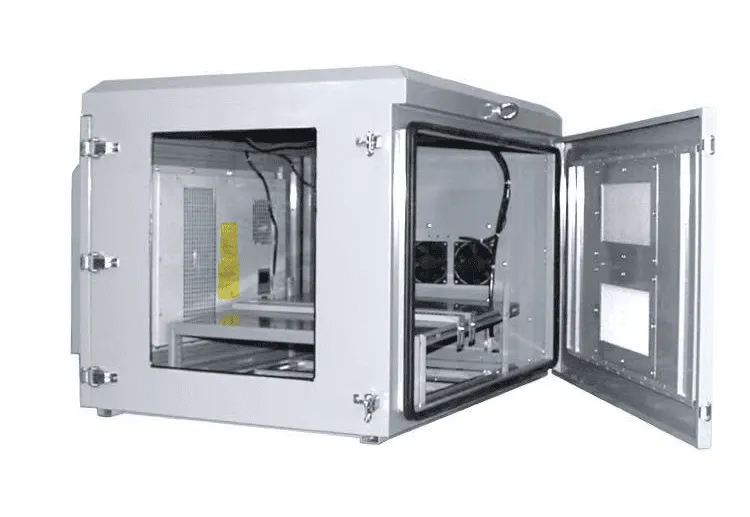
Practical Benefits for Outdoor Projector Enclosures
In outdoor installations, projector enclosures face solar heat, cold weather, humidity, dust, airflow resistance, and changing projector loads. A properly located outdoor projector enclosure temperature sensor helps the system respond to these conditions with more confidence.
The most important benefit is not simply displaying a temperature number. The real value is knowing whether the measurement represents the thermal zone that matters.
Key benefits include:
- Projector intake verification: Confirms whether suitable cooling air is reaching the projector’s intake area.
- Cooling-system control: Helps air conditioners, fans, or ventilation systems operate based on meaningful enclosure conditions.
- Overheating protection: Supports alarms or shutdown logic when the monitored zone becomes unsuitable for the equipment.
- Hot-spot detection: Identifies heat accumulation near exhaust zones, upper cabinet areas, or crowded equipment spaces.
- Multi-projector balancing: Helps reveal whether one projector receives warmer intake air than another.
- Heating control: Prevents poor heater feedback caused by placing the sensor too close to the heater.
- Condensation prevention: Supports humidity and dew-point strategies when combined temperature/humidity sensors are used.
The most important temperature is not always the average cabinet temperature. In many projector enclosure thermal management projects, the critical question is: what temperature air is the projector actually breathing?
ShiRui Pro Tip: If a controller display says the cabinet is “normal,” I still verify the projector intake zone during testing. A good-looking cabinet reading does not always mean the projector is receiving good cooling air.
How to maintain a projector enclosure temperature sensor?
Maintaining a projector enclosure temperature sensor means keeping it securely mounted, clean, accessible, correctly wired, and thermally representative. The sensor should not move into cold airflow, hot exhaust, wall contact, or dead-air corners, because even small position changes can produce misleading control or monitoring data.
Inspection and Service Practices
A temperature sensor is a small component, but its position can affect the whole enclosure control strategy. During maintenance, technicians should confirm both sensor condition and sensor location.
A loose probe can shift from a representative air zone into an AC supply stream, against a sun-heated wall, near a heater, or into projector exhaust. That can change the reading without any actual change in system performance.
Recommended maintenance checks include:
- Verify mechanical mounting. Confirm the sensor is fixed in the intended location and has not fallen, rotated, or been pulled by wiring.
- Inspect wiring route. Make sure wiring does not block airflow, cross the projected light path, interfere with doors, or obstruct projector service access.
- Check for airflow obstruction. The sensor should measure air near the target zone without blocking projector intake openings, filters, or required clearances.
- Confirm distance from local disturbances. Avoid accidental contact with cabinet walls, heaters, power supplies, AC discharge air, or projector exhaust unless that point is intentionally monitored.
- Review data trends. Sudden reading changes may indicate a moved sensor, failed fan, clogged filter, changed airflow path, or degraded cooling performance.
- Test with the enclosure assembled. Doors, filters, projector heat, and internal panels should match normal operating conditions during final verification.
- Maintain serviceability. The sensor should remain accessible for inspection, replacement, calibration, or troubleshooting.
For critical outdoor projector enclosure temperature monitoring, data logging can be useful because it shows how sensor readings change during cooling cycles, heating cycles, and changing outdoor conditions.
ShiRui Pro Tip: During service, I do not only ask whether the sensor is working. I ask whether it is still measuring the same thermal zone we designed it to measure.
What is the price of projector enclosure temperature sensor?
The price of a projector enclosure temperature sensor depends on the sensor type, controller compatibility, accuracy class, environmental protection, wiring length, communication method, and whether it is used for simple monitoring, active temperature control, alarms, humidity measurement, or custom thermal-management integration. It should be evaluated as part of the whole enclosure system.
Factors That Influence Sensor Cost
A projector enclosure temperature sensor is rarely selected only by unit price. In a professional temperature controlled projector enclosure, the sensor must match the control system, operating environment, installation method, and service expectations.
A basic temperature probe for monitoring may be simpler than a combined temperature/humidity sensor used for condensation control. A sensor connected to an industrial controller may differ from one used for local display or remote monitoring. Outdoor installations may also require better protection against moisture, vibration, wiring damage, and long-term exposure.
Based on our internal data and market analysis, here is the breakdown:
| Buying Factor | Why It Matters |
|---|---|
| Sensor Function | Control, monitoring, alarm, diagnostics, and condensation prevention may require different sensor types |
| Controller Compatibility | The sensor signal must match the thermostat, PLC, monitoring unit, or enclosure controller |
| Environmental Protection | Outdoor enclosures may require protection from humidity, dust, and vibration |
| Sensor Placement Needs | Intake, return-air, exhaust, surface, or humidity zones may require different mounting methods |
| Wiring and Routing | Longer or protected wiring can affect installation complexity |
| Serviceability | Accessible sensors reduce maintenance time and troubleshooting effort |
| System Integration | Custom cooling, heating, and alarm logic may require more advanced sensing architecture |
For ShiRui custom enclosure projects, sensor selection and placement are normally reviewed together with the projector model, airflow direction, cabinet size, cooling architecture, and control strategy.
ShiRui Pro Tip: I recommend judging sensor cost by the risk it helps prevent. A poorly placed low-cost sensor can cause expensive thermal problems, while a correctly selected sensor can make the entire enclosure control system more reliable.
Key Features & Comparison
A well-designed projector enclosure temperature control system may use different sensor positions for different purposes. The best configuration depends on projector model, airflow direction, cooling architecture, cabinet size, projector quantity, internal equipment layout, and operating environment.
Based on our internal data and market analysis, here is the breakdown:
| Sensor Position | Best Used For | Advantages | Main Limitation |
|---|---|---|---|
| Near Projector Intake | Projector protection and thermal verification | Measures the air entering the projector | Must not obstruct intake airflow or filters |
| Near Projector Exhaust | Diagnostic monitoring and heat-removal checks | Helps detect hot-air accumulation and recirculation risk | Exhaust temperature is not the same as intake temperature |
| Cabinet Center | General reference measurement | Easy to install and understand | May not represent projector intake or hot zones |
| Representative Cabinet Air Zone | Climate-control feedback | More stable than local hot/cold spots | Requires airflow knowledge to select correctly |
| AC Return Area | Cooling-system feedback | Measures air after it passes through equipment zone | Must represent real return air, not a dead pocket |
| AC Supply Area | AC performance diagnostics | Confirms cold-air delivery behavior | Can read artificially low if used as main control sensor |
| Upper Cabinet | Heat stratification detection | Identifies warm-air accumulation | May overstate conditions at projector intake |
| Bottom Cabinet | Lower-zone monitoring | Useful where lower airflow is important | May underestimate equipment-zone temperature |
| Heater-Affected Zone | Heating diagnostics only | Shows local heating behavior | Poor choice for main control if too close to heater |
| Temperature/Humidity Zone | Condensation and dew-point monitoring | Supports humidity alarms and heater logic | Must avoid local AC or heater distortion |
| Optical Window Surface/Area | Condensation-specific protection | Useful for window fogging risk | Not a substitute for projector intake measurement |
| Electrical Compartment | Power/control component monitoring | Detects heat from supplies, relays, and controllers | May not represent projector compartment |
The main engineering distinction is between a control sensor and a monitoring sensor. A control sensor actively influences cooling or heating operation. A monitoring sensor may be used for data logging, alarms, troubleshooting, or performance verification.
One sensor can sometimes perform both roles, but it should not be assumed. For example, an exhaust sensor may be valuable for diagnostics, while an intake-zone sensor may be more meaningful for projector protection.
Cost & Buying Factors
The cost of a projector enclosure temperature monitoring system is influenced less by the sensor alone and more by the total control architecture. A single basic sensor may be suitable for simple cabinet monitoring, while a custom outdoor projector enclosure may require separate sensing for intake air, return air, exhaust diagnostics, humidity, electrical compartments, or condensation-sensitive surfaces.
Before selecting sensor locations or components, collect the following information:
- Projector brand and exact model
- Projector quantity
- Air-intake locations
- Exhaust locations
- Manufacturer-required clearances
- Cooling method
- Air-conditioner supply location
- Air-conditioner return location
- Heater location
- Cabinet layout
- Electrical compartment layout
- Operating environment
- Humidity-control requirements
- Alarm and data-logging requirements
- Required temperature-control functions
A practical engineering workflow is:
- Confirm the exact projector model.
- Review the projector manufacturer’s airflow documentation.
- Identify intake and exhaust locations.
- Review the enclosure cooling architecture.
- Identify AC supply, AC return, heater, and fan locations.
- Identify representative equipment zones.
- Select the control-sensor location.
- Select monitoring or diagnostic sensor locations.
- Install sensors without blocking airflow.
- Test with the enclosure assembled, doors closed, filters installed, and the projector or representative heat load operating.
- Compare temperature readings from candidate locations.
- Adjust sensor positions if required.
- Finalize control logic only after thermal verification.
Common placement mistakes include installing the only sensor directly in AC cold-air discharge, placing the sensor against a sun-heated cabinet wall, relying only on cabinet-center temperature, ignoring projector intake temperature, placing the sensor near a heater, leaving sensors loose, or failing to test the final configuration.
Conclusion
There is no universal best position for every projector enclosure temperature sensor. The correct location depends on what the sensor is intended to measure and how the enclosure controls heat, cooling, humidity, and alarms.
For projector protection, representative projector intake-air temperature is often more useful than an arbitrary average cabinet temperature. For cabinet climate control, a representative internal-air or return-air location may be more appropriate. For diagnostics, exhaust or hot-zone sensors can help identify heat accumulation. For condensation control, temperature and humidity sensing should represent the relevant internal air or critical surface condition.
Avoid placing the main control sensor directly in cold AC discharge air, heater airflow, projector exhaust, dead-air corners, or against exterior cabinet walls unless that area is intentionally being measured.
As a professional outdoor projector enclosure and custom thermal-management enclosure manufacturer, ShiRui recommends defining the measurement objective first, reviewing the projector airflow, mapping the internal thermal zones, and verifying the final sensor position under real operating conditions.