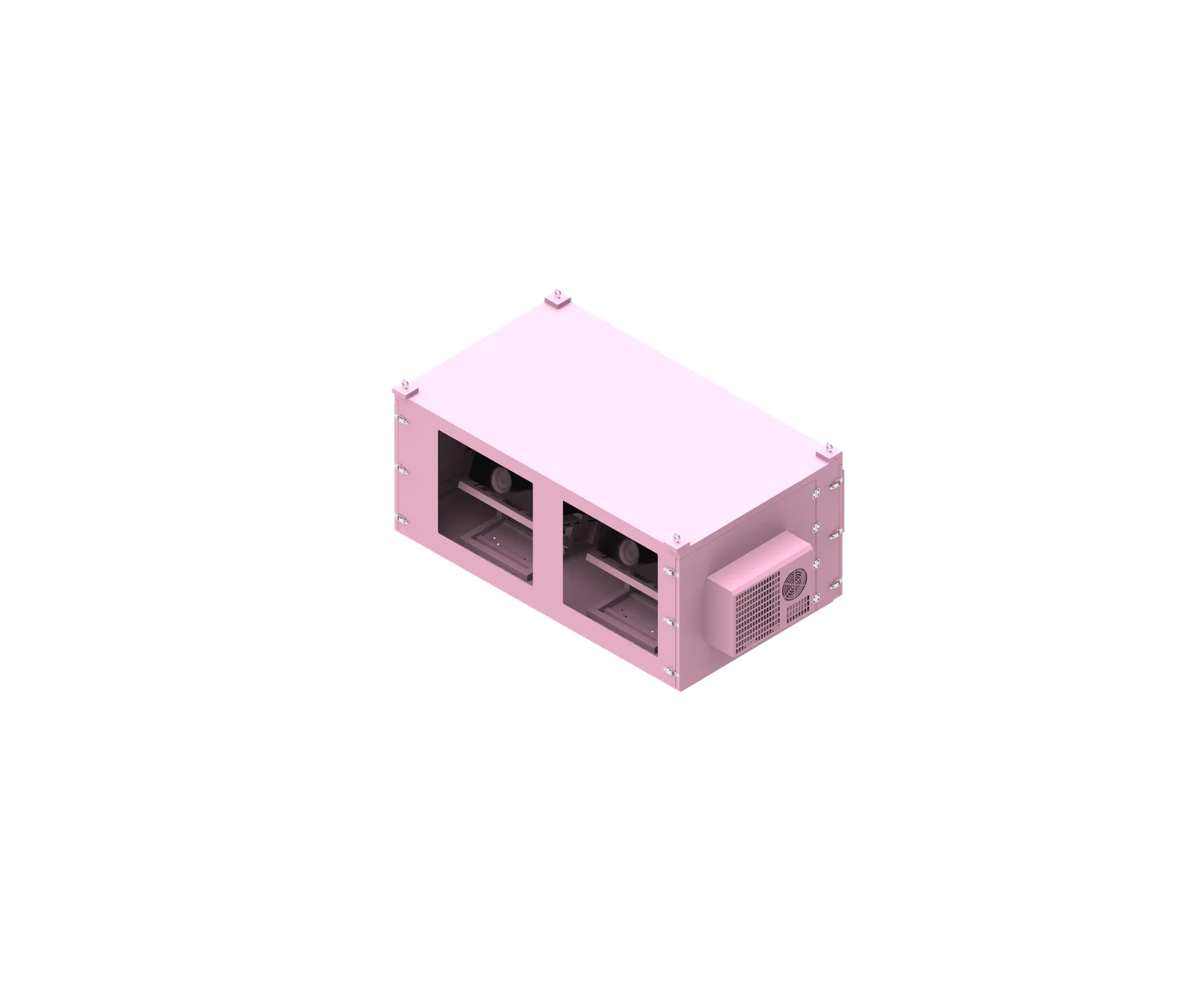
Choose an outdoor network cabinet in this order: equipment list, size and load capacity, heat load and cooling, protection and materials, then installation and maintenance access. This approach prevents common mistakes, such as buying a weatherproof network cabinet that fits the rack units but not the cable bend radius, thermal load, mounting method, or service path required by the actual outdoor site.
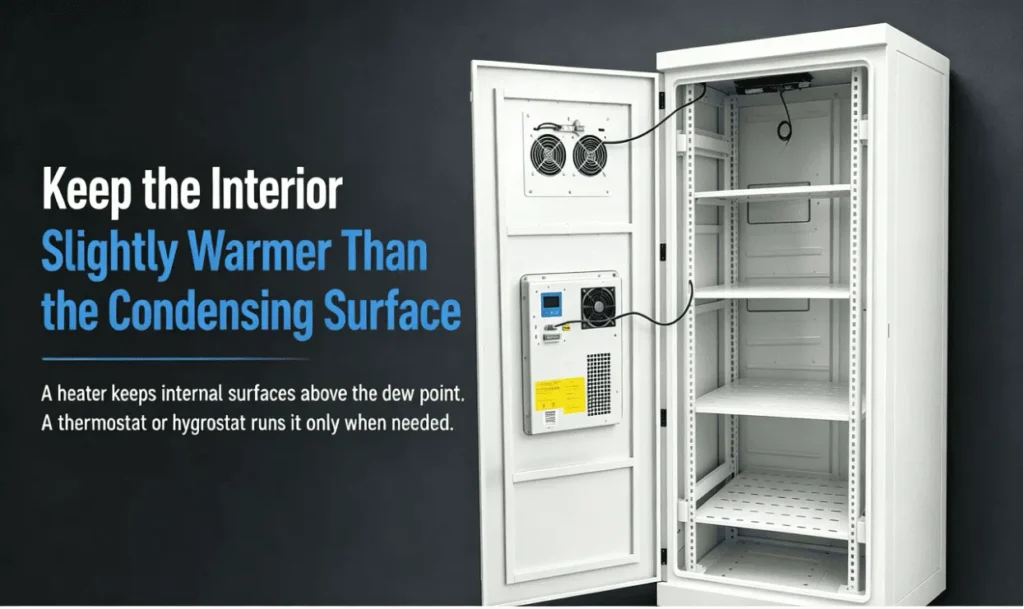
What is outdoor network cabinet?
An outdoor network cabinet is a protected enclosure designed to house network switches, routers, fiber distribution units, power components, and related accessories in outdoor or semi-outdoor environments. Unlike indoor racks, it must address weather exposure, temperature variation, cable entry, corrosion risk, mounting strength, and service access.
Practical Definition and Typical Applications
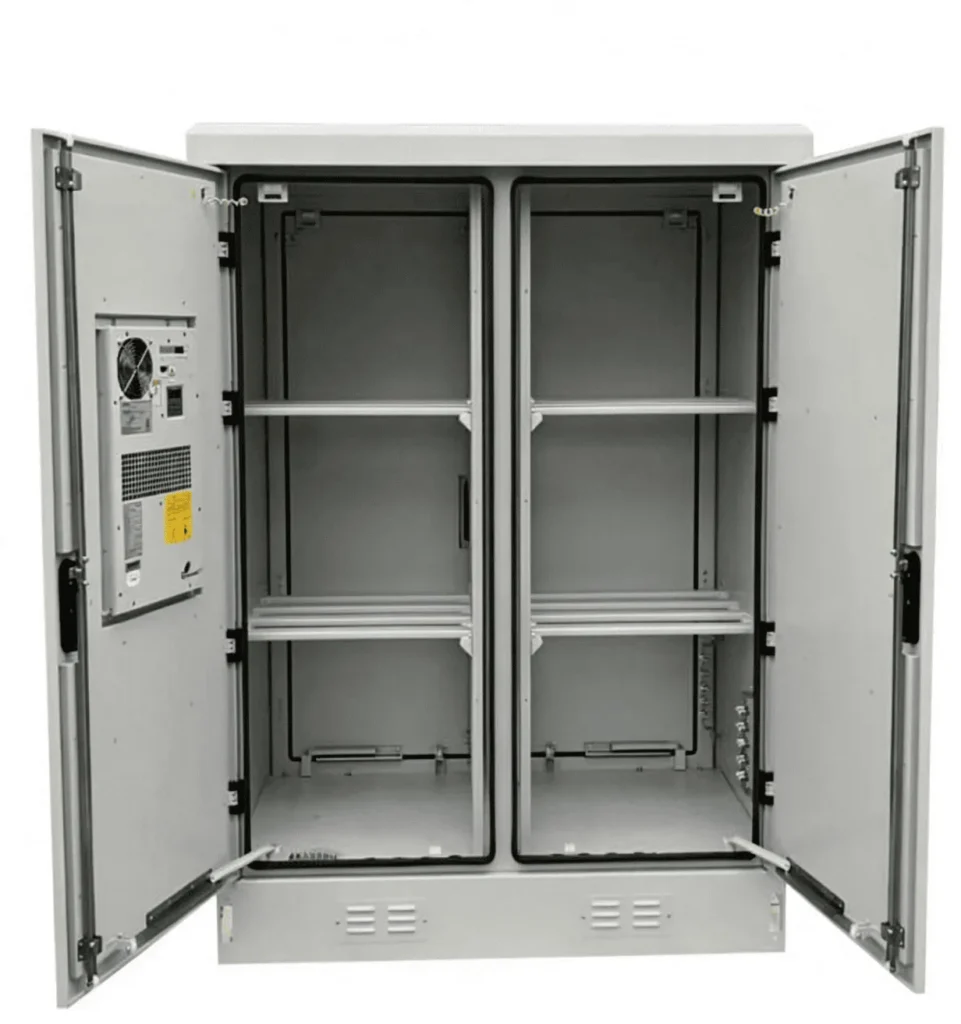
An outdoor network cabinet, also called an outdoor network enclosure, weatherproof network cabinet, or outdoor rack cabinet, is used when network equipment must operate outside a clean indoor equipment room. It may support 19 inch rack-mounted devices, DIN-rail devices, tray-mounted equipment, fiber management hardware, power distribution, surge protection, and monitoring accessories.
The key point is that an outdoor network cabinet is not a generic box. It must be selected around the actual equipment and installation environment. A cabinet for a small outdoor switch node may be very different from one for a fiber aggregation point, PoE surveillance network, industrial campus gateway, or telecom access installation.
Based on our internal data and market analysis, here is the breakdown:
| Item | What It Means | Why It Matters |
|---|---|---|
| 19 inch outdoor cabinet | Uses standard rack mounting rails for compatible equipment | Suitable for switches, routers, patch panels, and rack PDUs |
| Outdoor network enclosure | Broader term for cabinets with rack, tray, DIN rail, or mixed layouts | Important when not all devices are rack-mounted |
| Weatherproof network cabinet | Cabinet designed to resist rain, dust, and outdoor exposure | Must still be checked as a complete assembly, not by one component alone |
| Custom outdoor network cabinet | Cabinet configured around equipment, cooling, entry, mounting, and site constraints | Useful when standard layouts do not match the project |
SuiRui Pro Tip: I always start by separating rack-mounted equipment, DIN-rail components, and tray-mounted devices before discussing cabinet dimensions. Many sizing problems happen because the buyer only counts rack units and forgets power modules, fiber slack, adapters, or cable routing space.
How Does outdoor network cabinet Work?
An outdoor network cabinet works by creating a controlled physical environment around sensitive network equipment. It supports equipment mechanically, manages cable entry and routing, limits dust and water intrusion, helps control temperature, and provides access for installation and maintenance while remaining suitable for the selected outdoor mounting condition.
Functional Layers Inside the Cabinet
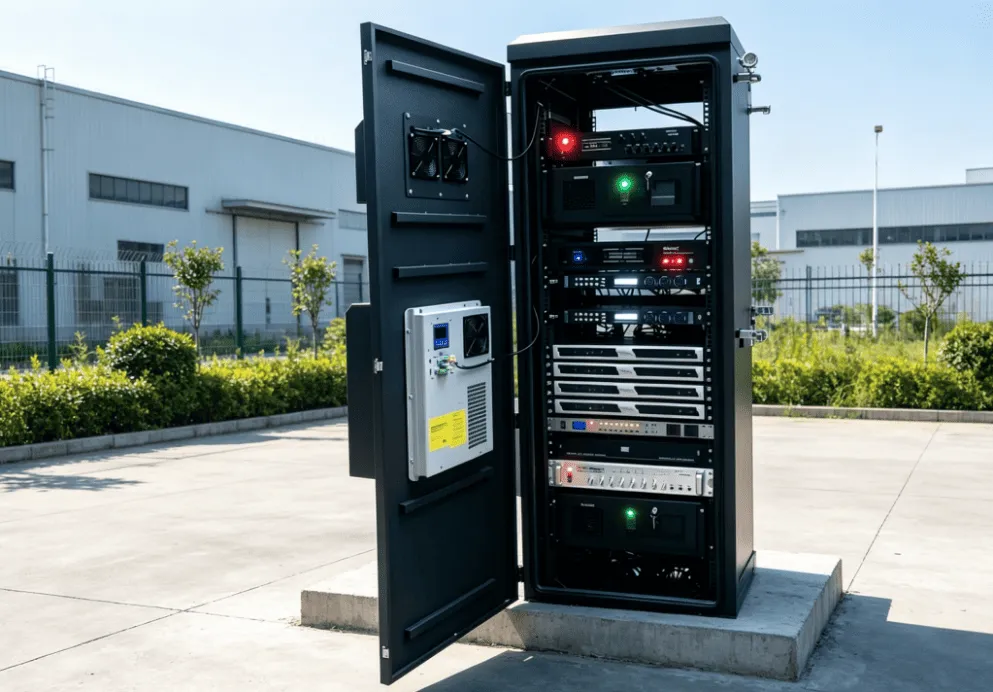
A well-selected outdoor network cabinet performs several functions at the same time. The cabinet body provides physical protection. Mounting rails, trays, or DIN rails hold the devices. Cable glands, sealed entries, and fiber management accessories help maintain the enclosure boundary. Cooling components manage heat. Door seals, drainage details, grounding provisions, and mounting brackets help the cabinet survive real outdoor conditions.
For network applications, airflow and cable routing are especially important. Switches, routers, and PoE equipment often have specific air intake and exhaust directions. Fiber jumpers need controlled bend radius. Copper cables require strain relief. Power and signal cables may need separation depending on the project design.
A typical selection workflow looks like this:
- List every device by brand, model, quantity, size, weight, heat dissipation data, and mounting method.
- Confirm whether each item is 19 inch rack-mounted, DIN-rail-mounted, wall-mounted, or tray-mounted.
- Check internal usable height, width, depth, and front-to-rear rail distance.
- Verify cable bend radius, connector clearance, airflow path, and equipment removal path.
- Calculate or confirm actual cabinet heat load from equipment data.
- Choose cooling based on heat load, ambient temperature, solar exposure, cabinet structure, and equipment temperature limits.
- Match IP, NEMA, UL Type, material, coating, and corrosion protection to the site requirements.
- Confirm floor, wall, or pole mounting conditions with the loaded cabinet weight and service access included.
SuiRui Pro Tip: I do not treat the cabinet as separate from the devices inside it. The cabinet, cooling system, cable entries, mounting bracket, and internal layout must be reviewed together, because changing one of them can affect protection, temperature, or serviceability.
What are the benefits of outdoor network cabinet?
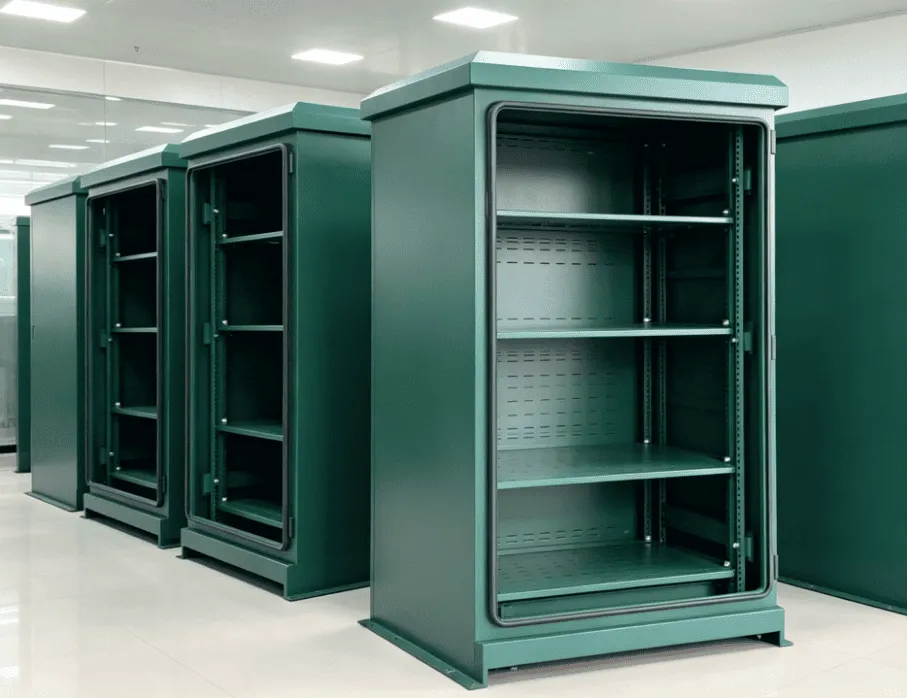
The main benefits of an outdoor network cabinet are equipment protection, organized installation, safer cable management, improved service access, and more reliable operation in exposed locations. It allows network infrastructure to be placed closer to cameras, access points, fiber nodes, industrial devices, or remote buildings without relying on indoor space.
Operational Advantages for Outdoor Network Projects
Outdoor cabinets help network engineers and system integrators deploy infrastructure where it is needed. For example, a campus security system may require PoE switches near camera clusters. A factory yard may need fiber termination near outdoor production areas. A smart park may require distributed network nodes for Wi-Fi, sensors, access control, and surveillance.
The cabinet provides a defined structure for the system. Instead of mounting devices in random boxes, the project team can arrange equipment, power, grounding, cooling, fiber, and maintenance space in one planned enclosure. This improves installation quality and makes future troubleshooting easier.
Key benefits include:
- Environmental protection: Reduces exposure to rain, dust, wind-driven particles, sunlight, and accidental contact.
- Mechanical support: Holds switches, routers, patch panels, power components, and accessories securely.
- Cable organization: Provides planned cable entry, bending space, fiber routing, and strain relief.
- Thermal management: Supports passive ventilation, filtered ventilation, heat exchangers, or air conditioning when required.
- Deployment flexibility: Enables wall-mounted, pole-mounted, or floor-standing installation depending on site structure.
- Maintenance control: Allows technicians to inspect filters, seals, cooling units, cable entries, and equipment without dismantling the whole site.
- Configuration consistency: Helps repeat similar outdoor network nodes across campuses, industrial parks, transportation facilities, or public infrastructure projects.
SuiRui Pro Tip: I recommend evaluating benefits in project terms, not only product terms. A cabinet that reduces installation mistakes, improves maintenance access, and protects cable routing can be more valuable than a lower-cost empty enclosure.
How to maintain a outdoor network cabinet?
Maintain an outdoor network cabinet by inspecting seals, cable entries, filters, cooling components, drainage paths, grounding connections, corrosion signs, and internal cable organization. Maintenance frequency should be based on the site environment, cabinet configuration, equipment manuals, and actual operating conditions rather than a universal fixed schedule.
Maintenance Points That Affect Reliability
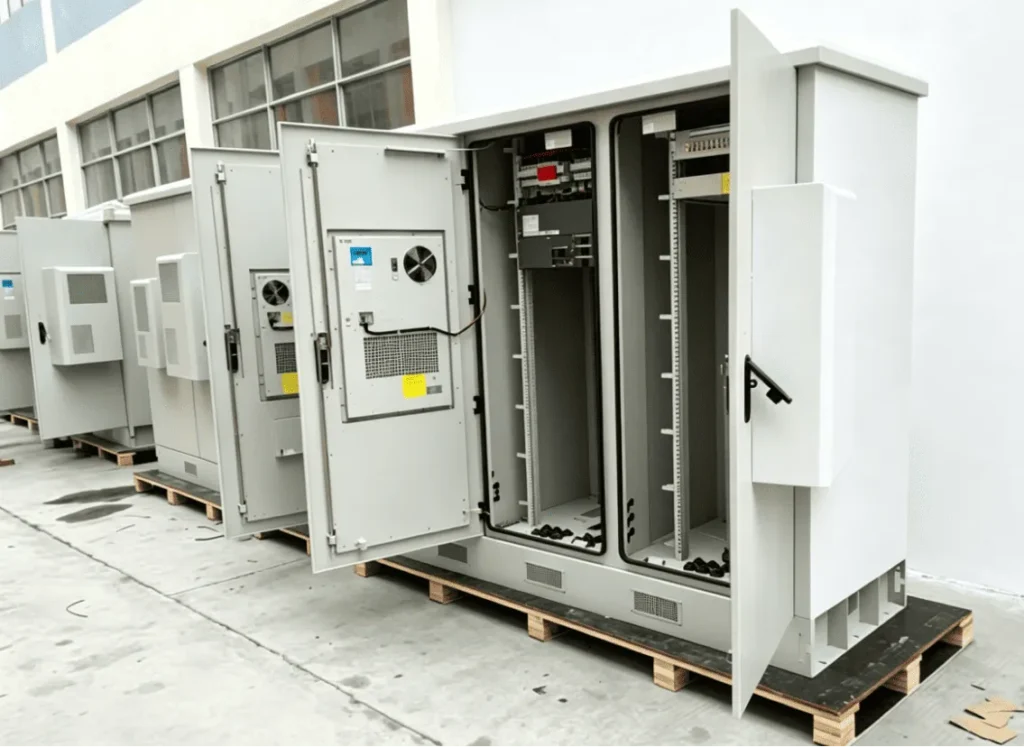
Outdoor cabinet maintenance is not only about cleaning the outside surface. The most important inspections are the points where protection can fail: door gaskets, unused holes, cable glands, ventilation parts, cooling units, and accessories installed after delivery. Even a high-quality outdoor network enclosure can lose performance if a cable entry is poorly sealed or a filter becomes blocked.
Thermal systems also need attention. Filtered fans require filter inspection and replacement according to dust exposure and manufacturer guidance. Air-to-air heat exchangers need clear external airflow. Air conditioned outdoor cabinet systems require inspection of condenser airflow, drainage, operating status, alarms, and service conditions.
A practical maintenance checklist includes:
- Inspect door seals for compression, cracking, dirt, or displacement.
- Check cable glands and entry plates for looseness, aging, or unsealed spare holes.
- Clean or replace air filters according to site dust conditions and product instructions.
- Confirm fans, heat exchangers, or air conditioners are operating normally.
- Verify that cooling equipment has enough external ventilation space.
- Check for condensation marks, water tracks, or unexpected moisture inside the cabinet.
- Inspect grounding and bonding connections where visible and accessible.
- Review cable routing for strain, sharp bends, blocked airflow, or loose labeling.
- Check for corrosion, coating damage, or mechanical impact.
- Confirm that maintenance access remains clear after nearby construction or site changes.
SuiRui Pro Tip: I like to leave inspection space around filters, door seals, and cooling parts during the design stage. If a technician cannot easily access these parts, routine maintenance will be skipped or done poorly.
What is the price of outdoor network cabinet?
The price of an outdoor network cabinet depends on size, material, protection level, cooling method, mounting type, internal accessories, power distribution, cable entry design, monitoring options, documentation, and customization. Comparing only the empty cabinet price can be misleading because the complete usable configuration determines the real project cost.
What Actually Drives Cost
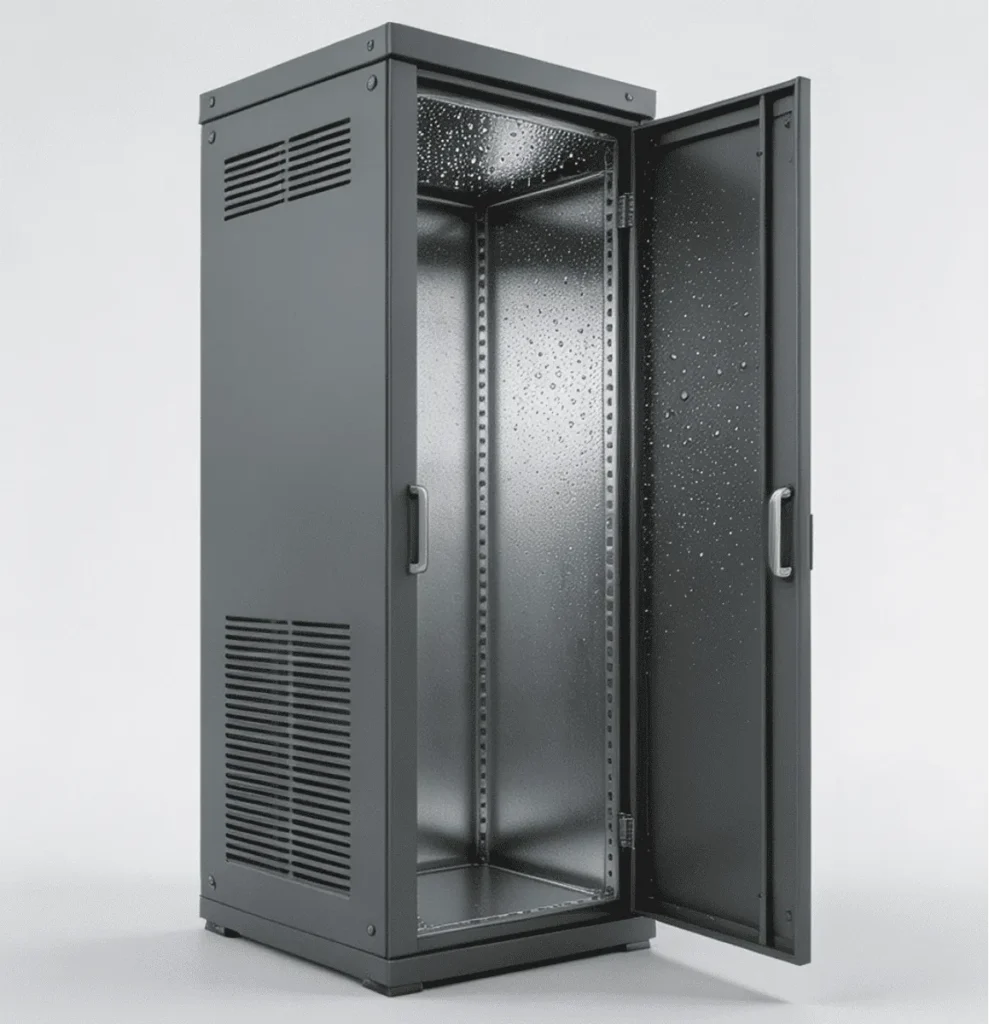
Outdoor network cabinet pricing varies because projects vary. A simple wall-mounted enclosure for a small switch has different cost drivers than a pole-mounted outdoor rack cabinet with cooling, fiber management, power distribution, surge protection, and custom cable entries. Without confirmed drawings, configuration sheets, and testing documents, it is not responsible to claim fixed SuiRui dimensions, load ratings, IP ratings, cooling capacity, certifications, or prices.
When comparing quotations, confirm whether each offer includes the same configuration scope. A lower cabinet price may exclude mounting rails, trays, cooling, power components, glands, brackets, sensors, or documentation that the project still requires.
Based on our internal data and market analysis, here is the breakdown:
| Cost Factor | Why It Changes Price | What to Confirm Before Ordering |
|---|---|---|
| Cabinet size | Larger cabinets use more material and may need stronger structure | Internal usable dimensions, not only external size |
| Material and finish | Coated steel, stainless steel, and special coatings differ in cost and suitability | Site corrosion risk and product material data |
| Cooling system | Fans, heat exchangers, and air conditioners have different costs and maintenance needs | Heat load, ambient temperature, solar exposure, and operating range |
| Protection configuration | Door seals, glands, vents, and openings affect the complete assembly | Applicable IP, NEMA, or UL Type information for the complete configuration |
| Mounting method | Floor, wall, and pole installations need different brackets and structural checks | Loaded weight, support structure, anchoring, and access |
| Internal accessories | Rails, trays, PDUs, fiber guides, and monitoring change the usable system | Included items versus optional items |
| Documentation | Project submittals may require drawings, test data, manuals, or compliance documents | Which documents are available for the selected model and configuration |
SuiRui Pro Tip: I advise buyers to request a complete configuration comparison, not just a cabinet quotation. Ask what is included, what is optional, and what still needs confirmation before the price is used for procurement approval.
Key Features & Comparison
The key features to compare are equipment fit, internal usable space, load capacity, cooling suitability, protection rating, material, cable entry, mounting method, and maintenance access. The best outdoor network cabinet is the one that matches the verified equipment list and site conditions, not simply the largest or highest-rated enclosure.
Selection Checklist for Engineering Review
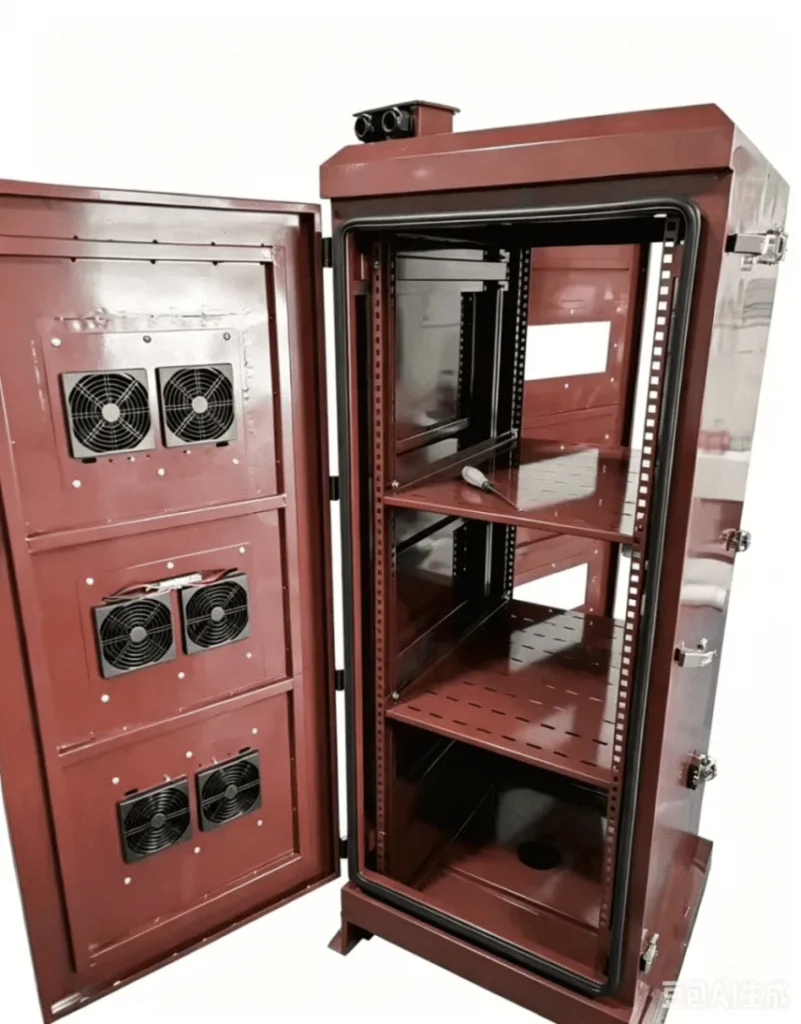
A structured checklist helps avoid incomplete procurement specifications. It also allows network engineers, system integrators, and purchasing teams to compare SuiRui and other cabinet options on the same basis. The checklist below should be completed using equipment datasheets, site information, cabinet drawings, installation requirements, and confirmed product documents.
Based on our internal data and market analysis, here is the breakdown:
| Selection Factor | Information Needed | What to Verify | Supporting Document |
|---|---|---|---|
| Equipment compatibility | Brand, model, quantity, dimensions, mounting method | Rack, DIN rail, tray, or mixed layout requirements | Equipment datasheets and layout drawing |
| Internal dimensions | Usable height, width, depth, rail spacing | Connector clearance, cable bend radius, device removal path | Cabinet drawing and equipment layout |
| Load capacity | Device weight, UPS or battery weight if included, accessory weight | Cabinet, rails, trays, brackets, and mounting structure under actual installation method | Cabinet mechanical data and project structural review |
| Heat load | Actual device heat dissipation, operating mode, simultaneous load | Do not rely only on cabinet size, device count, or power nameplate | Manufacturer thermal data and engineering calculation |
| Cooling method | Ambient temperature, solar exposure, equipment temperature limits | Natural ventilation, filtered ventilation, heat exchanger, or air conditioning suitability | Cooling calculation and product cooling data |
| Protection rating | Rain, dust, washdown, corrosion, wind-driven exposure | IP, NEMA, or UL Type requirements for the complete configuration | Applicable test report or manufacturer declaration |
| Material selection | Coastal, industrial, urban, or sheltered outdoor environment | Coating steel, stainless steel, or other material suitability | Material specification and coating data |
| Installation method | Floor, wall, pole, or structure-mounted condition | Loaded weight, support structure, door swing, service path, airflow clearance | Site drawing and installation design |
| Cable entry | Bottom, side, rear, or custom entry direction | Gland sealing, unused holes, cable separation, strain relief | Cable schedule and cabinet entry drawing |
| Maintenance access | Filters, cooling unit, seals, terminals, cable labels | Technician reach, clearance, replacement path, inspection visibility | Operation manual and maintenance plan |
SuiRui Pro Tip: I use this checklist before finalizing a custom outdoor network cabinet. If one row cannot be answered, the project may still be too early for a final cabinet selection.
Cost & Buying Factors
When buying an outdoor network cabinet, compare the complete working system: cabinet body, mounting rails, trays, cooling, power distribution, cable entries, brackets, monitoring, documentation, and installation requirements. A technically suitable cabinet should be evaluated by lifecycle cost, maintainability, and risk reduction, not by purchase price alone.
Buying Process and Assumption Example
The buying process should begin with verified project inputs. This is especially important when learning how to choose an outdoor network cabinet for distributed network infrastructure, because equipment, exposure, and service conditions may vary from site to site.
Assumption Example — for method explanation only, not a SuiRui customer project:
- Equipment list: The project team lists the network switch, router, fiber patch panel, power supply, surge protection device, and any monitoring accessories. Each item is checked for size, weight, mounting method, airflow direction, and heat dissipation data.
- Space verification: The team confirms required rack units, tray space, DIN rail space, connector clearance, cable bend radius, fiber slack storage, and future expansion needs. The external cabinet depth alone is not treated as proof of compatibility.
- Heat load review: The team reviews actual device heat loss, operating mode, ambient design temperature, direct sunlight exposure, and equipment temperature limits. For PoE switches, the team separates power delivered to outside devices from heat generated inside the cabinet.
- Cooling evaluation: Natural heat dissipation, filtered ventilation, air-to-air heat exchange, and cabinet air conditioning are compared. Ventilation and heat exchangers are not assumed to cool below outdoor ambient temperature. Air conditioning is checked by real operating conditions, not only nominal cooling power.
- Protection and installation check: The team reviews IP or other required ratings, material suitability, cable entries, unused openings, door seals, installation structure, door swing, service access, grounding, bonding, and surge protection requirements.
Key buying factors include:
- Do not assume all outdoor cabinets use the same internal structure.
- Do not apply floor-standing load ratings to wall-mounted or pole-mounted installations.
- Do not assume an IP rating alone covers corrosion, condensation, solar radiation, or long-term immersion.
- Do not automatically treat IP65, NEMA 4X, and UL Type ratings as interchangeable.
- Do not claim a material will never rust; evaluate corrosion risk using actual product data and site conditions.
- Do not use projection enclosure, battery cabinet, or outdoor data center test data as proof for a different outdoor network cabinet model.
- Do not include unconfirmed functions as standard SuiRui configuration; mark them as options requiring confirmation.
SuiRui Pro Tip: Before placing an order, I ask for the equipment list, site photos or drawings, cable entry direction, installation method, environmental conditions, and any required compliance documents. These inputs usually reveal whether a standard or custom outdoor network cabinet is appropriate.
Conclusion
Choosing an outdoor network cabinet is an engineering decision based on equipment, space, load, heat, protection, installation, and maintenance. The safest approach is to verify actual project conditions, compare complete configurations, and avoid assumptions about cooling, ratings, materials, or mounting capacity without supporting documentation.
Final Guidance and FAQ
A reliable outdoor network cabinet specification should be built from verified information. Start with the device list, then confirm size, carrying capacity, cooling, protection, material, cable entry, installation method, and service access. If the project includes UPS units or batteries, check weight, temperature, ventilation, and safety requirements separately; do not assume a standard network cabinet is suitable for every battery configuration.
For SuiRui project consultation, prepare the following information before requesting a configuration review:
- Equipment brands, models, quantities, dimensions, weights, and mounting methods.
- Required rack units, tray space, DIN rail space, and cable management requirements.
- Site location, ambient temperature, sunlight exposure, rain and dust exposure, and corrosion risk.
- Cooling expectations and available equipment heat dissipation data.
- Required IP, NEMA, UL Type, or other project documentation.
- Floor, wall, or pole mounting conditions and available installation space.
- Power supply, grounding, bonding, surge protection, and cable entry direction.
- Maintenance access requirements for filters, seals, cooling units, and cable entries.
FAQ
What size outdoor network cabinet do I need?
You need a cabinet sized for the full equipment list, including rack units, internal usable depth, rail position, connector clearance, cable bend radius, airflow path, trays, power components, fiber management, and expansion space. External dimensions alone are not enough.
Does an outdoor network cabinet need air conditioning?
Not always. Cooling should be selected from actual heat load, ambient temperature, solar exposure, enclosure structure, and equipment temperature limits. Natural ventilation, filtered fans, heat exchangers, and air conditioning each have suitable conditions and limitations.
Is an IP rating alone enough for outdoor installation?
No. IP rating addresses dust and water ingress under defined test conditions, but it does not automatically cover corrosion, condensation, sunlight, wind load, cable entry quality, installation errors, or long-term site maintenance. Always evaluate the complete cabinet configuration.
SuiRui Pro Tip: Send us the equipment list and site conditions before finalizing the cabinet. With real dimensions, heat data, installation constraints, and protection requirements, SuiRui can help review whether a standard configuration is suitable or a custom outdoor network cabinet should be considered.