
Verifying airflow inside an outdoor projector enclosure means testing the finished enclosure as a complete thermal system, not simply confirming that fans or an air conditioner turn on. A proper projector enclosure airflow test checks whether cool air reaches the projector intake, hot exhaust leaves effectively, and no recirculation, obstruction, or stagnant hot zone appears under realistic operating conditions.
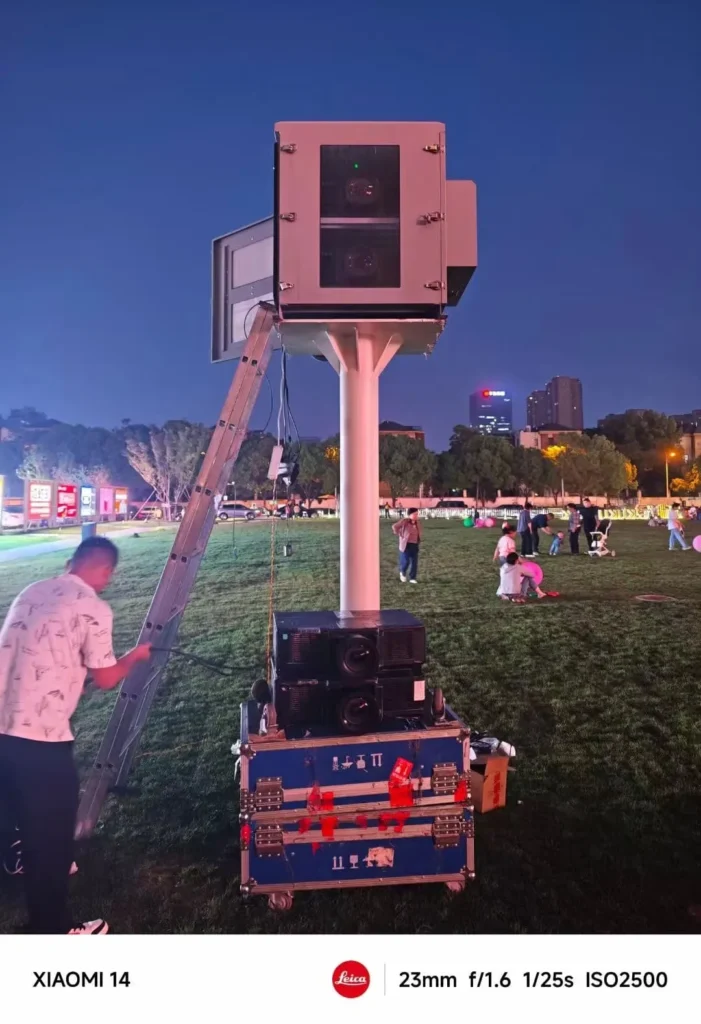
What is projector enclosure airflow test?
A projector enclosure airflow test is a practical verification process used to confirm that the assembled enclosure moves air through the correct thermal path. It checks projector intake air, exhaust removal, hot-air recirculation, filter impact, cable obstruction, and localized hot zones against the projector manufacturer’s requirements and project-specific thermal targets.
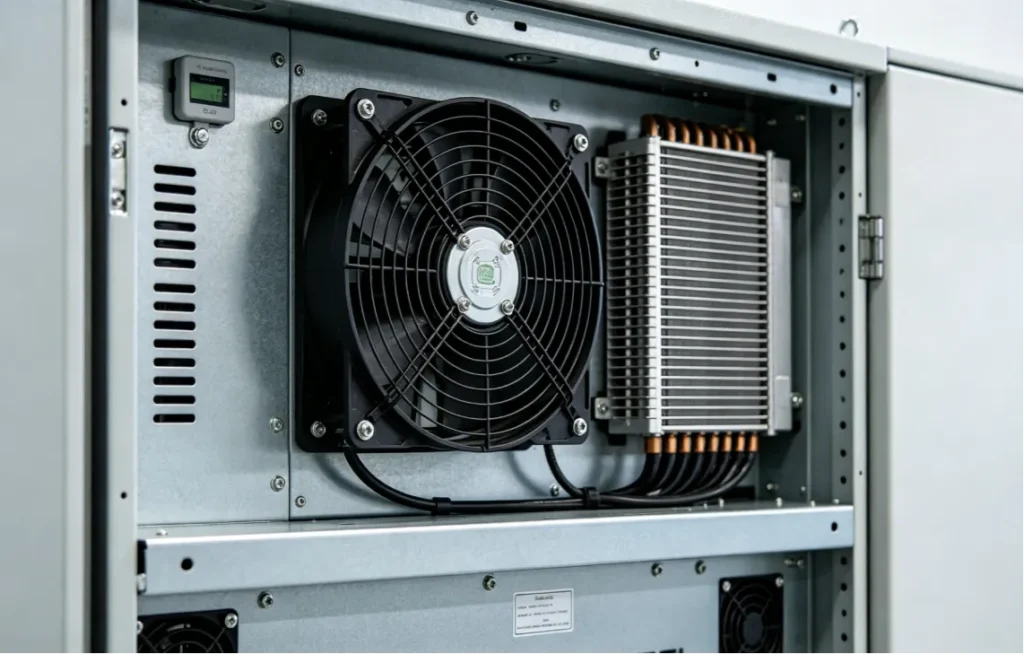
Practical Definition and Verification Scope
A projector enclosure airflow test is not just a fan check. It is an engineering review of how air behaves after the enclosure is fully assembled with the projector, fans, filters, brackets, cables, optical window, electrical components, service doors, and cooling equipment installed.
Testing an empty cabinet can be misleading because the final hardware may block vents, redirect air, create stagnant zones, or cause hot exhaust to recirculate toward the projector intake.
The most important question is simple: does the enclosure support the projector’s original cooling architecture?
Based on our internal data and market analysis, here is the breakdown:
| Test Point | What It Helps Verify |
|---|---|
| Projector intake temperature | Whether the projector receives suitable cooling air |
| Projector exhaust zone | Whether hot air is being removed effectively |
| Cabinet top and bottom | Whether vertical temperature stratification exists |
| Airflow direction | Whether air follows the intended path |
| Fan outlet | Whether fan operation and direction are correct |
| AC supply and return | Whether internal circulation is effective |
| Filters | Whether airflow restriction is present |
| Cable area | Whether cable routing obstructs airflow |
| Thermal imaging | Whether localized hot spots exist |
| Data logging | Whether temperature remains stable over time |
ShiRui Pro Tip: I always treat fan operation as only the first inspection point. The real proof is whether measured intake conditions, exhaust behavior, and temperature mapping show that the projector is receiving fresh cooling air with the enclosure closed.
How Does projector enclosure airflow test Work?
A projector enclosure airflow test works by comparing the intended airflow path with the actual airflow inside the finished enclosure. Engineers review the projector’s intake and exhaust requirements, assemble the real configuration, place sensors carefully, observe airflow direction, check hot zones, and compare results with project-specific acceptance criteria.
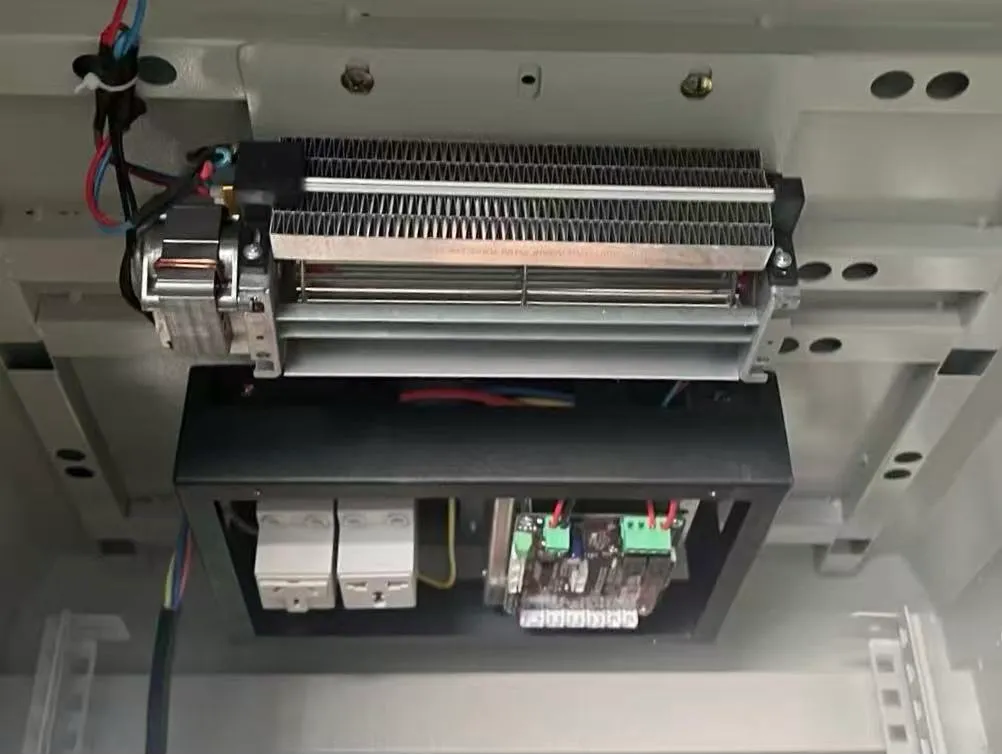
Verification Workflow for Real Enclosure Conditions
The test should begin with the projector manufacturer’s documentation. Identify the intake locations, exhaust locations, ventilation clearance requirements, airflow direction, installation limitations, and operating temperature requirements for the exact projector model.
Then define the intended enclosure airflow path before taking measurements. A typical concept may look like this:
- Cooler air enters the enclosure supply zone.
- Air reaches the projector intake area.
- The projector uses that air for internal cooling.
- Hot exhaust exits the projector.
- Exhaust air moves into the enclosure return or exhaust zone.
- The fan system, heat exchanger, or industrial air conditioner removes heat.
- Sensors and airflow visualization confirm whether this actually happens.
Recommended verification workflow:
- Confirm projector airflow requirements.
- Define the intended enclosure airflow path.
- Assemble the final enclosure configuration.
- Verify fan rotation, AC operation, and control logic.
- Install temperature sensors near relevant zones.
- Check projector intake temperature.
- Check exhaust-zone temperature.
- Visualize airflow direction using safe methods.
- Look for recirculation and airflow short circuits.
- Check filters, cables, brackets, and door effects.
- Monitor temperature trends over time where required.
- Compare findings with project-specific requirements.
- Optimize airflow if needed.
- Re-test after design changes.
- Document the final results.
ShiRui Pro Tip: I recommend sketching the expected airflow path before testing. If the real airflow does not match the drawing, the enclosure may need baffles, ducting, fan repositioning, cable rerouting, or cooling-system changes.
What to look for in an outside projector?
When choosing an outside projector, look for a model whose intake and exhaust layout can be supported by the enclosure design. Brightness, resolution, installation angle, power consumption, operating temperature range, service access, and manufacturer ventilation requirements all affect how the outdoor projector enclosure airflow should be verified.
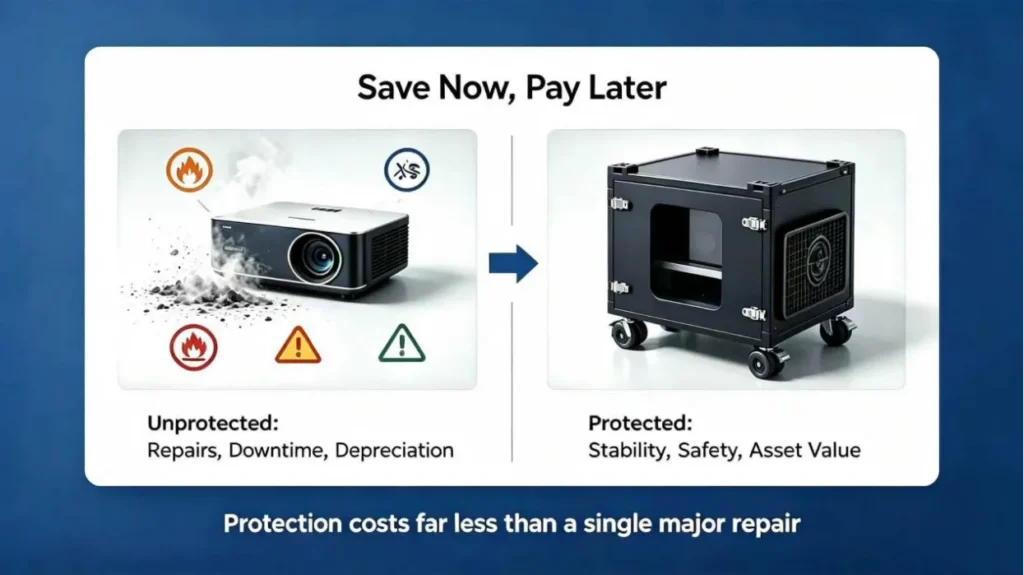
Projector Selection Factors That Affect Enclosure Cooling
The projector itself determines many airflow requirements. A rear-exhaust projector, side-exhaust projector, and multi-intake projector may each need a different enclosure airflow strategy.
Before designing or testing the enclosure, collect the information needed for projector enclosure airflow verification:
- Exact projector model
- Projector quantity
- Projector power consumption
- Air intake locations
- Exhaust locations
- Manufacturer ventilation requirements
- Required installation orientation
- Recommended operating temperature range
- Cooling method planned for the enclosure
- Maximum design ambient temperature
- Outdoor exposure conditions
- Operating schedule
- Filter configuration
- Service access requirements
- Cable routing and mounting position
Based on our internal data and market analysis, here is the breakdown:
| Projector Factor | Why It Matters for Outdoor Enclosure Airflow |
|---|---|
| Intake location | Determines where cool supply air must reach |
| Exhaust location | Determines where hot air must be removed |
| Power consumption | Influences total heat load inside the enclosure |
| Installation orientation | Can affect internal cooling performance |
| Clearance requirements | Helps prevent blocked projector vents |
| Operating environment | Affects cooling demand, dust exposure, and solar heat gain |
| Service access | Impacts cable layout, door design, and airflow obstruction |
| Multi-projector use | Increases risk of exhaust-to-intake recirculation |
ShiRui Pro Tip: I ask customers for the projector datasheet before enclosure design starts. Without the exact intake and exhaust layout, airflow verification becomes guesswork instead of engineering confirmation.
How do I know if my projector lamp is blown?
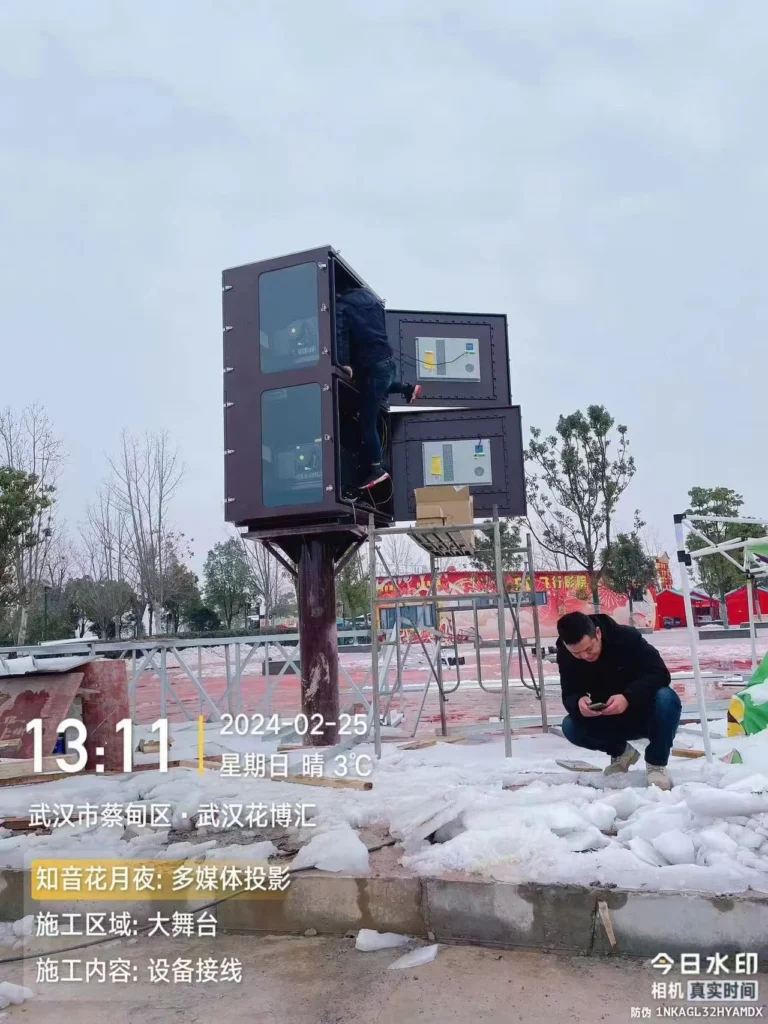
A blown projector lamp may show symptoms such as no image, lamp warning indicators, failure to ignite, dim output, or sudden shutdown. However, outdoor enclosure airflow problems can also cause overheating or thermal shutdown, so lamp diagnosis should be separated from enclosure cooling verification before replacing parts.
Separating Lamp Failure From Thermal Problems
A lamp issue and an airflow issue can look similar during operation. For example, a projector may shut down because the lamp has reached end of life, but it may also shut down because intake air is too warm or hot exhaust is recirculating inside the enclosure.
Before assuming the lamp is blown, check the projector manufacturer’s fault indicators and service manual. Then confirm that the enclosure is not causing abnormal thermal conditions around the projector.
Useful diagnostic checks include:
- Review the projector’s lamp warning indicator or error code.
- Confirm whether the projector powers on normally.
- Check whether the lamp attempts to ignite.
- Inspect the image for severe dimming or flickering.
- Review lamp operating hours if available.
- Check the projector intake temperature during operation.
- Confirm that exhaust air is not returning to the intake.
- Inspect filters, vents, and cable obstructions.
- Verify fan direction and cooling-system operation.
- Compare findings with the projector manufacturer’s service guidance.
Do not use enclosure temperature alone to diagnose the projector. The projector intake zone is often more important than a single average cabinet temperature.
ShiRui Pro Tip: When a customer reports repeated lamp or shutdown issues in an enclosure, I first check intake air and exhaust recirculation. Replacing a lamp will not solve a cooling path problem.
How many lumens should a good outdoor projector have?
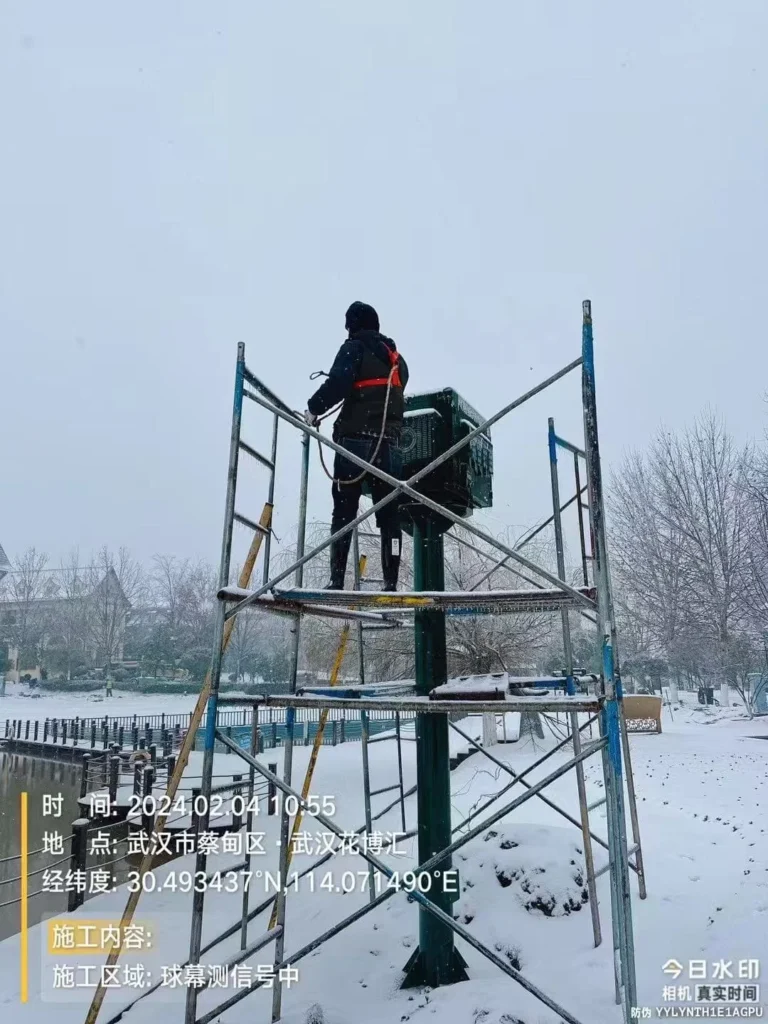
A good outdoor projector needs enough brightness for the screen size, ambient light, projection distance, content type, and viewer expectations. Lumens are important, but higher-brightness projectors often create more heat, so the outdoor projector enclosure thermal test must reflect the selected projector’s real power and cooling requirements.
Brightness Decisions and Thermal Impact
There is no single lumen value that fits every outdoor projection project. A small shaded backyard screen and a large event projection mapping system have very different brightness requirements. The projector manufacturer’s specifications, site conditions, and image-performance goals should drive the selection.
From an enclosure engineering perspective, brightness is important because many high-output projectors also produce more heat. The enclosure cooling architecture must be verified under a representative heat load rather than assumed from the fan size alone.
Key brightness and airflow considerations include:
- Screen size and gain
- Ambient light level
- Projection distance
- Image content and contrast expectations
- Projector power consumption
- Heat output under real operation
- Intake and exhaust orientation
- Manufacturer ventilation requirements
- Maximum design ambient temperature
- Operating hours and duty cycle
Based on our internal data and market analysis, here is the breakdown:
| Projector Choice Factor | Airflow Verification Impact |
|---|---|
| Higher brightness | May increase heat load and cooling demand |
| Larger screen | May require a more powerful projector |
| Long operating hours | May require longer temperature monitoring |
| Direct sun exposure on enclosure | Can add solar heat gain |
| Dusty outdoor site | Requires balancing filtration and airflow resistance |
| Multiple projectors | Requires checking interaction between exhaust and intake zones |
ShiRui Pro Tip: I avoid choosing a projector by lumens alone. For enclosure projects, I also compare power consumption, vent layout, and manufacturer cooling restrictions because those details determine whether the enclosure can be verified successfully.
Key Features & Comparison
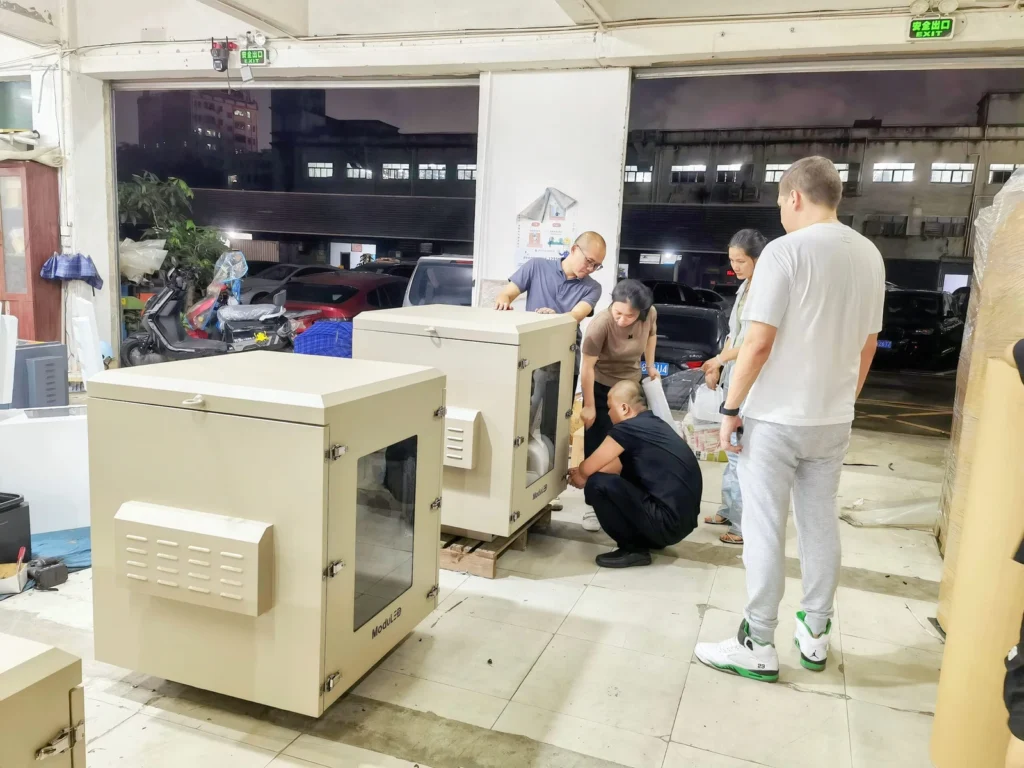
The key features of a reliable projector enclosure airflow verification process include intake-air measurement, exhaust-path confirmation, airflow visualization, temperature mapping, filter testing, obstruction checks, and closed-door operation. These steps help confirm that the assembled enclosure performs as intended under realistic project-specific conditions.
Comparison of Airflow Verification Methods
Airflow verification should combine several methods. No single measurement proves the complete enclosure is thermally effective. For example, an anemometer can show local air velocity, but it cannot alone confirm that the projector intake is receiving cool air over time.
Based on our internal data and market analysis, here is the breakdown:
| Verification Method | What It Confirms | Main Limitation | Best Use |
|---|---|---|---|
| Projector intake temperature | Whether the projector receives suitable cooling air | Must be placed without blocking airflow | Primary thermal verification point |
| Exhaust-zone temperature | Whether hot air is accumulating | Exhaust is naturally warmer than intake | Identifying heat-removal problems |
| Temperature mapping | Local hot spots and stratification | Requires multiple sensor locations | Finding uneven internal conditions |
| Safe airflow visualization | Direction, recirculation, stagnant zones | Must be safe for electrical equipment | Confirming actual airflow path |
| Anemometer measurement | Local air velocity at openings or channels | Does not prove total thermal performance | Comparing intake, exhaust, and fan zones |
| Thermal imaging | Surface hot spots and abnormal heat areas | Does not replace air temperature sensors | Quick inspection of hot regions |
| Data logging | Temperature trends over time | Requires planned sensor locations | Long-duration functional verification |
| Filter-installed testing | Real airflow resistance | Filter condition changes over time | Confirming normal operating performance |
| Closed-door testing | Real enclosure behavior | May require remote monitoring | Final operating-condition validation |
Common airflow verification mistakes include:
- Testing an empty cabinet
- Testing with service doors open
- Testing without filters installed
- Measuring only one temperature point
- Measuring only average enclosure temperature
- Ignoring projector intake temperature
- Ignoring rear hot-air recirculation
- Ignoring cable and bracket obstruction
- Assuming fan operation proves cooling performance
- Assuming air conditioning eliminates airflow problems
- Ignoring ambient temperature
- Making performance claims beyond tested conditions
ShiRui Pro Tip: I prefer combining temperature sensors, airflow observation, and closed-door testing. When all three agree, the conclusion is much stronger than relying on fan specifications or a single cabinet temperature reading.
Cost & Buying Factors
The cost of an outdoor projector enclosure airflow verification depends on the projector model, enclosure size, cooling architecture, instrumentation, project environment, and documentation requirements. Buyers should not purchase only by enclosure price; they should confirm whether thermal verification, airflow testing, and project-specific cooling validation are included.
Video Guide: See how a waterproof projector box fits into professional outdoor projection projects. This video presents a purpose-built enclosure solution for housing projector equipment in permanent installations, commercial venues, scenic attractions, and other outdoor visual applications.
Pricing Factors That Influence Verification Scope
A simple fan-cooled enclosure and a sealed air-conditioned outdoor projector enclosure require different verification approaches. The test scope should match the project risk, projector cost, installation environment, and cooling complexity.
Based on our internal data and market analysis, here is the breakdown:
| Buying Factor | Why It Affects Cost or Verification |
|---|---|
| Projector model | Determines intake, exhaust, heat load, and manufacturer limits |
| Projector quantity | Multi-projector layouts increase airflow interaction risk |
| Cooling method | Fans, heat exchangers, and AC systems require different checks |
| Filter configuration | Filters add resistance and require installed-condition testing |
| Outdoor environment | Dust, heat, rain, humidity, and solar exposure affect design |
| Enclosure size | Larger cabinets may have stratification or stagnant zones |
| Internal layout | Brackets, cables, panels, and electronics may obstruct airflow |
| Instrumentation | Sensors, data logging, and thermal imaging increase test detail |
| Documentation level | Formal records require photos, sensor maps, readings, and conclusions |
| Re-testing needs | Design changes may require additional verification |
Buyers should provide the following before ordering or testing:
- Exact projector model and quantity
- Projector power consumption
- Intake and exhaust diagrams
- Manufacturer ventilation requirements
- Maximum design ambient temperature
- Installation location and exposure
- Operating schedule
- Cooling method preference
- Filter requirements
- Cable routing and mounting method
- Required documentation level
ShiRui Pro Tip: I advise buyers to budget for verification, not just fabrication. A lower-cost enclosure that has never been tested with the final projector layout can become expensive if overheating appears after installation.
Conclusion
A reliable outdoor projector enclosure should be verified as a complete thermal system. The goal is to confirm that cooler air reaches the projector intake, hot exhaust is removed, filters and cables do not block airflow, and no major recirculation or stagnant hot zone exists under realistic operating conditions.
Final Engineering Checklist
Projector enclosure airflow verification is strongest when it is based on the actual projector, the final assembled enclosure, and the real cooling architecture. Do not create universal airflow rates, fan CFM values, temperature limits, pressure limits, or pass/fail criteria without project data.
Acceptance criteria should come from:
- The exact projector manufacturer’s operating requirements
- Projector power consumption
- Enclosure cooling architecture
- Maximum design ambient temperature
- Operating schedule
- Project environmental conditions
- Customer specifications
- Project-specific thermal design targets
Before installation, verify and document:
- Final enclosure configuration with doors closed.
- Projector intake temperature.
- Projector exhaust-zone behavior.
- Cooling-system supply and return paths.
- Fan direction and control logic.
- Filter impact on airflow.
- Cable and bracket obstruction.
- Hot-air recirculation risk.
- Stagnant hot zones.
- Ambient temperature during testing.
- Data trends over the selected test period.
- Any limitations of the test conditions.
ShiRui recommends treating airflow verification as part of enclosure commissioning, especially for high-value outdoor projection, projection mapping, and long-duration operation.
ShiRui Pro Tip: My final rule is simple: if the enclosure was modified after testing, verify it again. A cable bundle, new bracket, different filter, or projector position change can alter airflow enough to affect cooling performance.