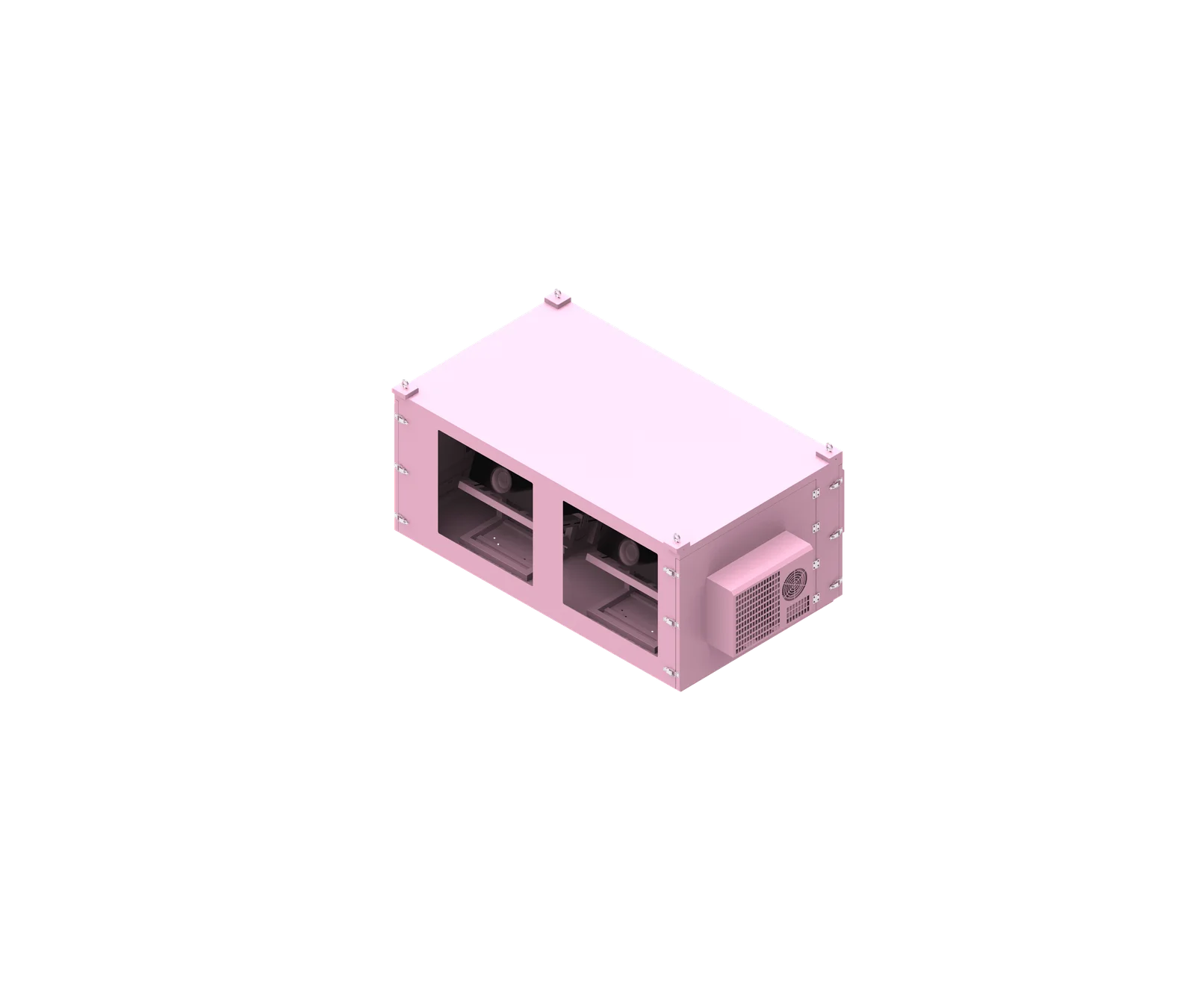
A successful outdoor projector enclosure handover confirms more than basic operation. It verifies that the installed enclosure, projector, lens, cooling, electrical, optical, monitoring and documentation package has been checked, recorded and transferred to the people responsible for long-term operation. For AV integrators, project managers and facility teams, the outdoor projector enclosure handover checklist should be based on approved drawings, actual site conditions and project-specific acceptance requirements.
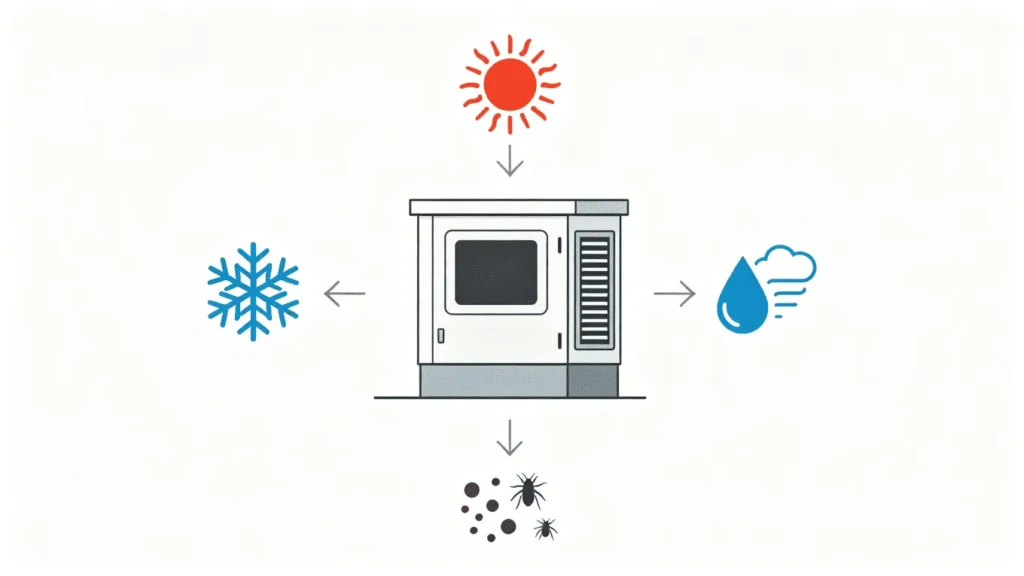
What is outdoor projector enclosure handover checklist?
An outdoor projector enclosure handover checklist is a structured acceptance and transfer document used at project completion. It confirms the final installed configuration, records critical equipment data, verifies mechanical, optical, thermal, electrical and environmental details, and ensures the owner or maintenance team receives the documents, spare parts and training needed for reliable long-term operation.
Practical Definition and Scope
An outdoor projector enclosure handover checklist is not a generic form that simply says “installed and working.” It is a project-specific record that proves the enclosure system has been reviewed against the approved design and transferred properly to the responsible team.
For a custom outdoor projector enclosure, the checklist should be built around the real configuration: projector model, lens model, enclosure design, cooling method, mounting structure, electrical arrangement, cable entry, monitoring functions and customer requirements.
A complete projector enclosure project handover should normally cover:
- Enclosure identification and location records
- Projector manufacturer, model, quantity and serial number where required
- Lens model and final optical setup
- Mechanical mounting and service access
- Optical window condition and projection alignment
- Cooling, heating, humidity and condensation-control systems
- Electrical supply, wiring, grounding and isolation information
- Cable routing, glands, conduits and sealing condition
- Monitoring access, sensors and alarm functions where installed
- Spare parts, keys and special access tools
- As-built drawings, wiring diagrams, manuals and test records
- Maintenance training and acceptance sign-off
Based on our internal data and market analysis, here is the breakdown:
| Handover Area | What Should Be Delivered |
|---|---|
| Equipment | Projector, lens and enclosure IDs |
| Mechanical | Mounting and installation records |
| Optical | Alignment notes and lens settings |
| Thermal | Cooling, heating and control settings where applicable |
| Electrical | Wiring, power source and isolation information |
| Monitoring | Sensors, alarms and access instructions |
| Maintenance | Filter, glass, gasket and access procedures |
| Spare Parts | Filters, keys, sensors and supplied components |
| Documents | As-built drawings, manuals and reports |
| Training | Operator and maintenance training records |
| Acceptance | FAT, SAT, punch list and final sign-off |
ShiRui Pro Tip: I always treat handover as a maintenance-readiness process, not only an installation-completion process. If the maintenance team cannot identify the enclosure, isolate power, clean the optical window, check filters or respond to alarms, the handover is not complete.
How Does outdoor projector enclosure handover checklist Work?
The checklist works by guiding the project team through a controlled sequence: confirm the installed configuration, inspect the enclosure, verify projector alignment, check cooling and electrical systems, review sealing and monitoring, collect documentation, train the maintenance team, record open issues and complete customer acceptance sign-off.
Recommended Handover Workflow
A projector enclosure commissioning checklist should follow the real project sequence instead of relying on assumptions. The purpose is to compare the installed system with the approved drawings, exact projector and lens data, final enclosure configuration, FAT/SAT requirements and applicable local standards.
Recommended workflow:
- Confirm installation is complete.
- Review approved drawings, specifications and customer requirements.
- Verify the final installed configuration.
- Check enclosure, projector and lens identification.
- Inspect mechanical mounting, brackets, fasteners and access panels.
- Verify optical alignment between lens, optical window and projection surface.
- Check the optical window for cleanliness, damage and obstruction.
- Verify cooling, airflow, heating, humidity control and condensation-control functions where installed.
- Inspect electrical supply, internal electrical wiring, grounding, protection and isolation arrangements.
- Check cable entry, cable routing, fiber/network labeling and sealing.
- Verify sensors, monitoring access and alarms where included.
- Demonstrate maintenance access, projector removal method and routine inspection points.
- Collect as-built drawings, wiring diagrams, cable schedules, manuals and test records.
- Confirm spare parts, keys and access tools.
- Train the maintenance team.
- Record baseline operating data where monitoring is available.
- Close or document punch-list items.
- Complete final acceptance and handover sign-off.
Based on our internal data and market analysis, here is the breakdown:
| Workflow Stage | Main Purpose |
|---|---|
| Configuration confirmation | Ensures installed system matches approved design |
| Site inspection | Confirms physical condition and accessibility |
| Mechanical verification | Reviews mounting, structure and service panels |
| Optical verification | Confirms lens/window/projection relationship |
| Thermal verification | Checks cooling, heating and airflow operation |
| Electrical verification | Confirms power, wiring and isolation records |
| Monitoring review | Checks sensors, alarms and access instructions |
| Documentation transfer | Provides long-term reference materials |
| Training | Prepares owner or maintenance team |
| Sign-off | Records acceptance and outstanding items |
ShiRui Pro Tip: I recommend walking the owner’s maintenance team through the enclosure with the doors open. Show them the airflow path, sensor locations, filter positions, optical window and cable glands. A drawing is useful, but seeing the actual system prevents many future service mistakes.
What are the benefits of outdoor projector enclosure handover checklist?
The main benefit is operational continuity. A proper outdoor projector enclosure acceptance checklist reduces maintenance confusion, preserves the intended thermal, optical, electrical and environmental performance, records the final project condition, supports troubleshooting, clarifies responsibilities and helps prevent missing documents, spare parts, keys, alarms or service instructions after project completion.
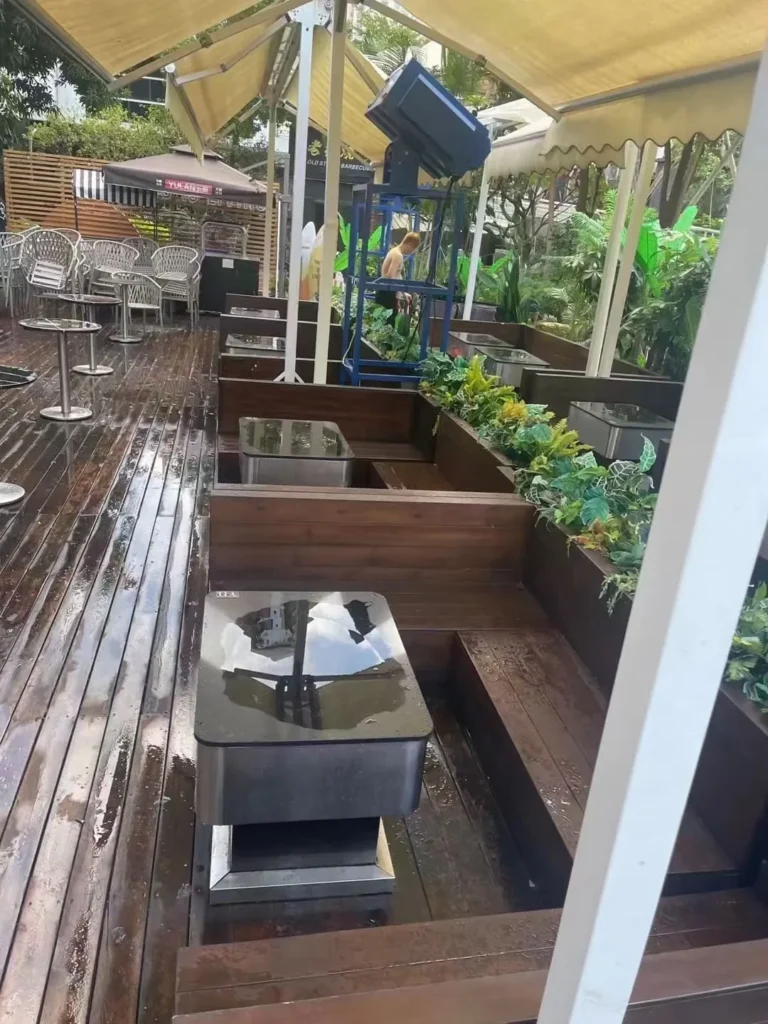
Operational and Maintenance Benefits
A complete handover protects both the supplier and the owner. For the installation team, it creates a clear acceptance record. For the owner, it transfers the practical information required to operate and maintain the enclosure safely and reliably.
The most important principle is simple: project handover is not complete when the enclosure starts working; it is complete when the maintenance team knows how to operate, inspect and service it.
Key benefits include:
- Confirms the enclosure, projector and lens match approved project documents.
- Helps future technicians identify each enclosure in multi-unit projects.
- Preserves optical alignment records for projector removal and reinstallation.
- Reduces risk of blocked airflow, poor cable routing or unsealed cable entries.
- Helps maintenance teams understand that waterproofing does not automatically prevent condensation.
- Provides a clear record of sensors, alarms and monitoring access.
- Reduces downtime by transferring manuals, drawings, spare parts and keys.
- Supports warranty, service and technical support discussions with factual project records.
- Prevents unresolved punch-list items from being forgotten.
- Creates baseline photos and operating data for future comparison.
Based on our internal data and market analysis, here is the breakdown:
| Benefit | Why It Matters |
|---|---|
| Better maintainability | Technicians know how to access and service the system |
| Clear accountability | Open issues and responsibilities are recorded |
| Faster troubleshooting | Drawings, photos and sensor locations are available |
| Reduced downtime risk | Spare parts and manuals are transferred |
| Better environmental performance | Sealing, gaskets and cable entries are checked |
| Improved optical reliability | Lens settings and alignment notes are documented |
| Safer operation | Isolation points and electrical records are explained |
| Stronger acceptance record | FAT, SAT and final sign-off are organized |
ShiRui Pro Tip: I tell project teams not to wait until the final day to collect handover information. Photos, cable labels, sensor positions and installation changes should be captured during installation, because they are much harder to reconstruct after the enclosure is closed and commissioned.
How to maintain an outdoor projector enclosure handover checklist?
Maintain the handover checklist as a living project record. Update it whenever the enclosure, projector, lens, cooling system, cable entry, monitoring configuration or maintenance procedure changes. The checklist should remain aligned with as-built drawings, manuals, spare-parts records, inspection notes and actual site operating conditions.

Checklist Maintenance After Handover
The handover checklist should not disappear after customer sign-off. It becomes a reference document for the facility manager, AV integrator, maintenance contractor and future service team.
For long-term use, the maintenance team should keep the checklist updated when components are replaced, projectors are removed, filters are changed, sensors are relocated, cable glands are modified, firmware settings are adjusted or monitoring access changes.
Do not invent a universal maintenance interval. Inspection frequency should depend on the environment, dust level, operating hours, projector heat load, exposure conditions and project criticality.
Recommended records to maintain:
- Enclosure ID and installation location
- Projector model, lens model and any equipment replacement history
- Final lens shift, zoom, orientation and alignment notes where useful
- Cooling system service notes
- Filter inspection and replacement records where filters are used
- Optical window cleaning records
- Gasket inspection notes
- Cable-entry changes or field modifications
- Sensor, alarm and monitoring changes
- Spare-parts usage and replenishment records
- Updated drawings, manuals and contact information
- Final photos and later maintenance photos
Practical handover checklist for maintenance reference:
- Projector model confirmed?
- Lens model confirmed?
- Enclosure ID recorded?
- Mechanical installation checked?
- Optical alignment confirmed?
- Optical window clean?
- Cooling system operating?
- Airflow verified?
- Temperature-control system checked?
- Humidity system checked where installed?
- Electrical system checked?
- Grounding confirmed according to project requirements?
- Cable entry sealed?
- Monitoring online where installed?
- Alarms tested where applicable?
- Doors and gaskets inspected?
- Mounting structure checked against approved design?
- Maintenance access confirmed?
- Projector removal procedure documented?
- Spare parts delivered?
- Keys delivered?
- As-built drawings delivered?
- Wiring diagram delivered?
- Maintenance manual delivered?
- Test reports delivered where performed?
- FAT/SAT records delivered where applicable?
- Training completed?
- Final photos recorded?
- Open items documented?
- Customer sign-off completed?
ShiRui Pro Tip: I always recommend adding a “change record” page to the handover file. Any later drilling, cable change, fan replacement, sensor relocation or projector change should be recorded, because undocumented modifications are a common reason enclosure performance becomes difficult to diagnose.
What is the price of outdoor projector enclosure handover checklist?
The checklist itself is usually part of the project handover service, but the cost of preparing it depends on scope. Pricing may be affected by enclosure quantity, custom documentation, FAT/SAT requirements, site training, as-built drawings, monitoring setup, test records, spare-parts packaging and project-specific acceptance procedures.
Pricing Factors for Handover Preparation
There is no universal price for an outdoor projector enclosure documentation package or projector enclosure maintenance handover. Some projects need a simple final checklist and manual set. Others require detailed FAT/SAT documentation, as-built drawings, inspection photos, training records, spare-parts lists and multi-unit location mapping.
Cost should be evaluated according to the project specification, not by assuming every enclosure uses the same procedure.
Common pricing factors include:
- Number of enclosures and projector positions
- Custom sheet-metal enclosure complexity
- Cooling configuration, such as fans, AC, heaters or internal circulation
- Monitoring functions, sensors and alarm integration
- Requirement for as-built drawings
- Requirement for wiring diagrams and cable schedules
- FAT or SAT procedure complexity
- Need for on-site training
- Spare-parts documentation and labeling
- Language, format or project documentation standards
- Consultant or owner-specific acceptance requirements
Based on our internal data and market analysis, here is the breakdown:
| Cost Factor | Typical Impact on Handover Work |
|---|---|
| Single enclosure | Usually simpler documentation and sign-off |
| Multi-unit project | Requires location records and unit-by-unit identification |
| Custom cooling system | Requires more thermal and service documentation |
| Monitoring integration | Requires access instructions and alarm verification |
| FAT/SAT requirement | Adds formal test checklists and result records |
| As-built drawings | Adds drafting and revision control work |
| Site training | Adds coordination, attendance records and training materials |
| Spare-parts package | Adds labeling, inventory and transfer records |
| Consultant requirements | May require structured acceptance documentation |
ShiRui Pro Tip: When we quote custom outdoor projector enclosures, I prefer to clarify handover requirements early. If the owner needs SAT records, as-built drawings, training and spare-parts documentation, those deliverables should be planned before production and installation, not requested after commissioning.
Key Features & Comparison
A strong outdoor projector enclosure handover checklist should be project-specific, engineering-based and maintenance-oriented. It should compare approved design requirements with the final installed condition, covering identification, mechanical installation, optical alignment, cooling, electrical systems, sealing, monitoring, documentation, spare parts, training and final acceptance records.
Essential Checklist Features Compared
The best checklist is not the longest one; it is the one that reflects the actual enclosure system and the owner’s operating responsibilities. For example, a simple fan-cooled enclosure may require different handover points than an AC-equipped enclosure with remote monitoring, humidity sensors and alarm outputs.
Based on our internal data and market analysis, here is the breakdown:
| Feature Area | Basic Handover | Professional Project Handover | Why It Matters |
|---|---|---|---|
| Enclosure identification | Model noted | Model, location, quantity, serial/reference ID recorded | Supports future service and spare parts |
| Projector/lens data | Projector model noted | Projector, lens, quantity and serial data where required | Prevents equipment confusion |
| Mechanical inspection | Visual check | Mounting, brackets, doors, panels and access checked against drawings | Confirms safe serviceability |
| Optical alignment | Image appears correct | Lens/window relationship, vignetting and obstruction checked | Protects projection quality |
| Cooling system | Fan or AC turns on | Airflow path, filters, controls and operating behavior reviewed | Supports thermal reliability |
| Humidity/condensation | Often omitted | Sensors, heaters, anti-fog or dehumidification reviewed where installed | Reduces moisture-related risk |
| Electrical records | Power connected | Supply, circuit ID, isolation and wiring diagram transferred | Improves maintenance safety |
| Cable entry | Cables installed | Glands, conduits, blanking plugs and sealing condition checked | Protects environmental sealing |
| Monitoring | Access may be unclear | Sensor locations, alarms and user access documented | Enables remote troubleshooting |
| Documentation | Manuals provided | As-built drawings, wiring diagrams, test records and manuals transferred | Creates long-term reference |
| Training | Informal explanation | Recorded training with topics and participants | Improves operator readiness |
| Acceptance | Verbal completion | Punch list, open items and sign-off documented | Clarifies final responsibility |
For ShiRui custom sheet-metal enclosure projects, we recommend organizing the final inspection into six practical groups:
- Installed configuration and identification
- Mechanical and mounting condition
- Optical and projection alignment
- Thermal, humidity and environmental control
- Electrical, cabling and monitoring
- Documentation, training, spare parts and acceptance
ShiRui Pro Tip: I do not recommend using a one-page generic acceptance form for complex projection projects. If the enclosure includes AC, sensors, alarms, special mounting, optical glass or multiple projectors, the checklist should be expanded to match those real features.
Cost & Buying Factors
When buying an outdoor projector enclosure, include handover requirements in the procurement stage. The final cost is influenced by enclosure design, material, cooling method, mounting structure, environmental sealing, monitoring, documentation, testing, spare parts, training and whether FAT/SAT or project-specific acceptance records are required.
Buying Considerations for Project Handover Readiness
A low enclosure price can become expensive if documentation, access, serviceability or handover support is missing. For professional AV projects, the owner should ask suppliers what will be delivered at project completion, not only what the enclosure costs.
Important buying factors include:
- Is the enclosure designed for the exact projector and lens?
- Does the optical window align with the lens position and projection geometry?
- Is the cooling configuration suitable for the approved project design?
- Are cable-entry locations planned before manufacturing?
- Is maintenance access available for projector removal, filters, optical glass and electrical components?
- Are sensors, alarms and monitoring functions required?
- Will as-built drawings be provided if installation changes occur?
- Are wiring diagrams and cable schedules included where applicable?
- Are FAT/SAT records required by the project specification?
- Are spare parts, keys and access tools included?
- Is maintenance training included in the handover scope?
Based on our internal data and market analysis, here is the breakdown:
| Buying Factor | Handover Impact |
|---|---|
| Custom enclosure dimensions | Affects drawings, access and projector removal records |
| Projector and lens selection | Affects optical alignment and airflow documentation |
| Cooling method | Affects maintenance manual and commissioning checks |
| Mounting method | Affects installation records and access review |
| Cable-entry design | Affects sealing inspection and cable schedule |
| Monitoring system | Affects alarm test records and access instructions |
| Environmental exposure | Affects coating, gasket and corrosion inspection notes |
| FAT/SAT requirement | Affects test documentation and acceptance records |
| Spare-parts package | Affects maintenance readiness |
| Training requirement | Affects operator handover and sign-off |
A recommended buying approach is to request a handover deliverables list before approval. This avoids disputes later and ensures the final projector enclosure final inspection includes the documents and records your maintenance team actually needs.
ShiRui Pro Tip: In custom enclosure manufacturing, the best handover starts during design review. I like to confirm service doors, cable glands, filter access, optical window cleaning access and spare-parts expectations before fabrication, because these details directly affect long-term maintenance.
Conclusion
Before final handover, verify the installed projector enclosure system, document the final configuration, transfer drawings and test records, provide spare parts and train the maintenance team. A good handover reduces confusion during future maintenance and helps preserve the intended thermal, optical, electrical and environmental performance of the enclosure.
Final Handover Priorities
A professional projector enclosure project handover should prove that the complete system has been transferred, not just installed. The owner or facility team should receive enough information to identify the enclosure, operate it, inspect it, respond to alarms and maintain it without guessing.
Final priorities should include:
- Confirm the installed system matches approved project drawings and specifications.
- Record projector, lens and enclosure identification.
- Inspect mechanical installation, mounting and maintenance access.
- Verify optical alignment and optical window condition.
- Check cooling, airflow, heating, humidity and condensation-control systems where installed.
- Confirm electrical supply, wiring, grounding, isolation and cable-entry sealing.
- Transfer monitoring access, alarm information and sensor locations where applicable.
- Deliver as-built drawings, wiring diagrams, manuals, test records and certificates where required.
- Provide spare parts, keys and access tools actually supplied.
- Train the maintenance team and record attendance where required.
- Capture final photos and baseline operating data where available.
- Document punch-list items, open issues and responsible parties.
- Complete customer acceptance and sign-off.
Common handover mistakes to avoid:
- Handing over equipment without as-built drawings
- Missing maintenance manual
- No sensor location record
- Missing spare parts or keys
- No filter information
- No projector-removal instructions
- No cable schedule
- No alarm-response instructions
- No baseline operating data
- No final photos
- No maintenance training
- No record of unresolved issues
For custom outdoor projector enclosure systems, ShiRui recommends building the outdoor projector enclosure handover checklist around the exact projector model, exact lens model, final enclosure configuration, installation method, approved project drawings, FAT/SAT requirements and customer acceptance criteria.
ShiRui Pro Tip: My final handover question is always this: if a technician returns to this enclosure in one year, will they know what was installed, how it was wired, how it was cooled, how to access it and what “normal” looks like? If yes, the handover is ready.