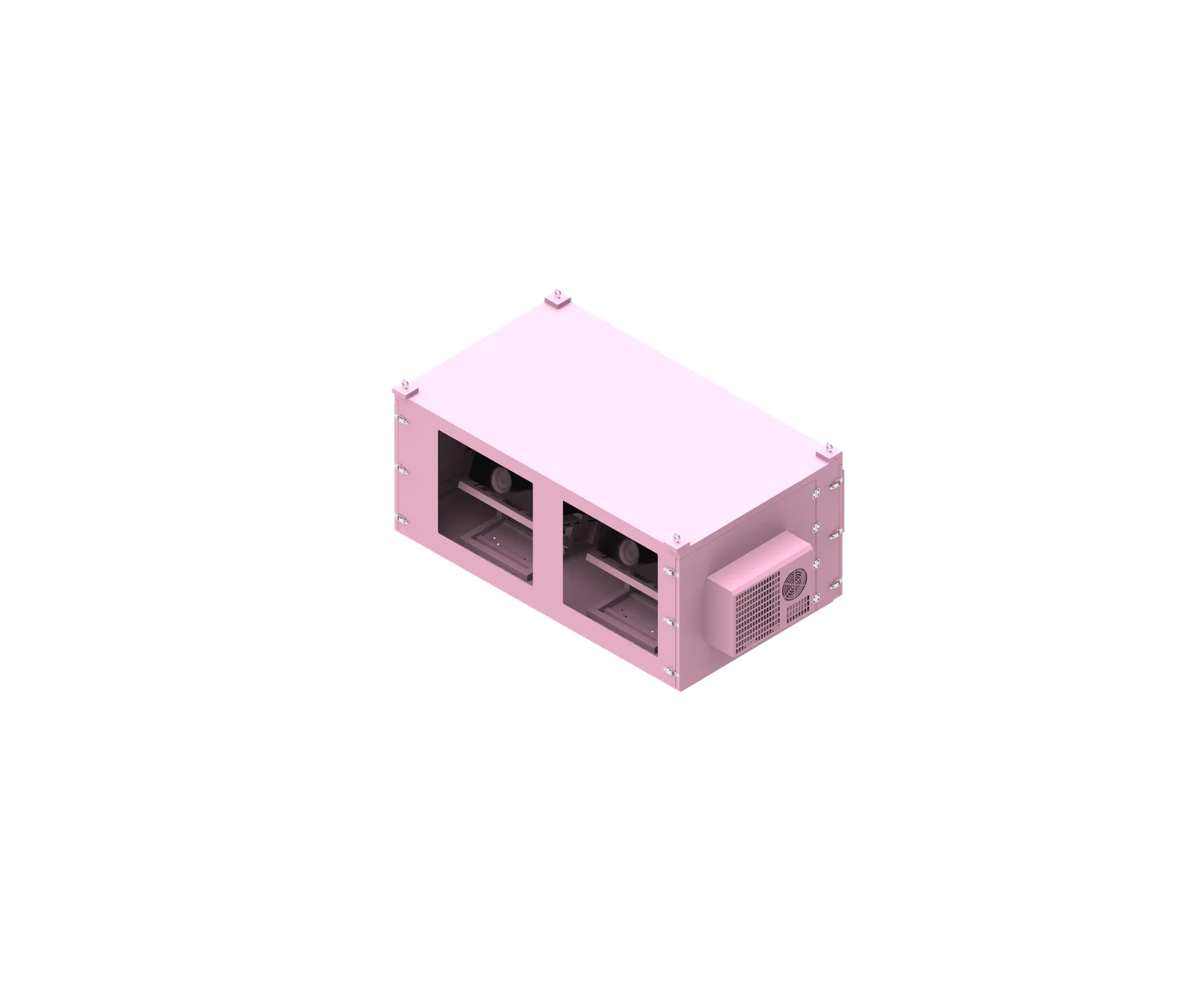
Remote monitoring only works well when the enclosure is designed around the exact projector, lens, airflow path, and maintenance access from the start. For a SuiRui model-specific outdoor projector enclosure, the right tracking points include temperature at the projector intake, humidity, fan or cooling status, door condition, power state, alarms, and any environmental limits defined by the projector manufacturer.
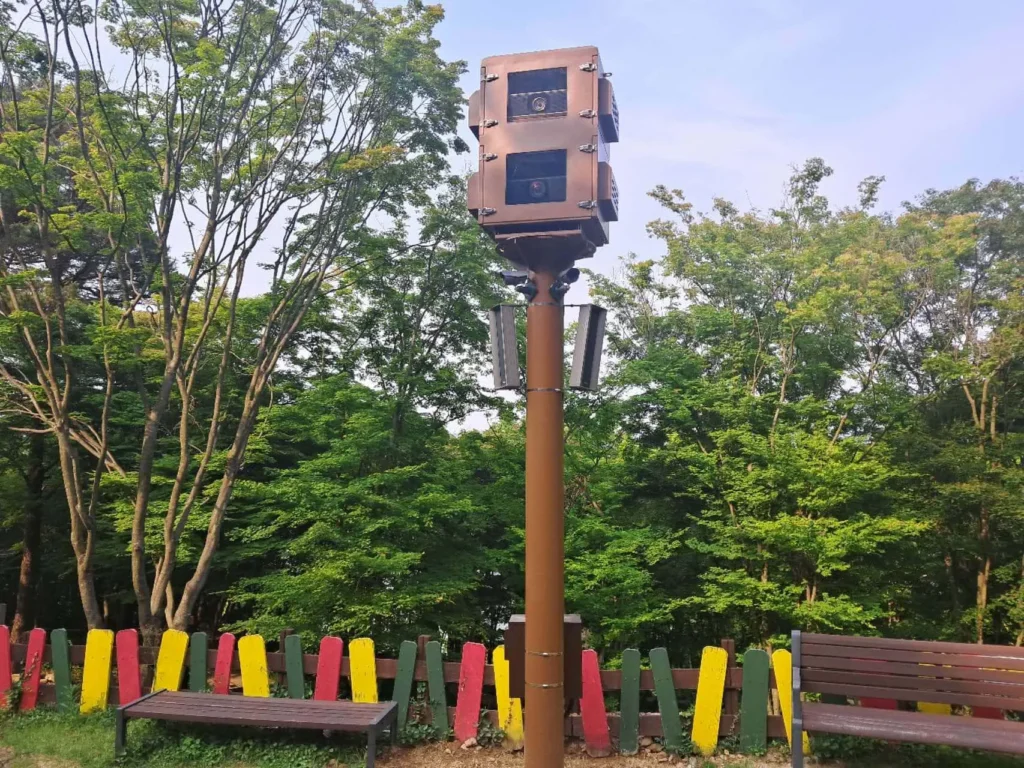
What is a SuiRui model-specific outdoor projector enclosure?
A SuiRui model-specific outdoor projector enclosure is a protective housing designed around a confirmed projector and lens configuration, not a generic weatherproof box. It must account for projector dimensions, lens position, airflow direction, mounting orientation, cable access, service paths, and remote monitoring points before it can be considered suitable for outdoor use.
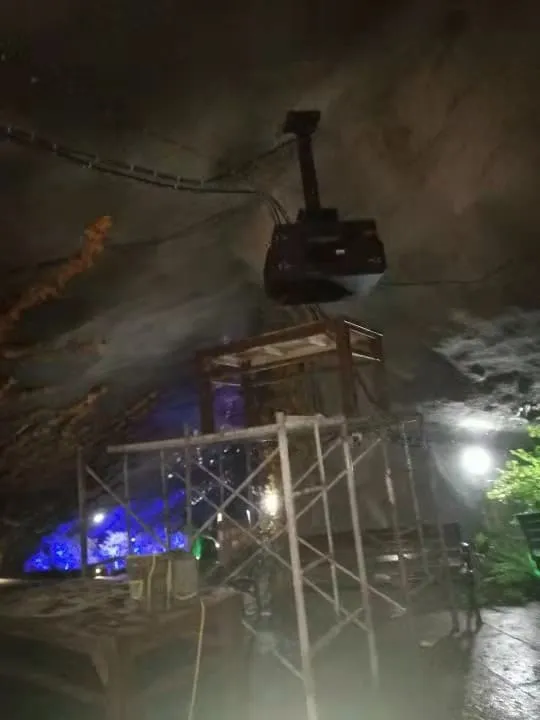
Purpose and Design Scope
A proper SuiRui projector housing is intended to protect a projector from outdoor conditions while preserving the operating conditions required by the projector manufacturer. That means the enclosure must not simply “fit the machine”; it must support safe operation, image alignment, optical clearance, cooling, cabling, and maintenance.
For a custom enclosure for SuiRui model-specific applications, the exact projector model and lens must be confirmed before final design. Without that information, window size, internal clearance, airflow design, cooling capacity, and final compatibility cannot be responsibly declared.
Based on our internal data and market analysis, here is the breakdown:
| Design Item | Why It Matters | Required Source | Status Without Exact Model |
|---|---|---|---|
| Projector body dimensions | Determines minimum internal space | Manufacturer dimension drawing | Cannot finalize |
| Lens type and protrusion | Determines window position and clearance | Lens specification or actual unit | Cannot finalize |
| Intake and exhaust locations | Defines airflow direction | Installation manual | Cannot finalize |
| Allowed installation orientation | Prevents unsupported mounting | Manufacturer manual | Cannot finalize |
| Power and heat output | Guides cooling design | Product datasheet or thermal data | Cannot finalize |
| Maintenance access points | Affects door, tray, and service openings | Manual and physical inspection | Must be verified |
SuiRui Pro Tip: I never approve a model specific projector enclosure based only on projector length, width, and height. The lens, connectors, filter location, and airflow path usually decide whether the enclosure will actually work in the field.
How Does SuiRui model-specific outdoor projector enclosure Work?
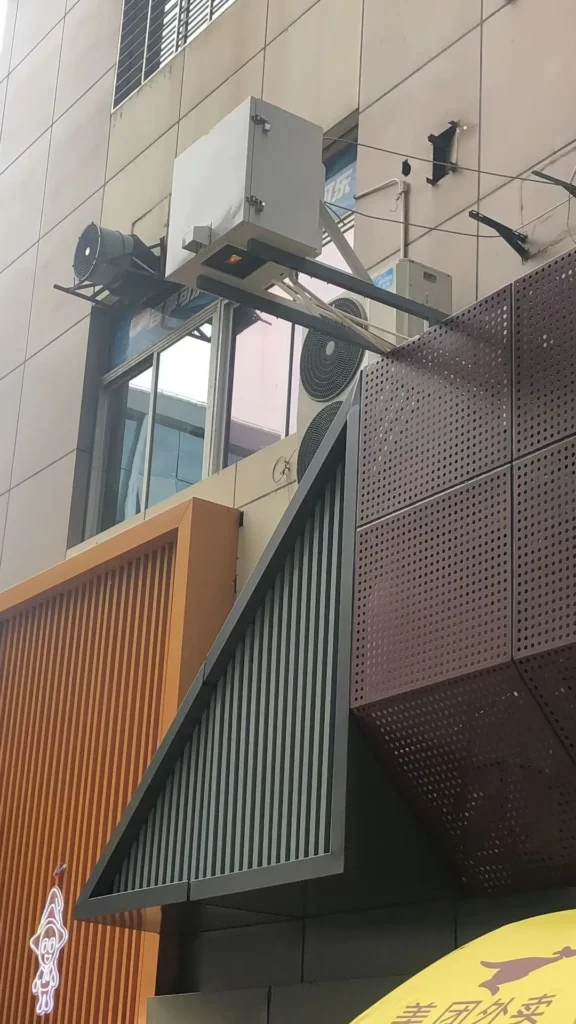
A SuiRui model-specific outdoor projector enclosure works by combining weather protection, controlled airflow, optical access, secure mounting, cable management, and monitoring. The enclosure must keep the projector within its permitted operating conditions while allowing the projected image to pass through an optical window without obstruction, reflection problems, or alignment restrictions.
Functional Operating Principle
The enclosure creates a controlled micro-environment around the projector. Its shell protects against rain, dust, wind exposure, and accidental contact, while its internal design manages heat, humidity, image path, and maintenance access.
Remote monitoring should focus on conditions that directly affect projector reliability. A single average box temperature is not enough; the most important data is often the temperature and airflow condition near the projector’s actual intake.
Key operating elements include:
- Weather barrier — protects the projector from outdoor exposure using the specified enclosure material, seals, doors, and cable-entry system.
- Airflow path — guides fresh or conditioned air toward projector intake areas and removes warm exhaust air without recirculation.
- Optical window — aligns with the actual lens and projected beam path, including lens shift and adjustment range where applicable.
- Mounting platform — supports the projector in the approved orientation and allows alignment adjustment.
- Cable management — routes power, signal, control, and network cables without blocking ventilation or service access.
- Monitoring system — tracks temperature, humidity, fan status, cooling status, door status, and alarm events where specified.
SuiRui Pro Tip: When I review a projector enclosure airflow design, I look for the shortest path for cool intake air and the cleanest path for hot exhaust air. If those two streams mix inside the enclosure, the monitoring data will eventually show unstable operating temperatures.
What are the benefits of SuiRui model-specific outdoor projector enclosure?
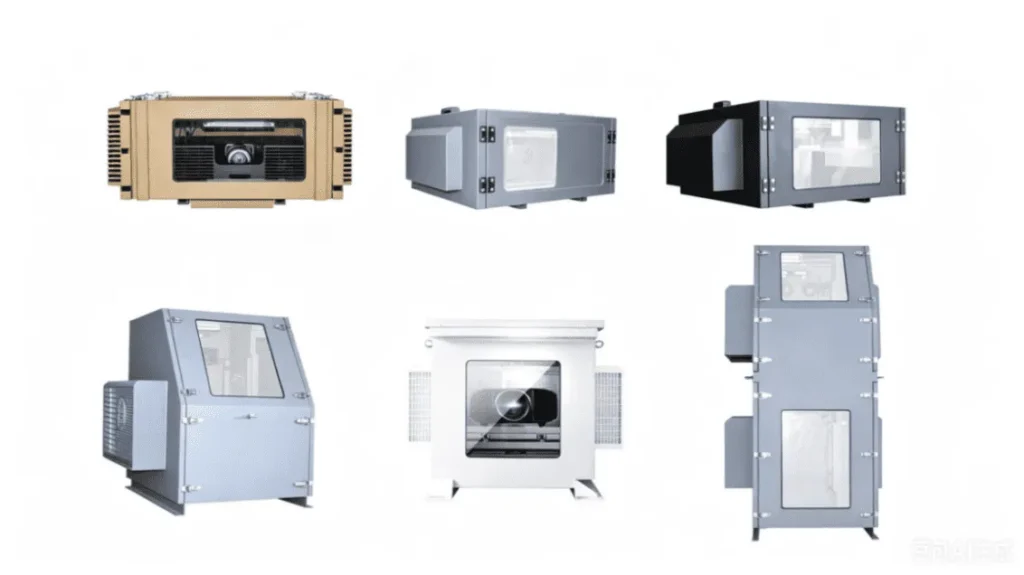
The main benefit of a SuiRui model-specific outdoor projector enclosure is controlled outdoor operation with fewer design assumptions. By matching the housing to the confirmed projector and lens, the design can better protect the equipment, maintain airflow, preserve image quality, simplify servicing, and support meaningful remote monitoring.
Practical Benefits for AV Projects
For AV integrators, project managers, and engineering buyers, a model specific projector enclosure reduces uncertainty. Instead of adapting a standard box after problems appear on site, the design process identifies the projector’s mechanical, thermal, optical, and service requirements early.
This is especially important for outdoor projection, projection mapping, attractions, events, and fixed installations where access may be limited after installation.
Based on our internal data and market analysis, here is the breakdown:
| Benefit | Design Reason | Project Impact |
|---|---|---|
| Better thermal control | Airflow is planned around actual intake and exhaust locations | Reduces overheating risk |
| Improved optical alignment | Window position follows the actual lens and projection path | Helps avoid image clipping |
| Easier maintenance | Doors, trays, and access panels match service points | Reduces downtime |
| Cleaner installation | Cable entry is planned around connector locations | Prevents cable strain |
| More useful monitoring | Sensors are placed near meaningful risk points | Alarms become actionable |
| Reduced redesign risk | Drawings and checks are based on the confirmed configuration | Improves procurement confidence |
A weatherproof enclosure for SuiRui model-specific projector applications should not be promoted as universally compatible with every lens, installation direction, or environment unless each condition has been checked and documented.
SuiRui Pro Tip: The strongest benefit of a custom enclosure is not just protection from rain. It is predictability—knowing where heat goes, where cables move, how the lens clears the window, and what maintenance work can be done without disturbing alignment.
How to maintain a SuiRui model-specific outdoor projector enclosure?
Maintenance for a SuiRui model-specific outdoor projector enclosure should include inspection of filters, vents, seals, optical glass, fans, cooling components, cable glands, mounting hardware, monitoring alarms, and projector service areas. The actual maintenance method depends on the confirmed projector, enclosure drawing, access design, and site environment.
Maintenance Planning and Access Control
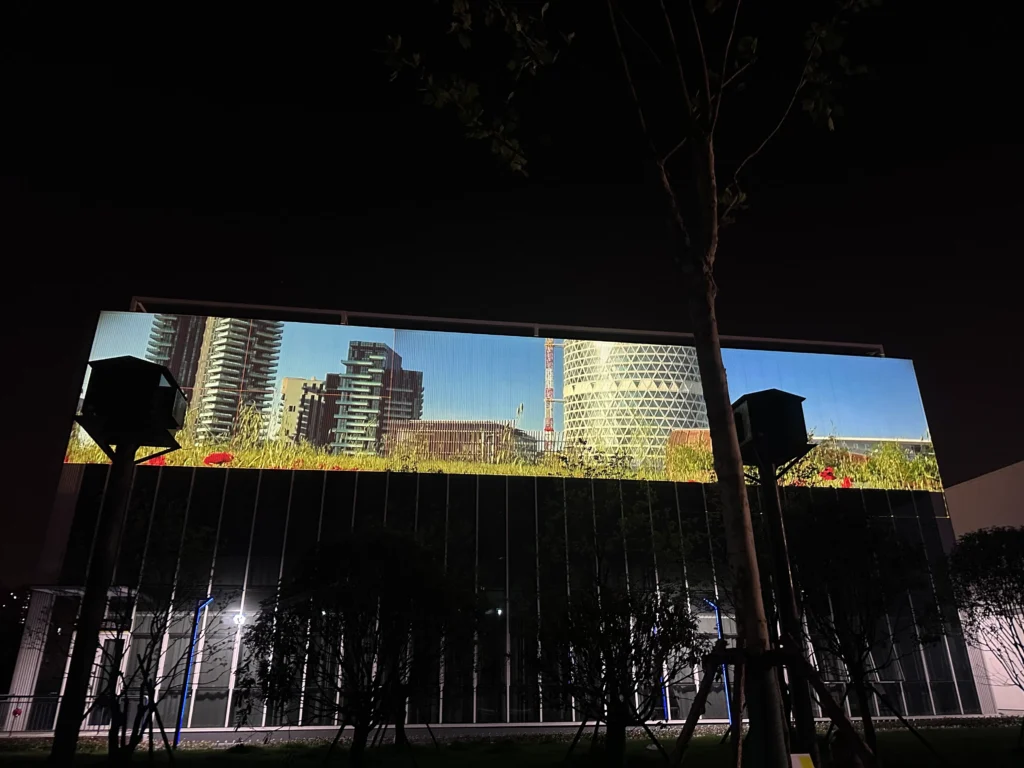
Maintenance access must be designed before installation, not improvised later. Some operations may require opening a door, sliding out a tray, removing a service panel, or partially extracting the projector. Unless verified with the actual unit, it should not be claimed that all maintenance can be performed without removing equipment.
For remote monitoring, maintenance should be triggered not only by time intervals but also by observed conditions such as rising intake temperature, repeated fan alarms, excessive humidity, or door-open events.
Recommended maintenance checks include:
- Inspect the optical window for dirt, water marks, coating damage, or internal reflection issues.
- Check intake and exhaust openings for blockage, dust accumulation, insect nests, or snow buildup.
- Review temperature logs at the projector intake, not only general enclosure temperature.
- Confirm fans, filters, air conditioners, heaters, or dehumidifiers are operating as designed.
- Inspect seals, hinges, locks, and cable-entry points for wear or leakage.
- Verify that cables are not pressing against vents, lens controls, or service covers.
- Confirm that the projector remains secure and aligned after service access.
- Record alarms, corrective actions, and retest results after any change.
SuiRui Pro Tip: I recommend keeping a service log tied to the enclosure drawing version. If a fan, filter, cable gland, or projector mounting position changes, the monitoring baseline may also change.
What is the price of SuiRui model-specific outdoor projector enclosure?
The price of a SuiRui model-specific outdoor projector enclosure depends on the projector and lens configuration, enclosure size, material, weatherproofing level, cooling method, optical window specification, monitoring requirements, mounting structure, cable-entry design, and verification scope. Without the exact projector model and site conditions, only a pricing framework is appropriate.
Pricing Factors and Quotation Inputs
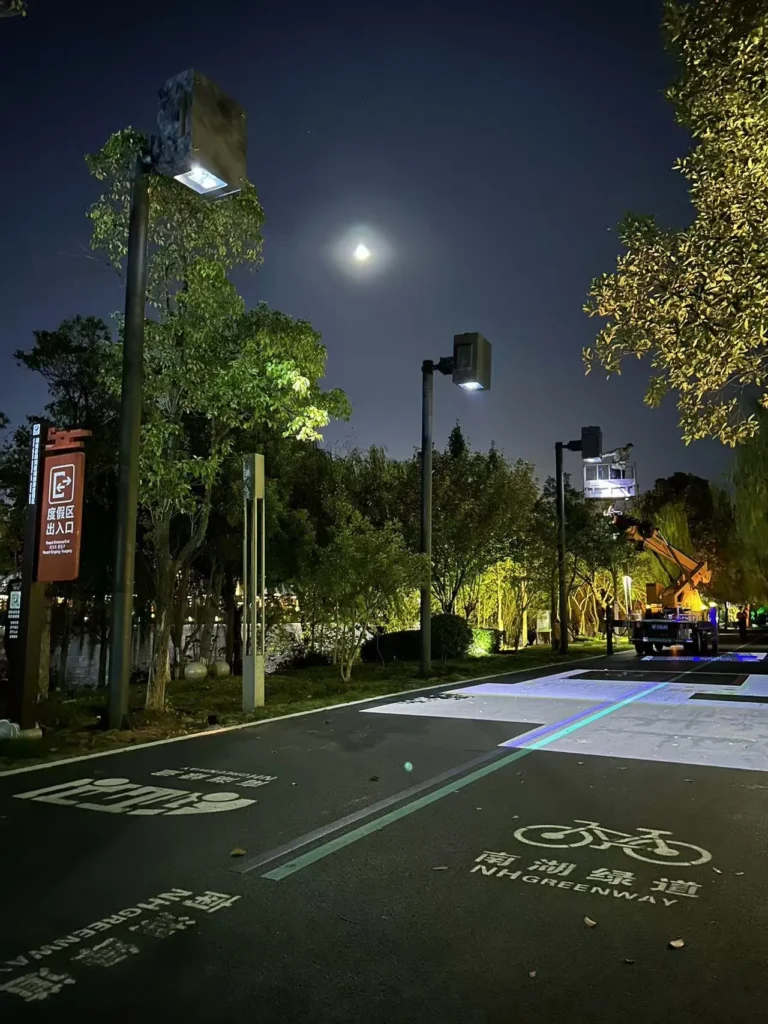
A custom enclosure for SuiRui model-specific projector applications should be quoted from verified requirements. A small housing with fan ventilation and basic monitoring will not price the same as a sealed or climate-controlled enclosure with optical glass, sliding service trays, multiple cable entries, and detailed validation requirements.
Based on our internal data and market analysis, here is the breakdown:
| Cost Factor | What Drives the Cost | Information Needed |
|---|---|---|
| Enclosure size | Internal clearance, lens protrusion, service space | Projector and lens dimensions |
| Cooling system | Fan ventilation, air conditioning, heaters, dehumidification | Power, heat load, site climate |
| Optical window | Size, angle, glass type, coating requirements | Lens and projection geometry |
| Monitoring package | Sensors, alarms, network integration, control logic | Required tracking points |
| Structural mounting | Brackets, tray, adjustment range, load path | Installation method and orientation |
| Protection level | Material, sealing, cable glands, drainage design | Outdoor exposure conditions |
| Verification scope | Drawing review, trial fit, thermal check, optical check | Required acceptance standard |
For procurement, the fastest path to an accurate quote is to provide the complete projector model, lens model, installation direction, environmental conditions, preferred SuiRui enclosure drawing or model, and any required monitoring interface.
SuiRui Pro Tip: If budget is fixed, I would define the must-have risks first: thermal control, water protection, optical clearance, and safe maintenance. Decorative features can change, but those four items should not be compromised.
Key Features & Comparison
Key features of a SuiRui model-specific outdoor projector enclosure should be evaluated by how directly they respond to the confirmed projector requirements. The most important comparison points are internal clearance, airflow control, lens-window matching, maintenance access, cable routing, environmental protection, and remote monitoring capability.
Feature Comparison for Projector Housing Selection
Based on our internal data and market analysis, here is the breakdown:
| Feature | Generic Outdoor Box | SuiRui Model-Specific Projector Housing | Why It Matters |
|---|---|---|---|
| Internal space | Based on approximate projector size | Based on confirmed projector, lens, connectors, and service space | Prevents hidden interference |
| Airflow design | Often uses general vent placement | Follows actual intake and exhaust locations where data is available | Reduces hot-air recirculation |
| Cooling design | May rely on standard fans | Evaluated against power, heat load, environment, and operating limits | Supports stable operation |
| Optical window | May be centered or oversized | Matched to lens position, projection angle, and adjustment range | Helps avoid image clipping |
| Mounting support | Basic shelf or bracket | Designed around mounting holes, orientation, and adjustment needs | Improves alignment reliability |
| Cable entry | Generic rear or side holes | Planned around connector direction and bend radius | Prevents strain and blockage |
| Maintenance access | Often requires trial-and-error | Planned around filters, lens, ports, and projector removal path | Saves service time |
| Monitoring | Optional or basic | Can include temperature, humidity, fan, cooling, door, and alarm status | Enables preventive maintenance |
| Verification | Usually visual fit only | Can include drawing review, trial fit, optical check, and runtime validation | Reduces installation risk |
A strong feature comparison should distinguish three things: manufacturer-published projector requirements, the proposed SuiRui enclosure design response, and actual verification results. These should not be mixed together.
SuiRui Pro Tip: When comparing housings, I ask one simple question: can the supplier show how each enclosure feature answers a specific projector requirement? If not, the feature may be convenient, but it is not yet proven suitable.
Cost & Buying Factors
Buying a SuiRui model-specific outdoor projector enclosure should start with verified projector data, not only a budget target. The most important buying factors are confirmed model and lens, outdoor environment, thermal strategy, optical window requirements, monitoring needs, maintenance expectations, installation method, and evidence of design verification.
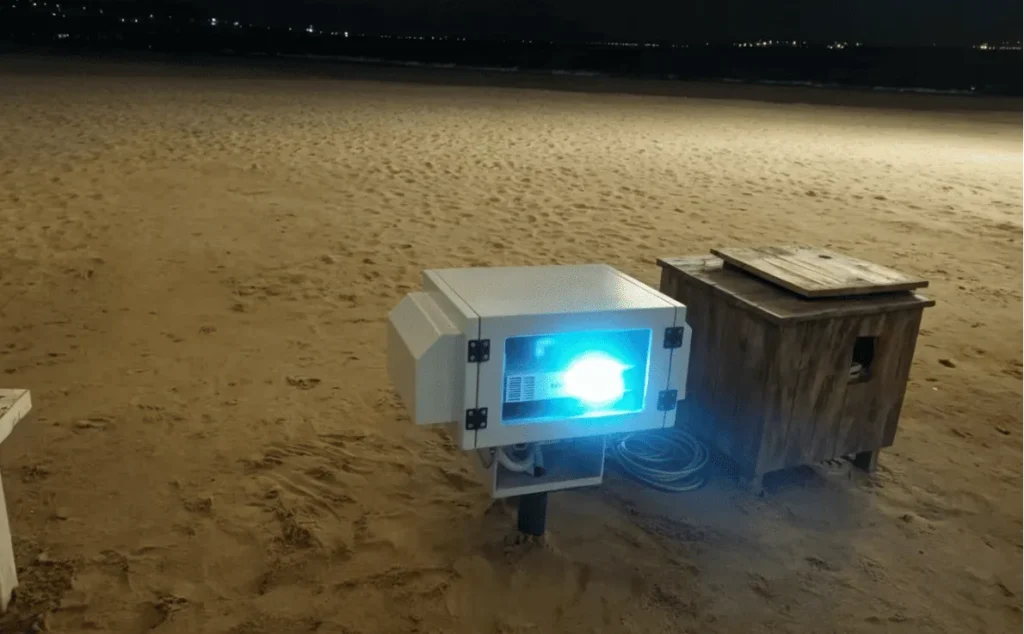
Procurement Checklist and Design Translation
The enclosure buyer should collect the same information the enclosure designer needs. If any key item is missing, the proposal should clearly state what remains unconfirmed instead of presenting a final compatibility conclusion.
Based on our internal data and market analysis, here is the breakdown:
| Projector Requirement | Source | Enclosure Design Response | Verification Status |
|---|---|---|---|
| Exact projector model | Manufacturer datasheet and nameplate | Defines base dimensions, weight, heat data, ports, and service zones | Pending until model is confirmed |
| Lens model or fixed lens configuration | Lens datasheet, installation drawing, or actual unit | Determines optical window location, aperture, and internal clearance | Pending until lens is confirmed |
| Body dimensions including protrusions | Manufacturer dimension drawing | Sets minimum internal envelope and mounting tray limits | Requires drawing review or trial fit |
| Intake and exhaust locations | Installation manual | Defines airflow path and fan or cooling placement | Requires airflow design review |
| Allowed installation orientation | Manufacturer installation manual | Determines bracket design and enclosure mounting direction | Requires manufacturer-supported orientation |
| Power consumption or thermal data | Datasheet, manual, or manufacturer guidance | Supports cooling-load evaluation | Requires operating-mode confirmation |
| Operating temperature and humidity | Manufacturer operating conditions | Defines environmental control and alarm thresholds | Must not use storage limits as substitutes |
| Filter, lens, and interface access | Manual and physical inspection | Defines door, tray, and maintenance opening layout | Requires access check |
| Site exposure | Project brief and site survey | Influences material, sealing, drainage, sun load, and cooling method | Requires project-specific review |
| Monitoring requirements | AV control specification | Defines sensors, alerts, and integration method | Requires system coordination |
Important buying questions include:
- Has the complete projector model been confirmed?
- Has the exact lens or fixed lens configuration been confirmed?
- Is the proposed mounting direction allowed by the projector manufacturer?
- Are the projector intake and exhaust paths known?
- Is the optical window based on actual projection geometry?
- Are cable-entry positions coordinated with connector directions?
- Can the enclosure be serviced without unsafe or impractical disassembly?
- Are monitoring thresholds based on projector and enclosure design data?
- Is there a record of drawing review, trial fit, optical check, or runtime validation?
SuiRui Pro Tip: I prefer quotations that clearly mark “confirmed,” “to be verified,” and “not included.” That transparency prevents a preliminary enclosure concept from being mistaken for a fully validated outdoor projector housing.
Conclusion
A successful SuiRui model-specific outdoor projector enclosure depends on verified projector data, lens matching, airflow design, optical clearance, mounting access, cable routing, maintenance planning, and monitoring strategy. Without the exact projector and lens, the responsible approach is to define the review framework rather than claim final compatibility.
Final Design and Verification Guidance
For outdoor projector projects, remote monitoring should track the conditions most likely to affect reliability: projector intake temperature, enclosure humidity, cooling status, fan status, door state, power events, and alarms. However, monitoring is only useful when the physical enclosure has already been designed around the correct projector configuration.
Before installation, the proposed enclosure should be checked through a structured process:
- Document review — confirm projector model, lens, installation direction, drawings, and manufacturer requirements.
- Mechanical review — verify internal space, protrusions, mounting holes, cable bends, and maintenance paths.
- Airflow review — confirm intake air supply, exhaust removal, cooling method, and sensor locations.
- Optical review — check lens clearance, window position, projected beam path, and adjustment range.
- Runtime validation — test with documented environment conditions, operating mode, measurement points, and duration where required.
- Result recording — log abnormalities, corrective actions, retest results, and the enclosure drawing version.
FAQ
What information is needed to design an enclosure for the SuiRui model-specific projector application?
You need the complete projector model, lens model or fixed lens details, projector dimensions, weight, intake and exhaust locations, power or thermal data, allowed mounting orientation, operating conditions, connector locations, maintenance access points, installation environment, and any required monitoring interface.
Does the selected lens affect the enclosure design?
Yes. The lens affects window position, effective opening, internal clearance, projection angle, lens-shift allowance, and possible obstruction. Without the actual lens configuration, final optical window size and compatibility should not be confirmed.
How should the proposed enclosure be checked before installation?
It should be checked through drawing review, mechanical fit review, airflow and cooling review, optical-path review, cable and maintenance access review, and runtime validation where required. Test records should include projector model, lens, enclosure version, environment, operating mode, sensor positions, duration, issues, corrections, and retest results.
To discuss a suitable SuiRui enclosure design, provide the complete projector model, lens model, installation orientation, site environment, expected operating schedule, monitoring requirements, and any available manufacturer drawings or manuals.